

Social media, content and AI
Practical guides from LABRICA: how to run social media with AI, plan content, write captions and scripts, and measure what works. Steps, templates and examples you can use the same day.

 Content creation
AI Post Generator for Business: How to Get Social Media Posts That Don't Sound Like AI
An AI post generator produces natural-sounding posts for a business when the model gets three things: knowledge about the brand, specific facts for the post and an explicit list of clichés to avoid. Without them, AI writes average, easy-to-spot text. Give the model real details from the business, set the voice and structure, then edit the first line and the call to action by hand.
 Strategy
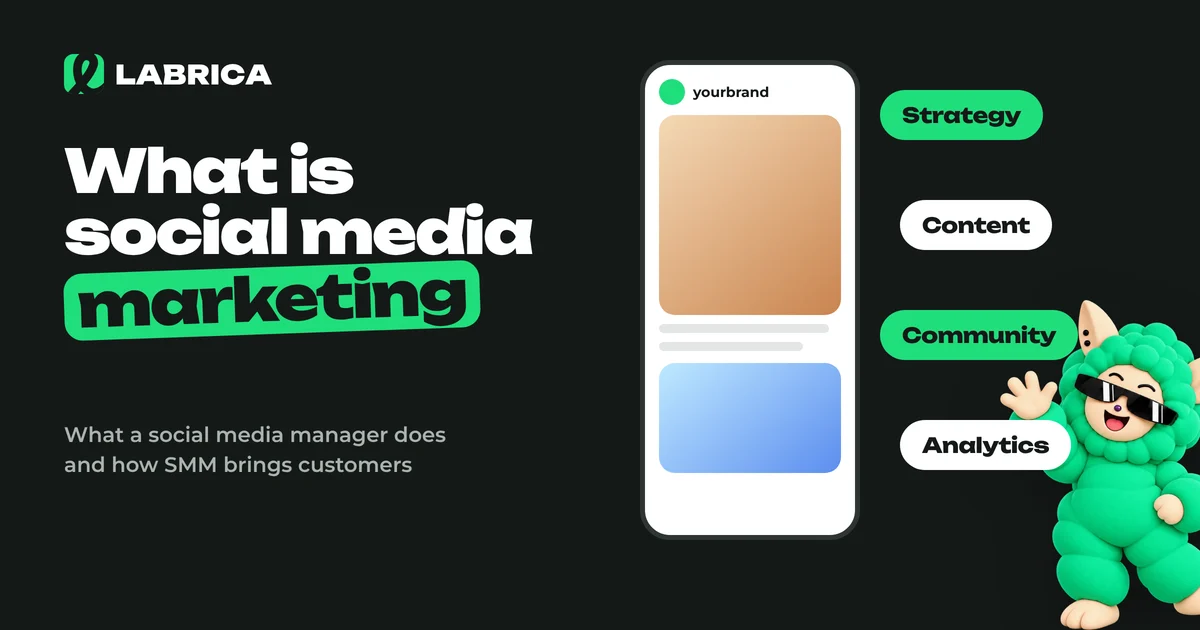
What Is Social Media Marketing (SMM)? What a Social Media Manager Does and How to Get Started
Social media marketing (SMM) is promoting a business through social networks and messaging apps. A social media manager owns the whole cycle, from strategy and the content calendar to posts, community replies, ads and reporting. The main goal of SMM is leads, sales and brand awareness, and follower count matters far less.
 Strategy
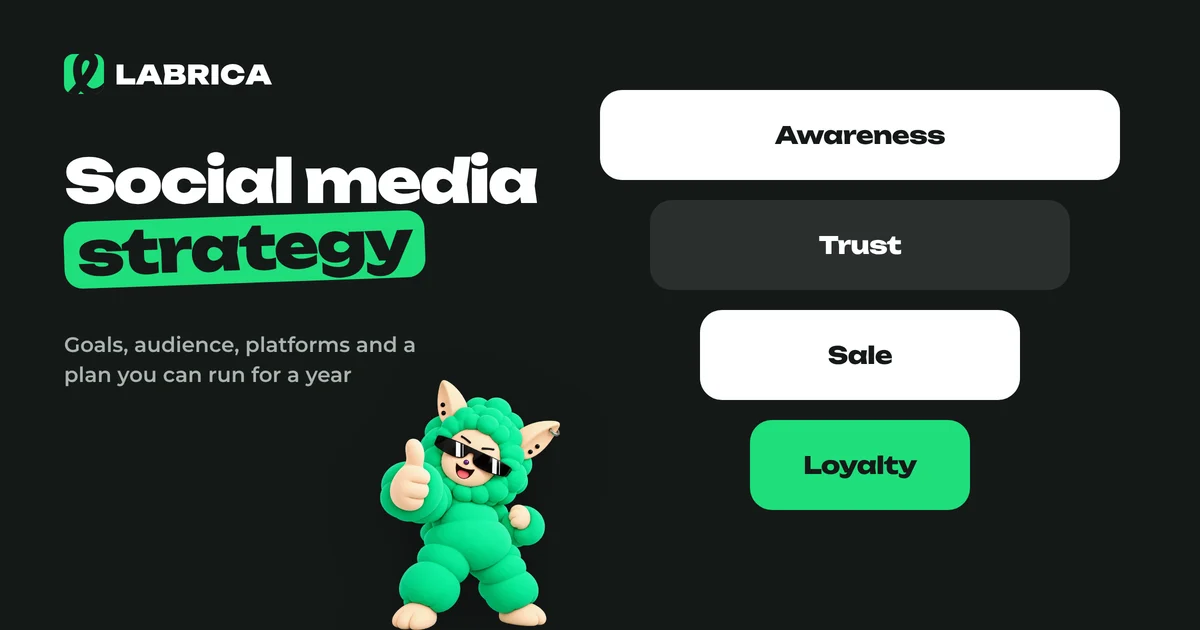
How to Create a Social Media Strategy for Your Business: 9 Steps and a Template
A social media strategy for a business is a 1 to 3 page document that answers five questions: why the company is on social media, who it's talking to, on which platforms, about what and how often, and which metrics will show it's working. You can put one together in 9 steps and review it once a quarter.
 Strategy
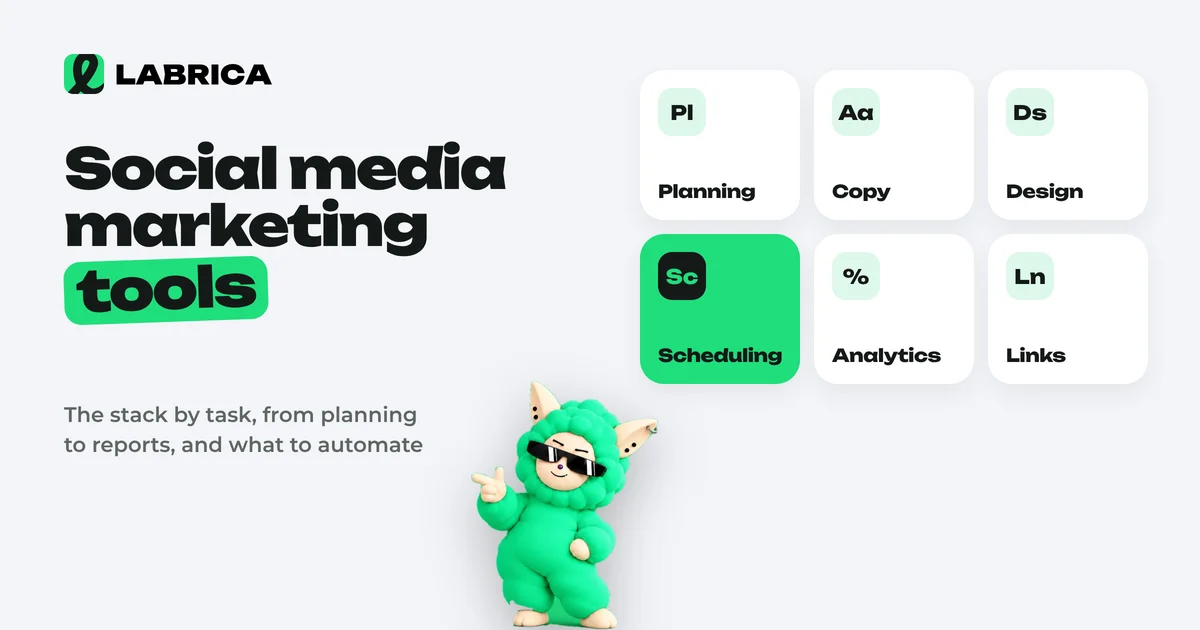
Social Media Marketing Tools: What They Are and Which Ones a Business Actually Needs
Social media marketing tools are services and built-in platform features that handle specific parts of running social accounts: scheduling and publishing, creating copy and visuals, approvals, analytics, UTM links, competitor monitoring and ads. The right set depends on volume. One person can get by with 2 or 3 tools, while a team or agency needs a shared calendar, roles and unified analytics.
 Strategy
How to Run a Social Media Giveaway: Mechanics, Official Rules and a 10-Day Plan
To run a social media giveaway properly, publish official rules before launch with the organizer, dates, eligibility, entry conditions, the prize and how the winner is chosen, and keep entry free. Legal and tax requirements depend on your country and on each platform's promotion policies. Mechanics like "follow and tag a friend" bring reach but often attract prize hunters, so tie the entry condition to your product.
 Strategy
Social Media for Small Business: A 2 to 4 Hours a Week Plan with Post Examples
A small business can run social media in 2 to 4 hours a week if it works by a system. Choose one or two platforms, set up three content pillars, write a week of posts in one sitting and schedule them for auto-publishing. Once a month, check which posts brought customers and repeat what works.
 Strategy
Social Media Competitor Analysis: A Step-by-Step Guide With a Template
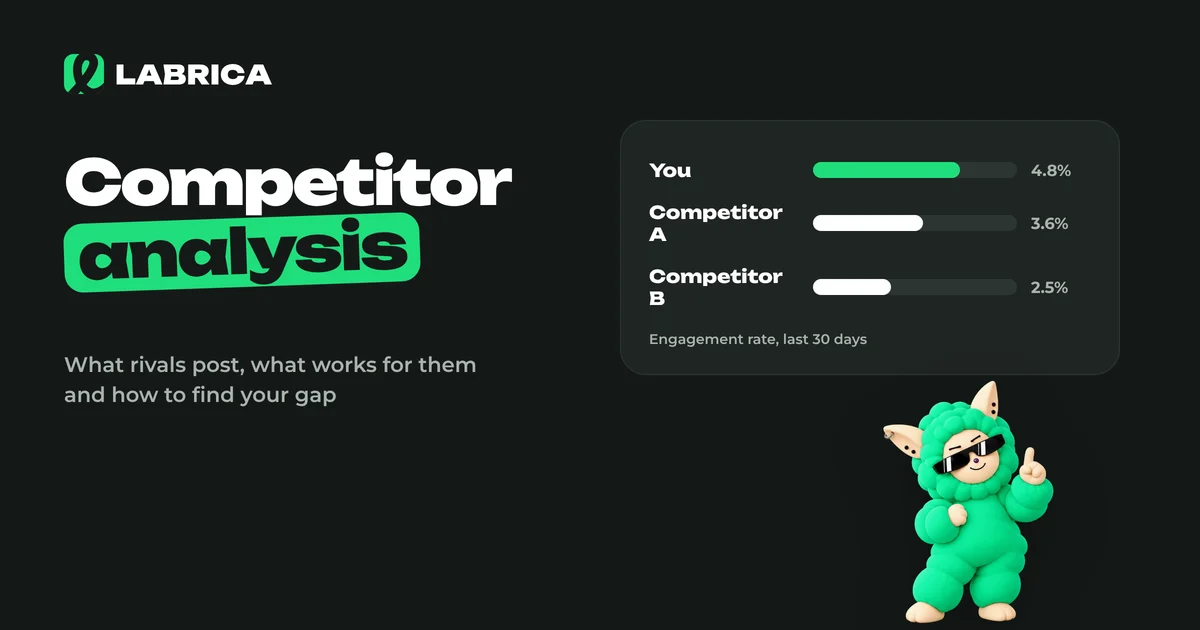
A social media competitor analysis reviews 3 to 10 accounts in your niche using one framework: platforms, posting frequency, content pillars, formats, tone, engagement and offers. The goal is to find what already works with your audience and the gaps nobody is filling, and copying is not the point. The result is a list of ideas and hypotheses for your content calendar.
 Content creation
How to Write a Social Media Bio: Formula, Profile Setup Tips and 30 Bio Examples for Business
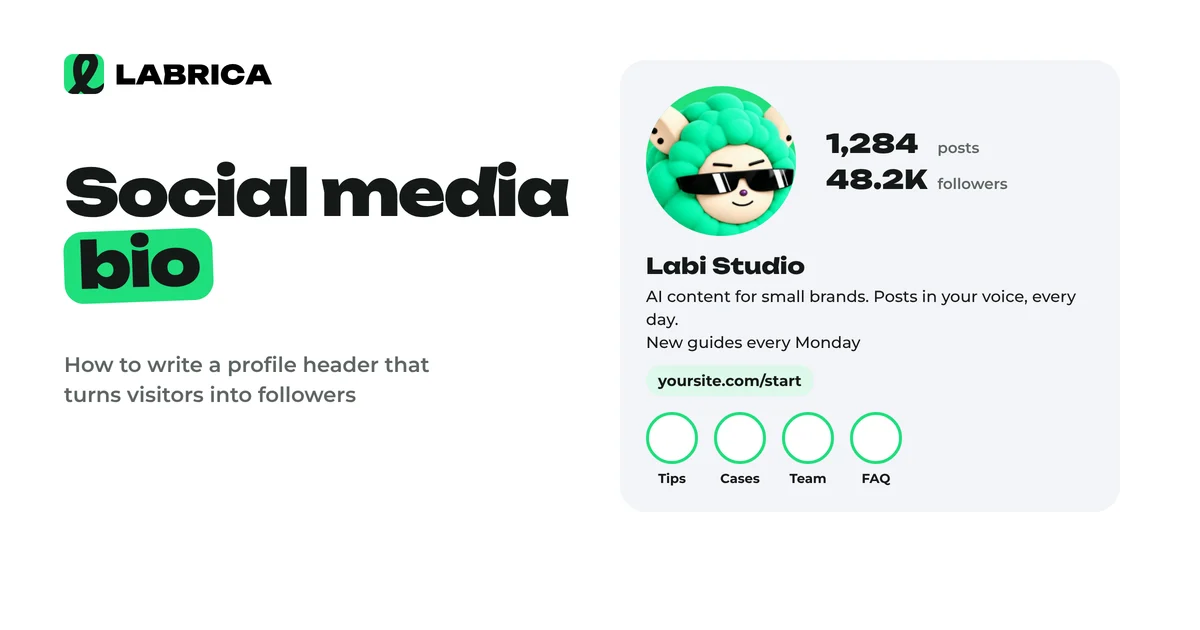
A social media bio has a few seconds to answer three questions for a new visitor. Who you are, how you help them specifically and what to do next. A reliable bio formula is what you do and for whom, then a differentiator or proof, then a call to action with a link or contact. Add a keyword people search for to your profile name.
 Analytics
Social Media Analytics: Which Metrics to Track and What to Do With the Results
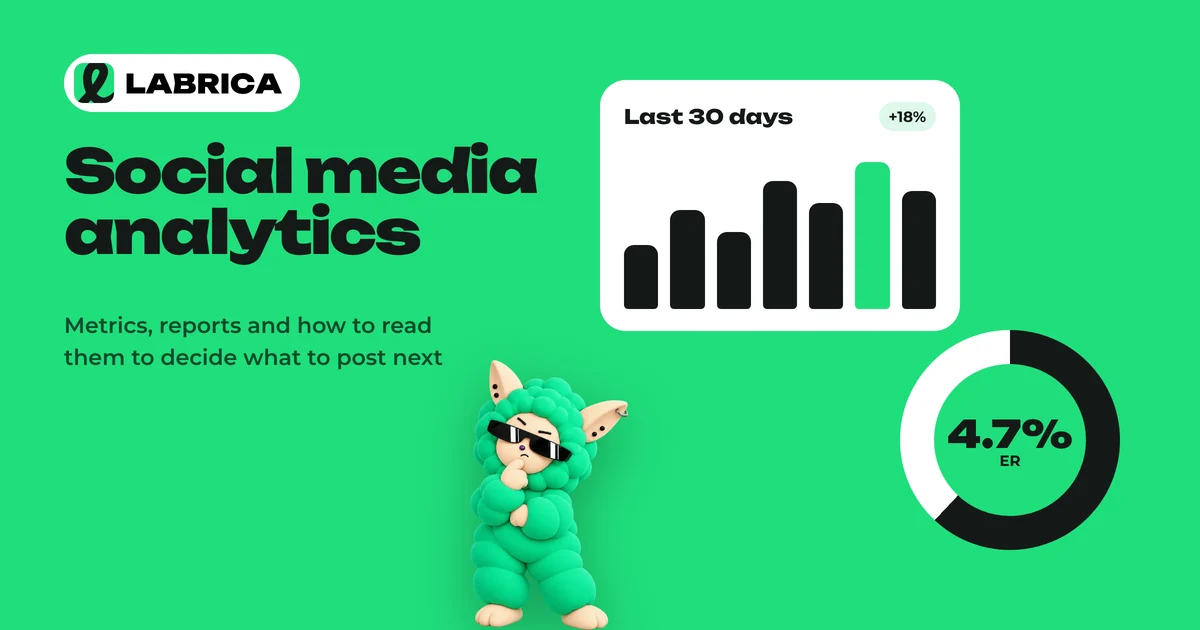
Social media analytics for a business comes down to five groups of metrics: reach, views, engagement rate (ER), clicks and follows. Each one answers its own question, from "does anyone see us" to "does social media bring in customers." Track them over time and by content pillar, and turn every conclusion into a specific change in the content calendar.
 Content planning
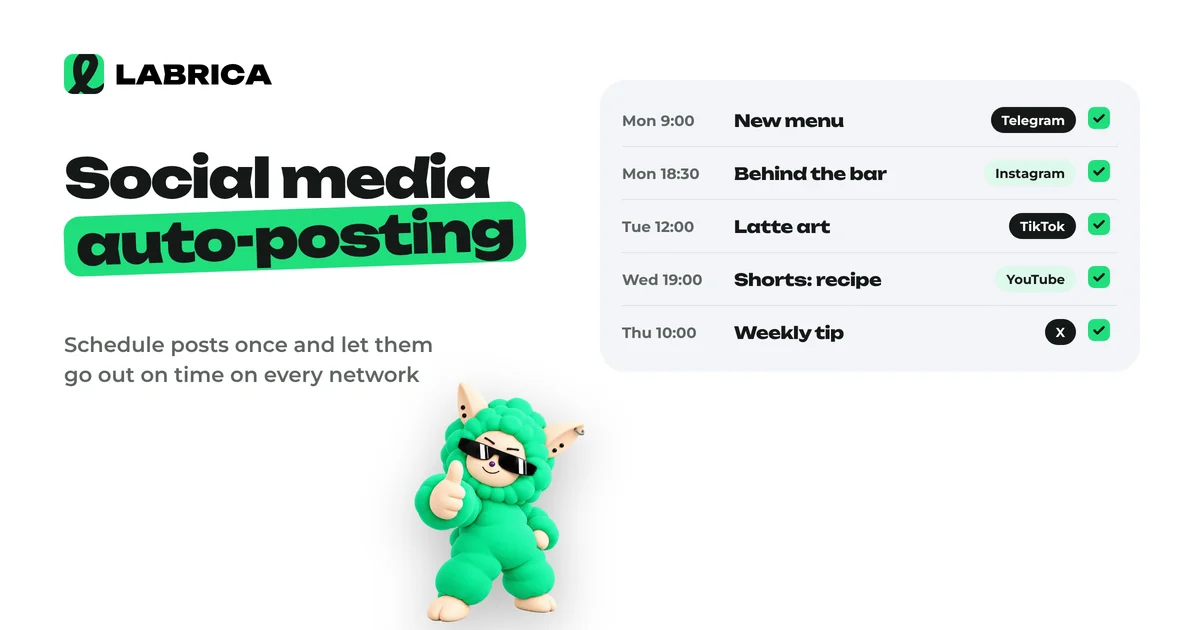
Social Media Auto-Posting: What It Is, How to Set It Up and Which Mistakes to Avoid
Social media auto-posting means publishing prepared posts on a schedule without posting to each network by hand. You connect your accounts to a tool, write the post, choose the networks, date and time, and it goes out on its own. The key is to adapt the text and format for each network instead of copying one post everywhere unchanged.
 Strategy
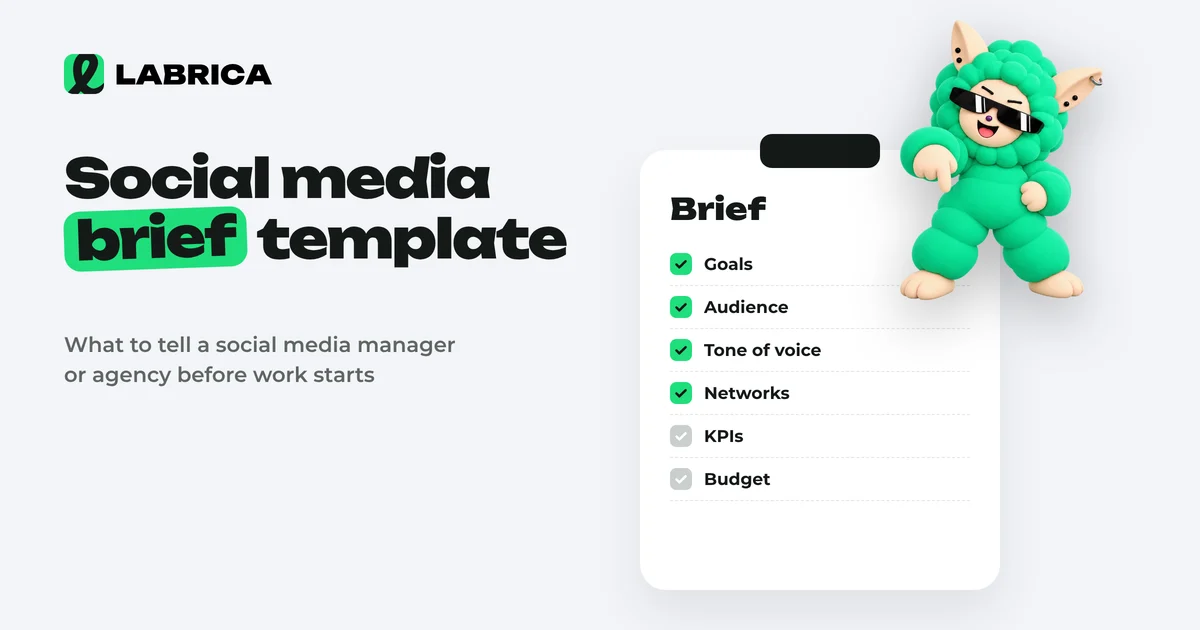
Social Media Brief Template: Questions for Clients, a Scope of Work and a Filled-In Example
A social media brief is a questionnaire about the business that the client fills in so the social media manager understands the product, audience, brand voice and goals. A scope of work is the agreement about the job itself: networks, volume, deadlines, approvals, KPIs and rights to materials. The brief comes first, then the scope of work. A good brief has 7 blocks of questions and takes a 40 to 60 minute conversation, after which the manager can write posts without constant follow-up questions.
 Strategy
Personal Branding on Social Media: A Step-by-Step Guide for Experts and Consultants
To build a personal brand on social media, state who you help and with what, pick one main platform, and publish 3 to 4 posts a week across three lines of content: expertise, personality and client results. A personal brand grows from a recognizable position you repeat consistently in every post, much more than from posting volume or reach.
 Content creation
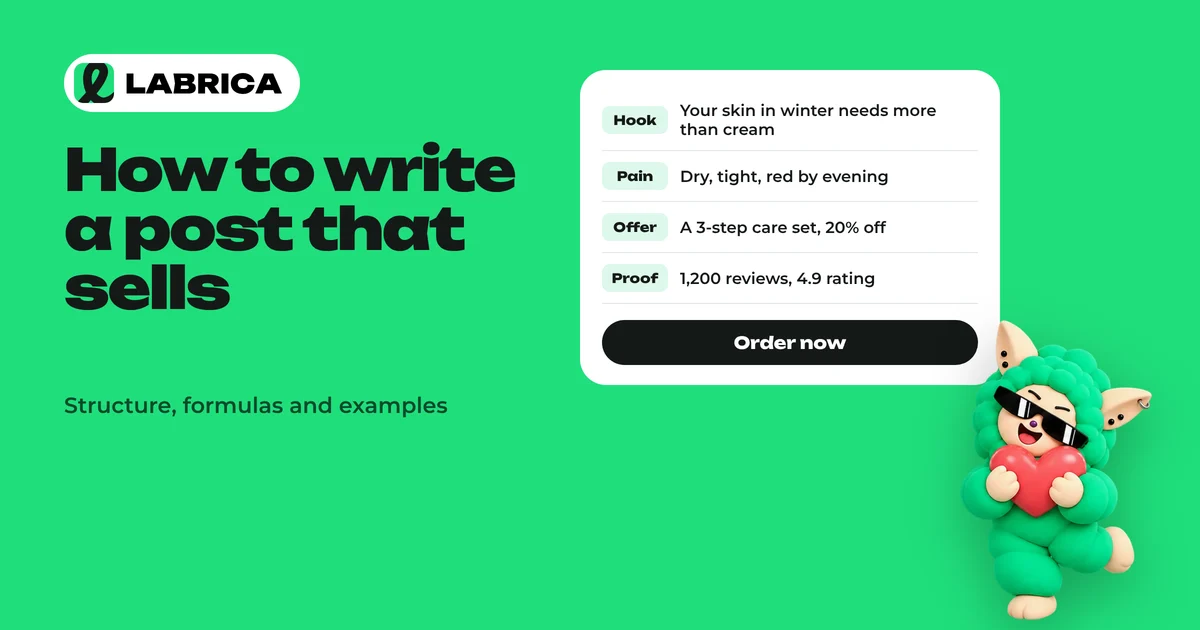
How to Write a Sales Post for Social Media: Structure, AIDA and PAS Formulas, Examples
A sales post is built around one reader situation and one action you want the reader to take. Before writing, answer four questions: who it's for, what situation they're in, what you're offering and what they should do. Then pick a formula (AIDA for a new product, PAS for a clear pain point, BAB for a visible result) and finish with a specific call to action and a reason to act now.
 Strategy
How to Handle Negative Comments and Reviews on Social Media: Response Examples and Templates
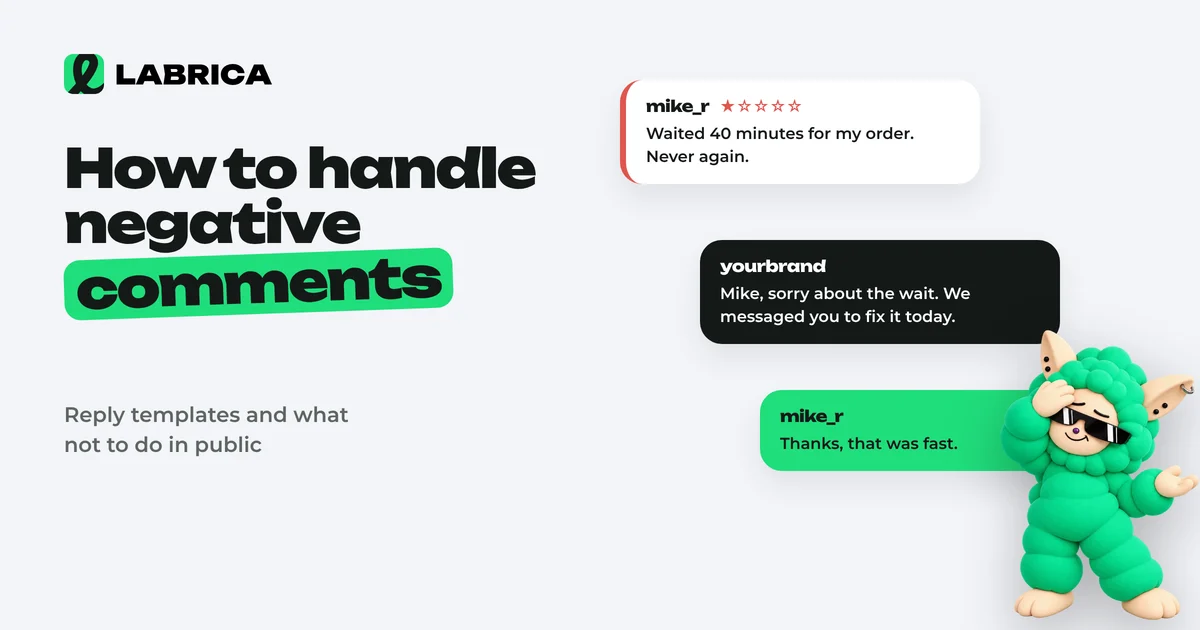
Respond to negative comments on social media publicly, quickly and to the point: acknowledge the problem if there is one, say what you'll do, and move the details to private messages. First identify the type of negativity (a fair complaint, emotion, a customer's misunderstanding, trolling or a fake), because the right reply depends on it. Delete only insults, spam and violations of rules you've published.
 Content planning
Content Approval Workflow for Social Media Teams: Process, Roles, Statuses and an Editor's Checklist
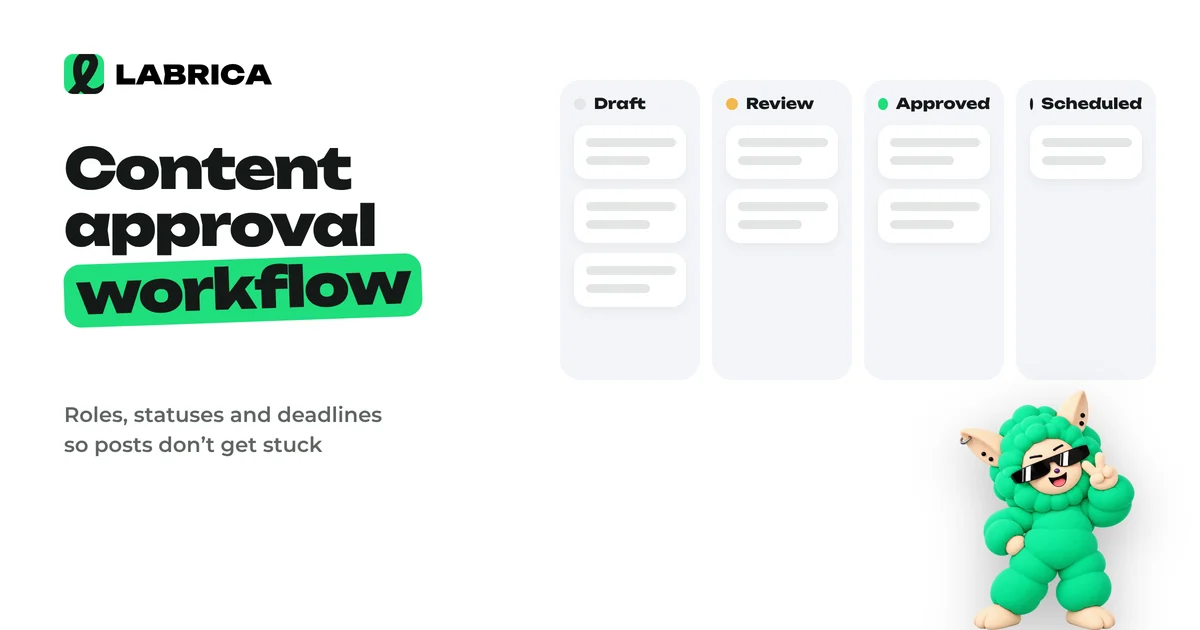
A content approval workflow works when every post has one author and one approver, clear statuses (draft, in review, approved, scheduled), a review deadline and rules for feedback. Then posts don't get stuck in message threads, and the manager reviews only what actually needs their decision.
 AI for social media
Content Marketing Automation: What to Hand to Software and What to Keep for People
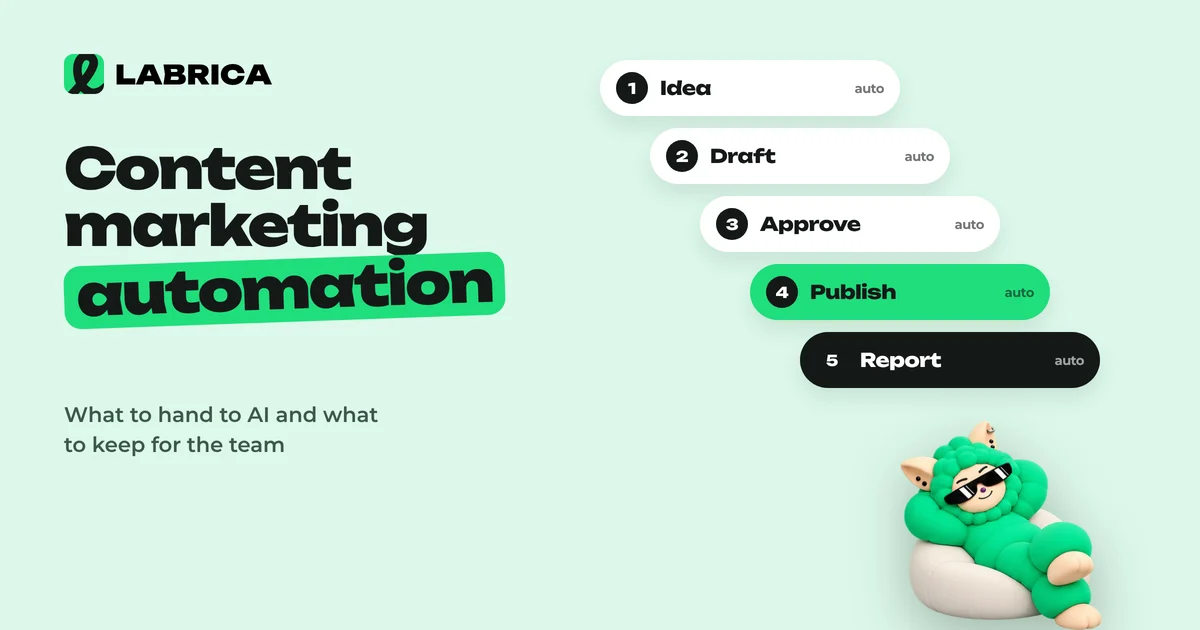
Content marketing automation works best in stages, starting with the most mechanical work. First scheduled publishing and link tagging, then analytics collection, then ideas and drafts based on a brand profile. Leave strategy, fact-checking and final approval to people, and turn on autopilot only with clear rules.
 Content planning
Content Matrix for Social Media: What It Is, How to Build One and Filled-In Examples
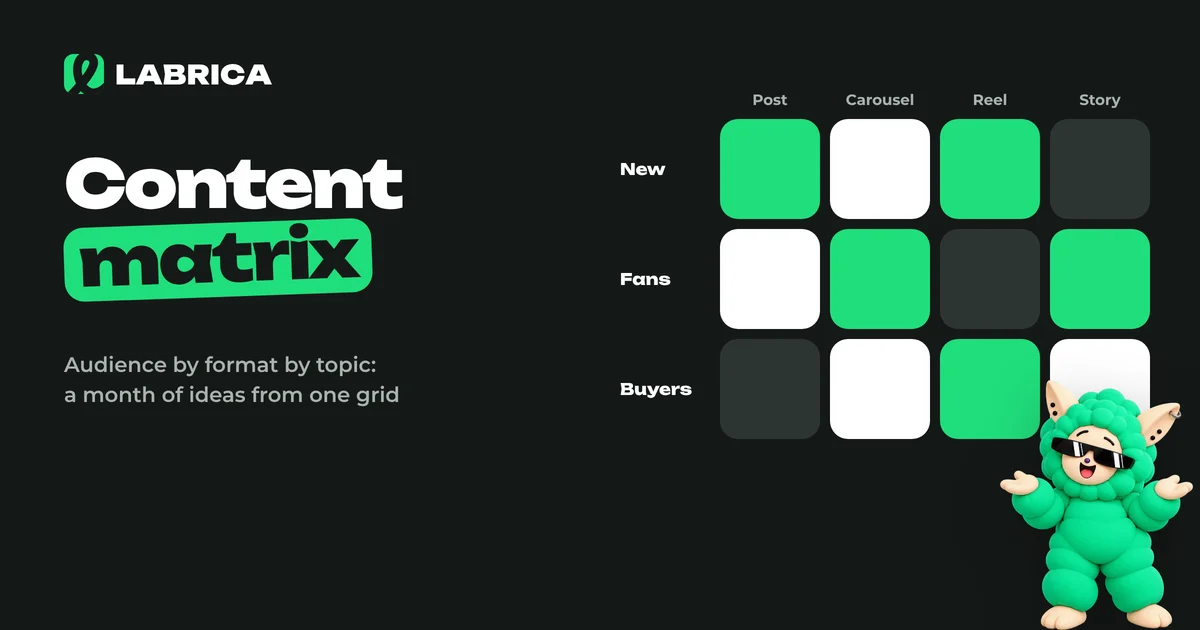
A content matrix is a table where rows are audience segments or their problems and columns are content types or funnel stages. Each cell holds post topics. The matrix shows who you're writing for and why, and keeps your feed from sliding into nothing but promotions or a single topic. A filled-in matrix turns into a monthly content calendar in about half an hour.
 Content creation
AI Reels Generator: How to Make Reels with AI, from Script and Hook to Editing
An AI reels generator helps at every stage of a short vertical video: coming up with the idea, writing a script with a hook, generating missing shots, voiceover and captions. You should still film real footage, because AI works best as a scriptwriter and a supplement to filming rather than a full replacement. The format is vertical 9:16, and the first seconds matter most.
 Content creation
AI Video Generator for Social Media: Which Videos to Make with AI and How to Write Video Prompts
An AI video generator for social media works best for short mood clips, animated photos, backgrounds, intros and illustrations of ideas. To get something usable for a business, the prompt should describe the subject, action, camera, light, style and frame format. Videos about a specific product and real people are still more reliable to film live and then supplement with generated shots.
 AI for social media
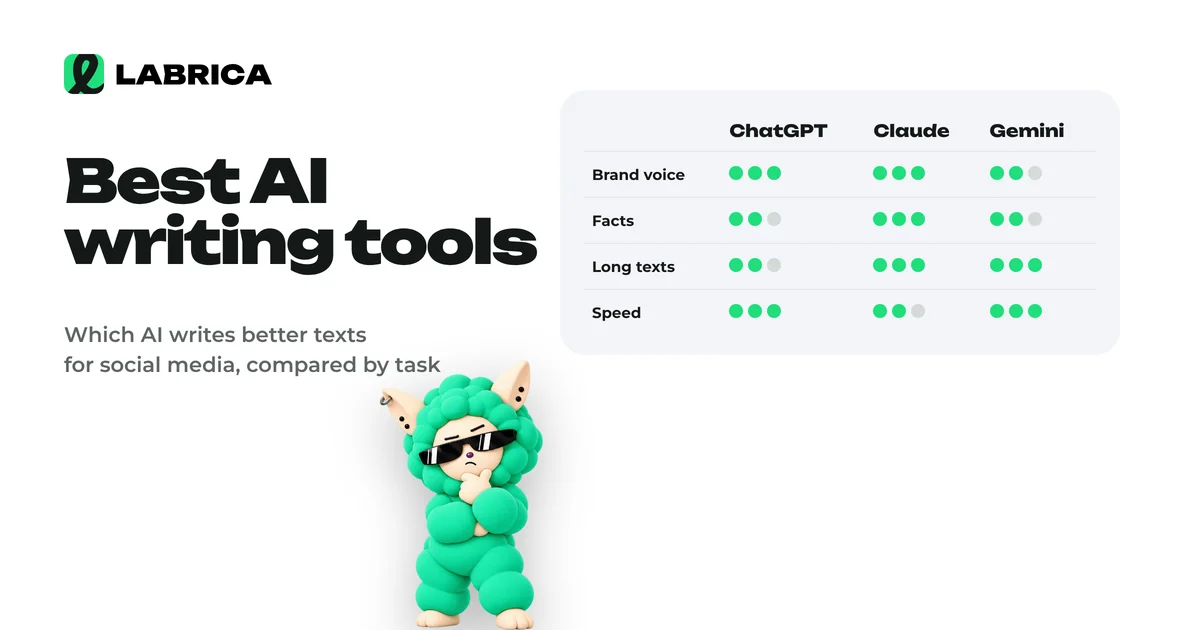
Best AI Writing Tools for Business: How to Choose and Test ChatGPT, Claude and Gemini in an Hour
There's no single best AI writing tool. The result depends more on the task, the prompt and the context about your business than on the model. For business writing, the key criteria are natural language, following instructions, handling long documents and keeping a brand voice. The most reliable way to choose is to run 2 or 3 tools through the same 6 tasks and score the results blind.
 Content creation
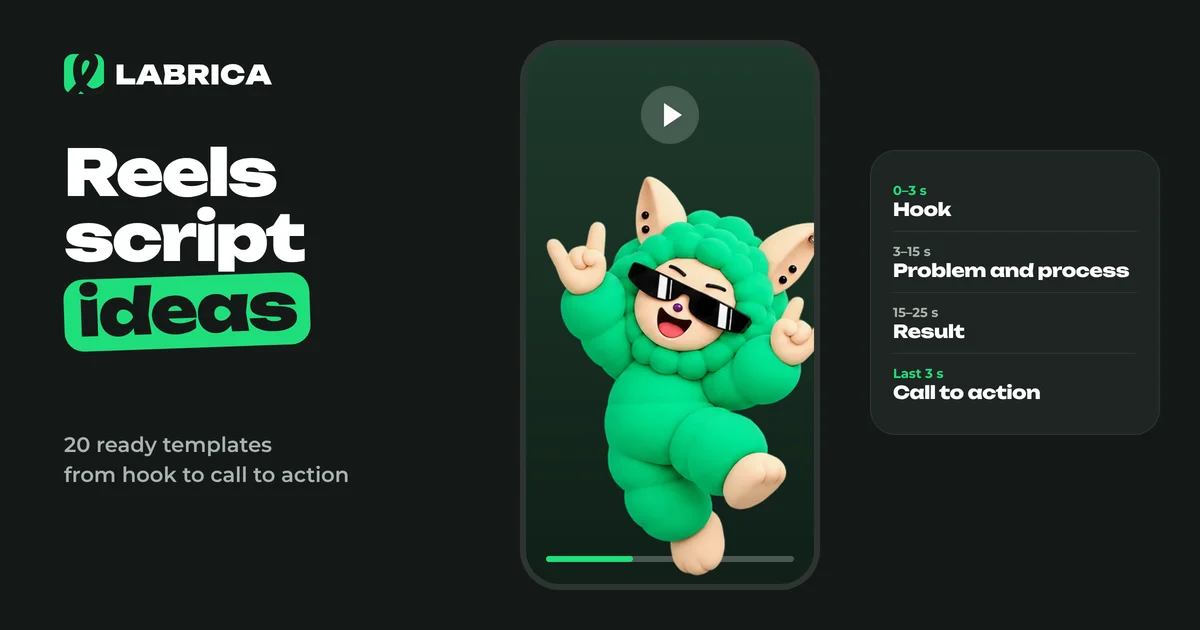
Reels Script Ideas: How a Short Video Works and 20 Ready-Made Templates for Business
A Reels script rests on four parts. A hook in the first seconds tells people why to watch. Then comes the body with one idea or process, a turn or result, and a short call to action. For businesses, the strongest templates are "before and after", "process in a minute", "mistake and the right way", "answering a customer question" and "a day in the life". The easiest way to write a script is a table with the shot, what happens in it and the on-screen text.
 Analytics
Social Listening: What It Is, How It Differs from Social Media Monitoring and How to Use It in Marketing
Social listening is the analysis of what people say about your brand, your competitors and your category on social media, forums and review sites. Social media monitoring answers where and how often you were mentioned. Social listening goes further and answers what follows from it. Its insights turn into content ideas, product fixes and answers to common objections.
 Content creation
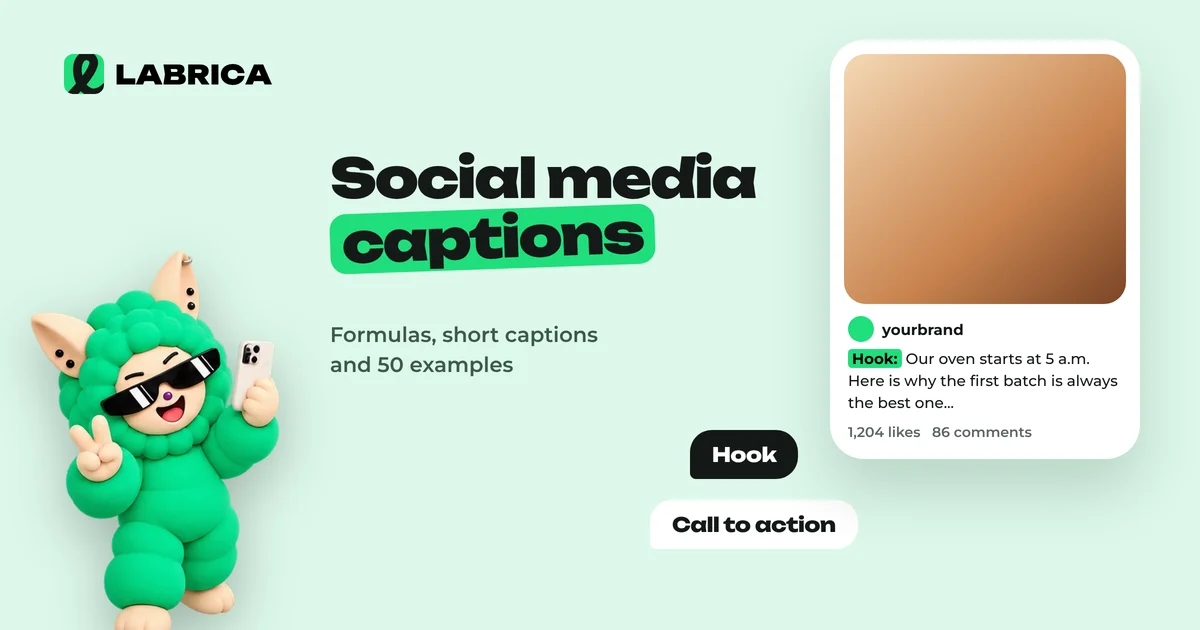
Social Media Captions: Formulas, Short Captions for Photos and 50 Examples
A good social media caption does three jobs. It adds what the photo can't show, gives people a reason to stop, and points to the next step. Short captions suit mood photos, longer ones suit useful and sales posts. Three formulas cover most cases: "detail + emotion", "question + answer" and "problem + solution + call to action". Below are 50 caption examples for businesses and personal accounts.
 Content planning
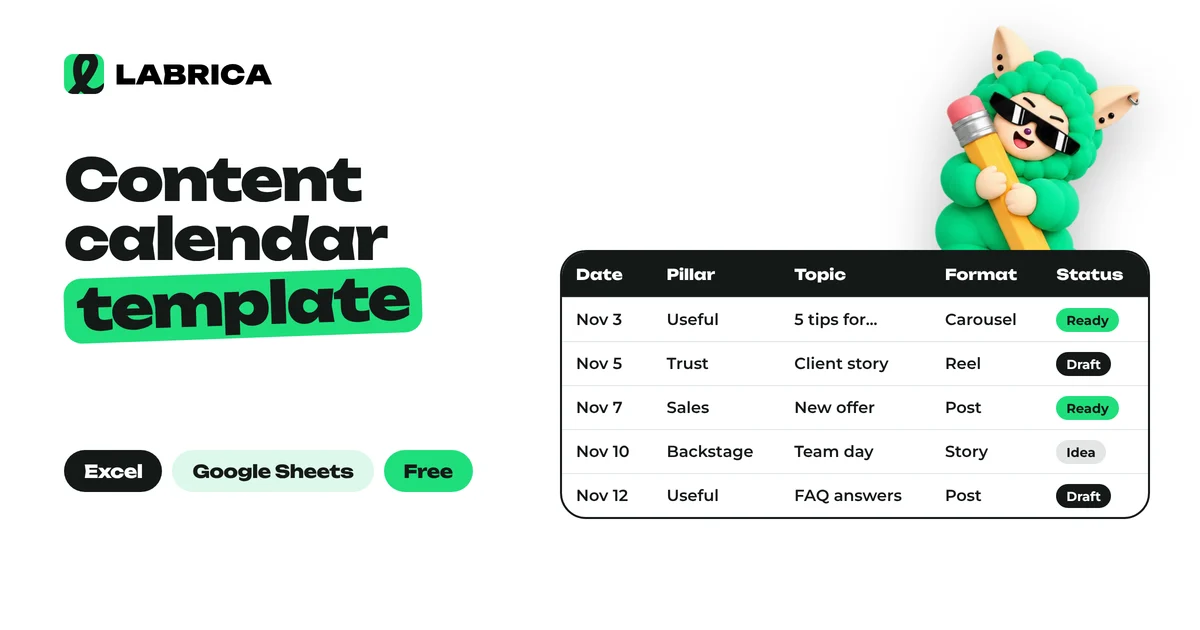
Social Media Content Calendar Template: Free Excel and Google Sheets Spreadsheet, Monthly Example and How to Fill It In
A social media content calendar template is a spreadsheet where every post has a date, content pillar, topic, format, platform, goal and status. The minimum version fits in seven columns. Teams add an owner, a UTM-tagged link and results. Below you can download a free Excel template that also opens in Google Sheets, with a sample month and dropdown lists inside.
 Analytics
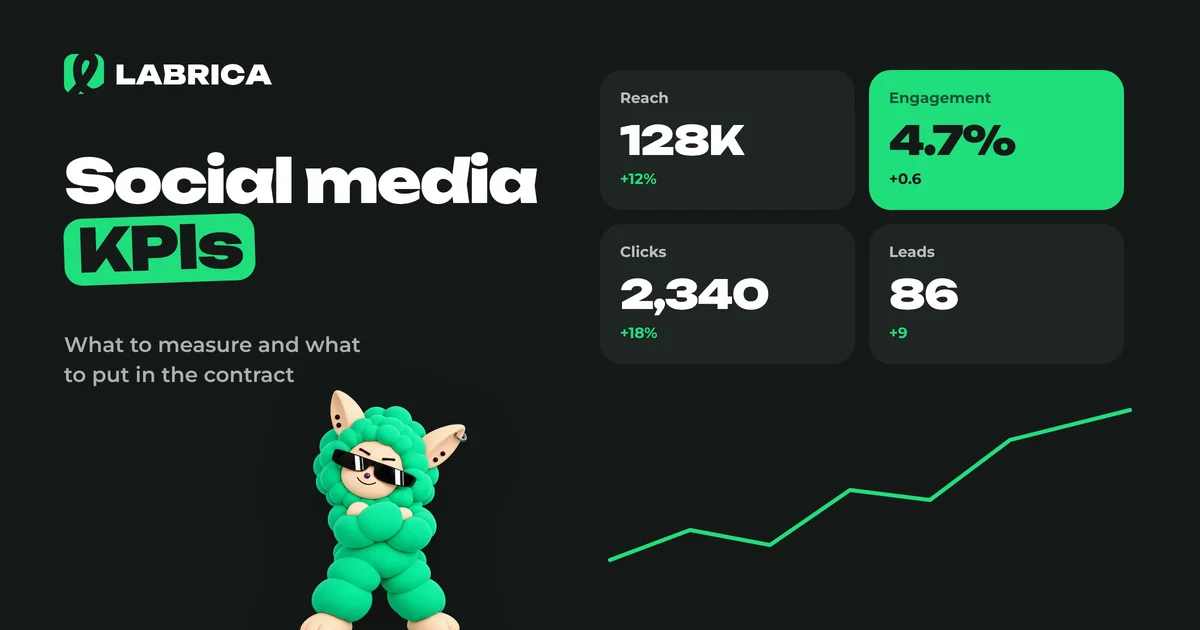
Social Media KPIs for a Social Media Manager: How to Evaluate the Work and What to Put in the Contract
Social media KPIs for a social media manager work on three levels: process (was the plan delivered on time), content (reach, engagement, saves, clicks) and business (leads and sales from social). Set targets from your own baseline over the last 2 to 3 months, not from benchmarks found online. Follower count and likes should never be the main KPI, because they are easy to inflate without any business value.
 Content planning
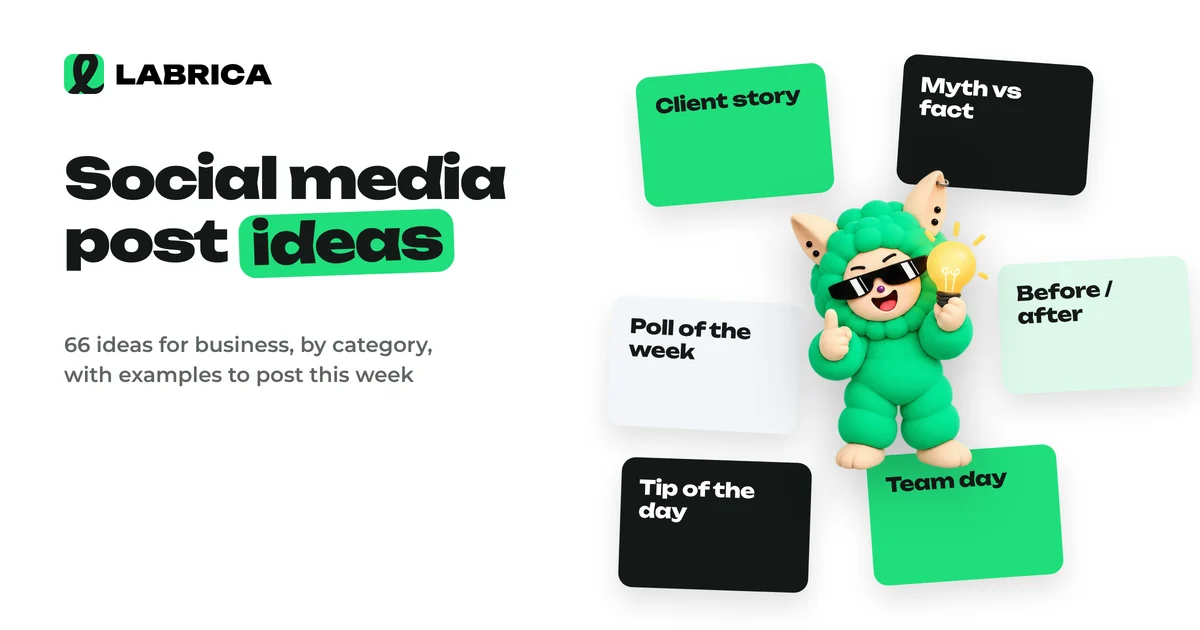
Social Media Post Ideas for Business: 66 Ideas by Category with Examples
Social media post ideas for business are easiest to find in six categories: educational posts (tips, myths, breakdowns), promotional posts (product, reviews, objections), engagement posts (polls, questions), games and interactive posts, behind the scenes (team, processes) and UGC, content made by customers. Below are 66 specific ideas with short examples for a bakery, a salon, an auto repair shop, a gym and other businesses.
 Analytics
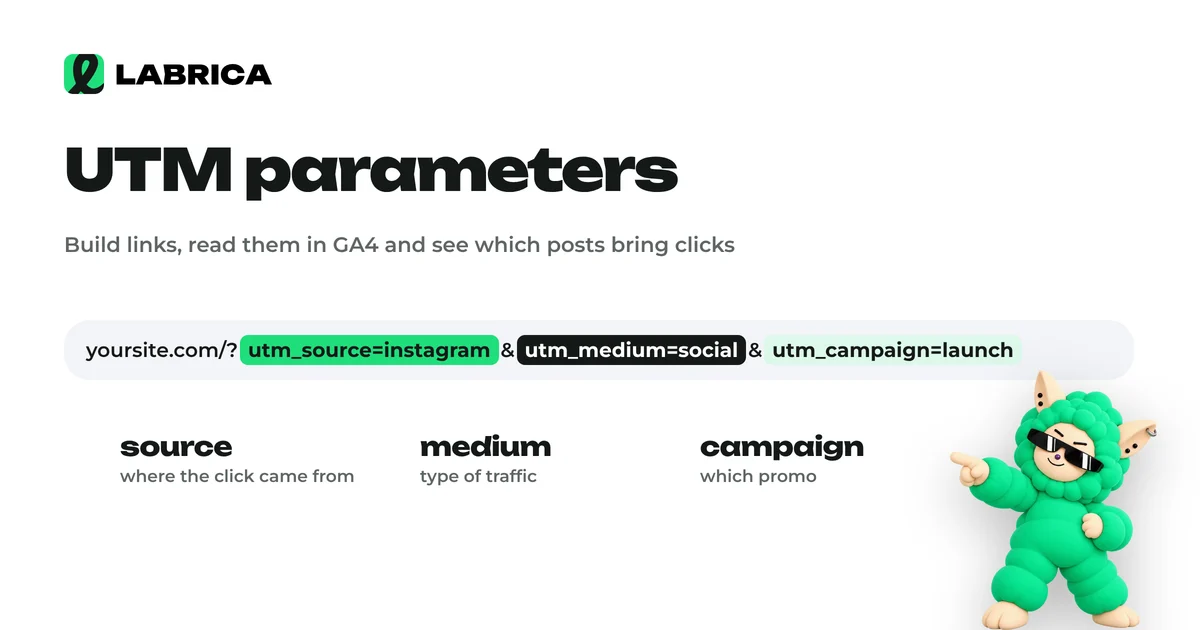
UTM Parameters for Social Media: How to Build Them, Link Examples and Naming Conventions
UTM parameters are tags added to the end of a link that tell your web analytics, such as Google Analytics 4, which social network, campaign and post a visitor came from. For social media you need three required parameters, utm_source, utm_medium and utm_campaign, and utm_content helps you tell individual posts apart. Consistent naming conventions matter most, or your reports turn into chaos.
 AI for social media
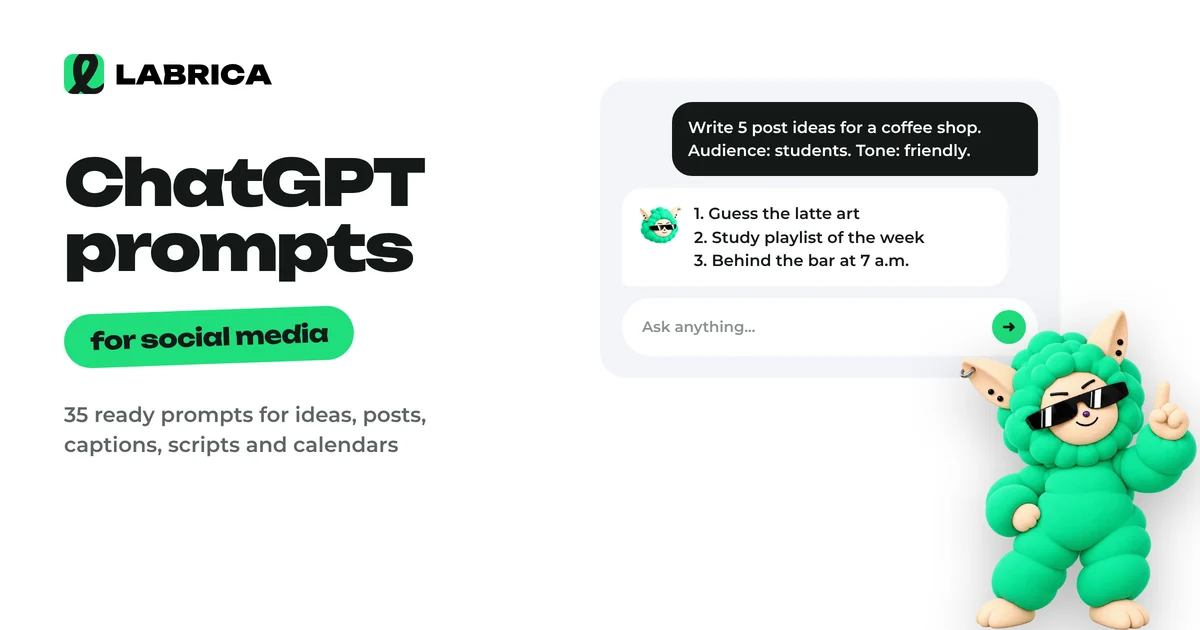
ChatGPT Prompts for Social Media: 35 Ready-to-Use Prompts by Task
A good ChatGPT prompt for social media has five parts, which are role, brand context, task, format and constraints. Below are 35 ready-to-use prompts grouped by task, with placeholders in square brackets. Fill in your business details and you get a draft that needs editing instead of a full rewrite.
 Content planning
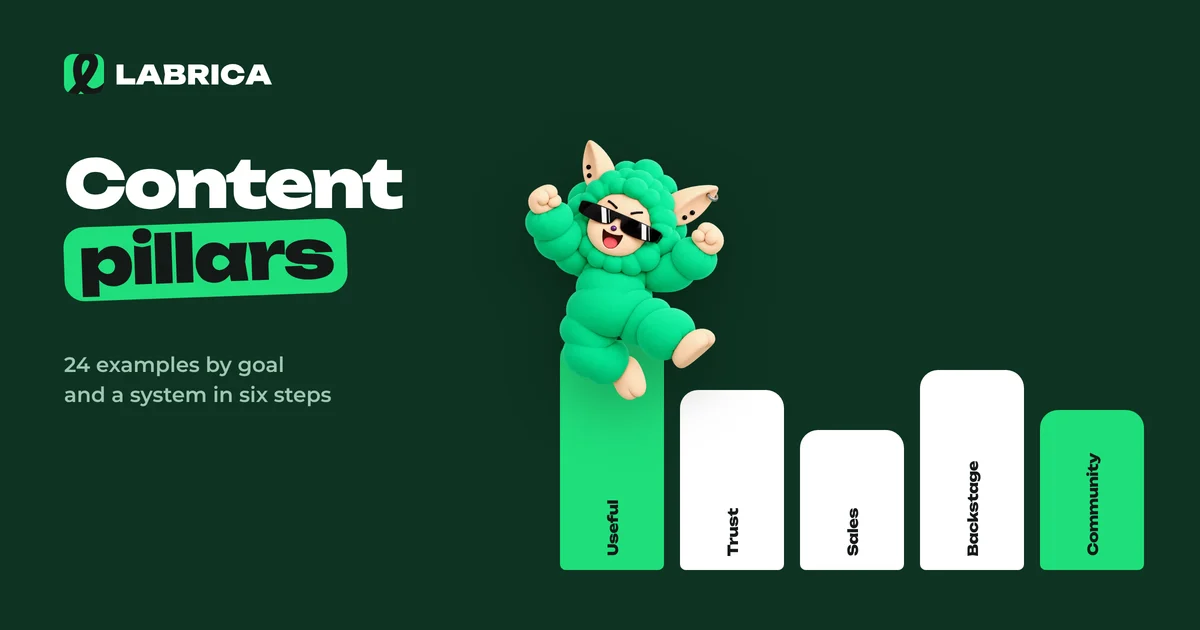
Content Pillars: How to Build Them in 6 Steps, Plus 24 Content Pillar Examples by Goal
Content pillars are recurring post themes with a clear goal and format, such as "Stylist's tip every Friday". To build them, set your account goals, list your audience's questions and pain points, group them into 4 to 7 pillars, give each one a goal, format and day of the week, and review the results in your analytics once a month.
 Strategy
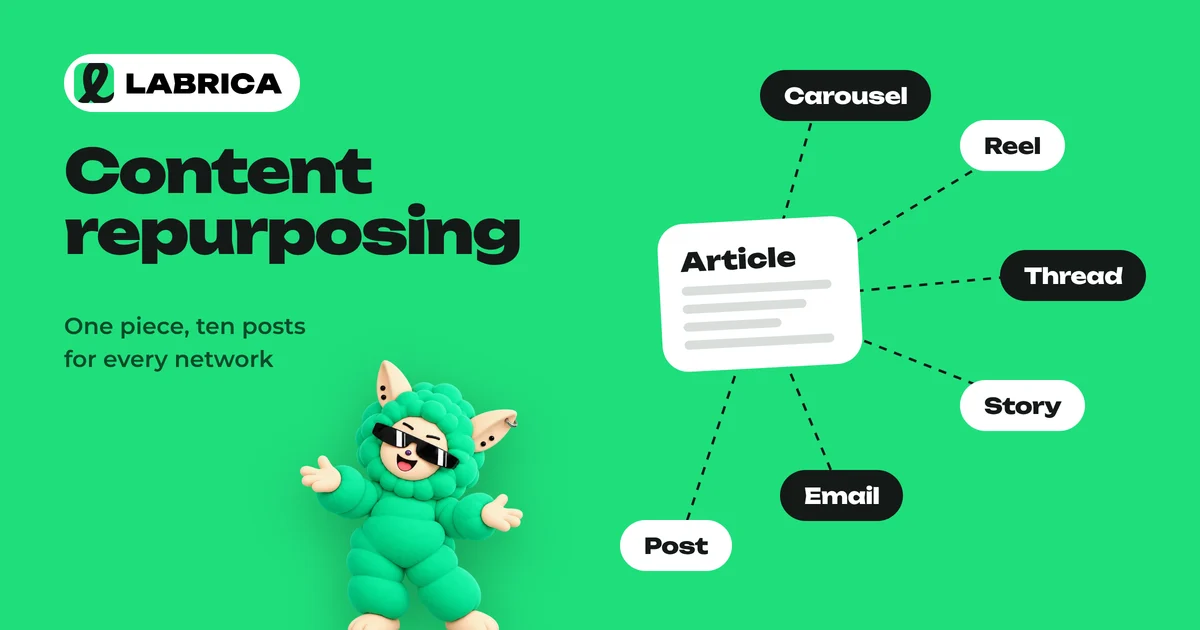
Content Repurposing: How to Turn One Article or Video into Ten Social Media Posts
Content repurposing means turning one large piece into a series of formats for different platforms. An article, webinar, podcast or long video becomes posts, carousels, short videos, quote cards and a newsletter. The method is simple. Pull 5–10 standalone ideas from the source, match each one to a format and a platform, and spread the posts across your content calendar over several weeks.
 Strategy
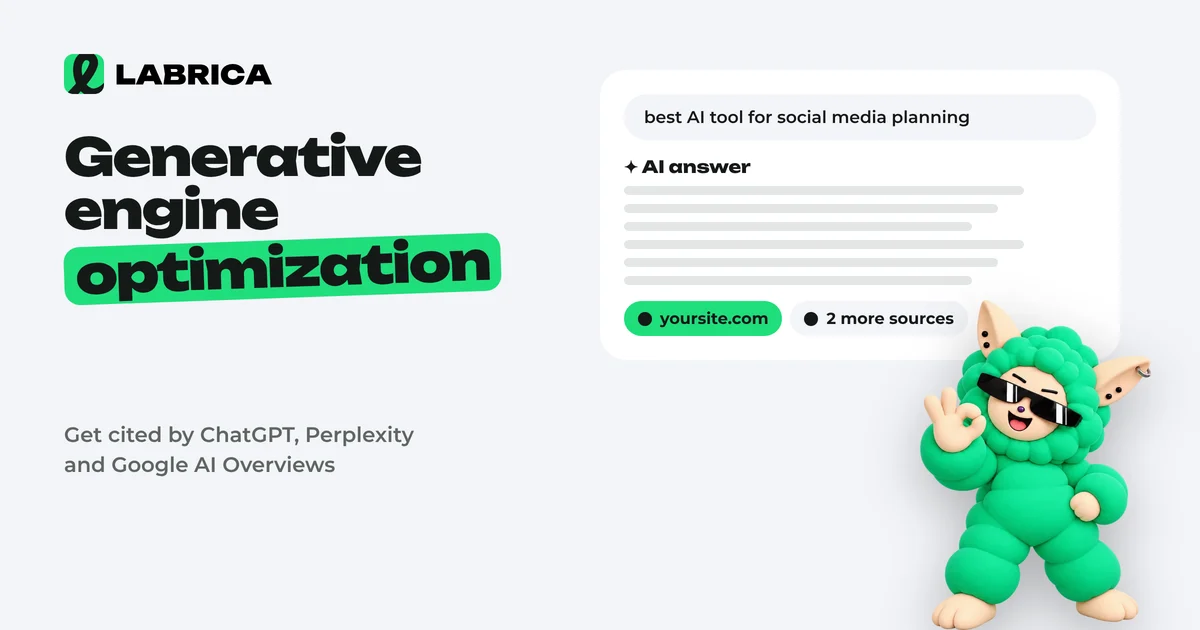
Generative Engine Optimization (GEO): How to Get Your Site Cited by ChatGPT, Perplexity and Google AI Overviews
Generative engine optimization (GEO) is the work of getting your site cited by AI search tools such as Google AI Overviews, ChatGPT search, Perplexity and Gemini. Google states there are no special requirements: AI answers are built on regular search. So the foundation of GEO is solid SEO plus open access for AI crawlers, pages with direct answers, verifiable facts and brand mentions on other sites.
 Content planning
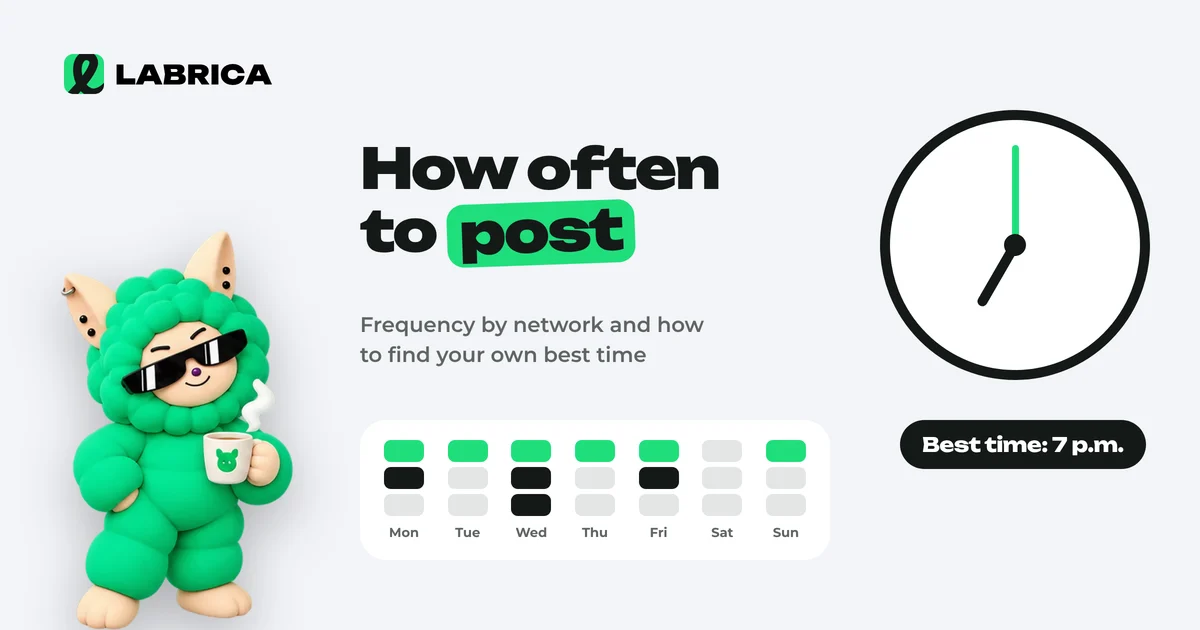
How Often to Post on Social Media and When: How to Find Your Own Posting Schedule
There is no universal best time to post on social media, because it depends on your audience. A practical starting point for a business is 3 to 5 posts a week on your main platform, and the timing should come from your own analytics. For 3 to 4 weeks, publish similar posts in different time slots, compare reach and engagement in the first hours and keep the slots that win.
 Content creation
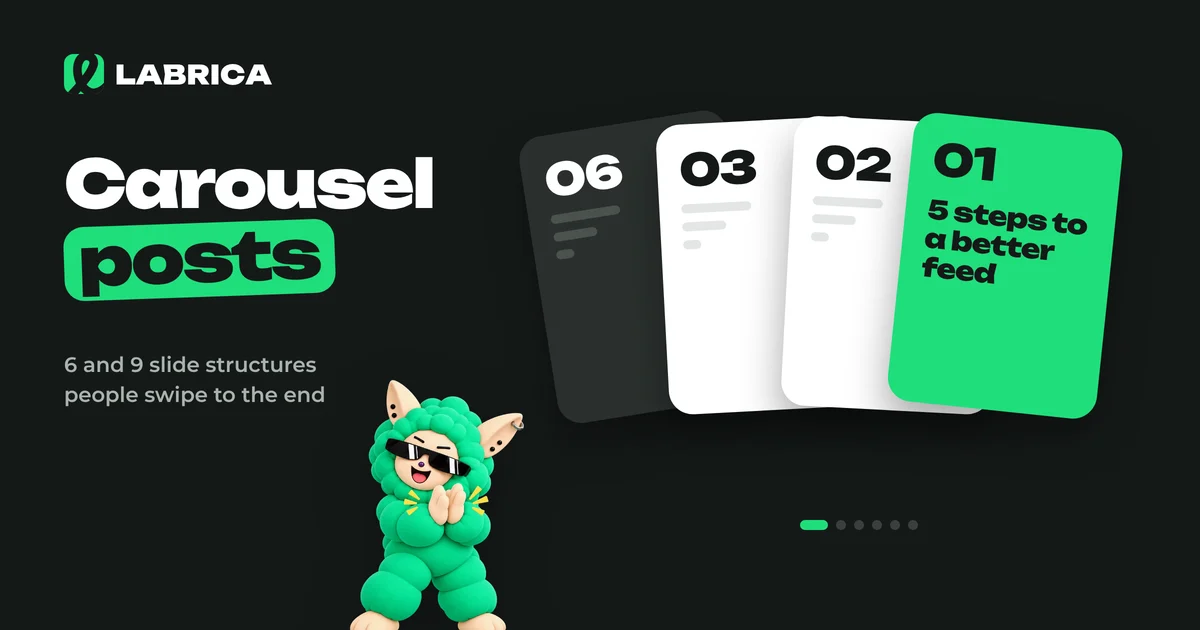
How to Make Carousel Posts for Social Media: 6 and 9 Slide Structures, Examples and Design
To make a carousel post, pick one idea, split it into 6 or 9 slides following "cover, problem, steps, summary, call to action", write short text for each slide and design everything in one template. The first slide sells the swipe, the last slide sells the action, and the middle delivers what the cover promised.
 AI for social media
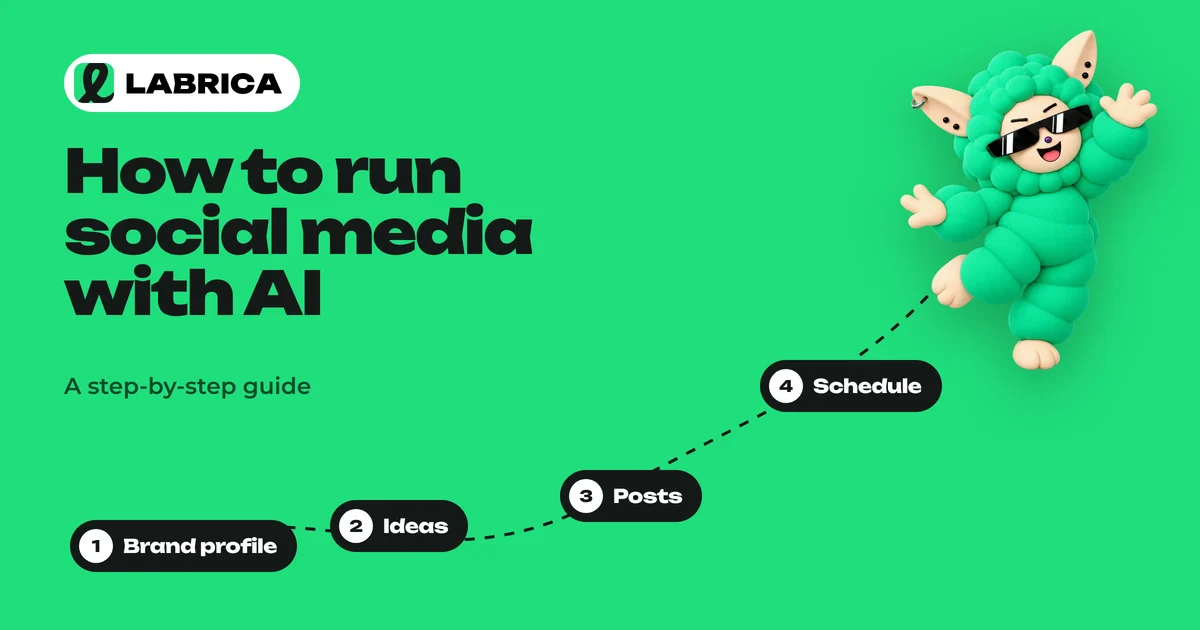
How to Use AI for Social Media: A Step-by-Step Guide for Businesses
Using AI for social media means handing the groundwork (ideas, copy, images, scheduling) to AI while you keep strategy, fact checking and the final call. It only works if the AI has a detailed profile of your brand. Without one, it writes average posts that could belong to anyone.
 Analytics
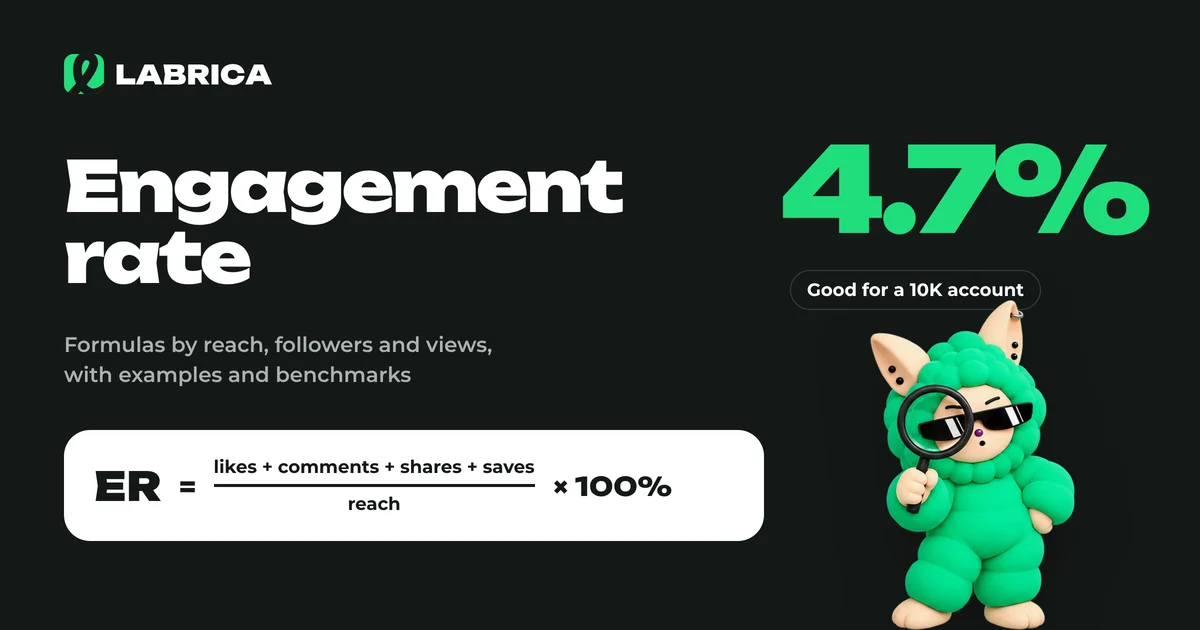
What Is Engagement Rate and How to Calculate It: Engagement Rate Formulas with Examples
Engagement rate (ER) shows what share of your audience interacted with a piece of content. It's calculated as the sum of reactions, comments, shares and saves divided by reach, followers or views, multiplied by 100%. The result depends on which base you choose, so pick one formula and stick with it.
 AI for social media
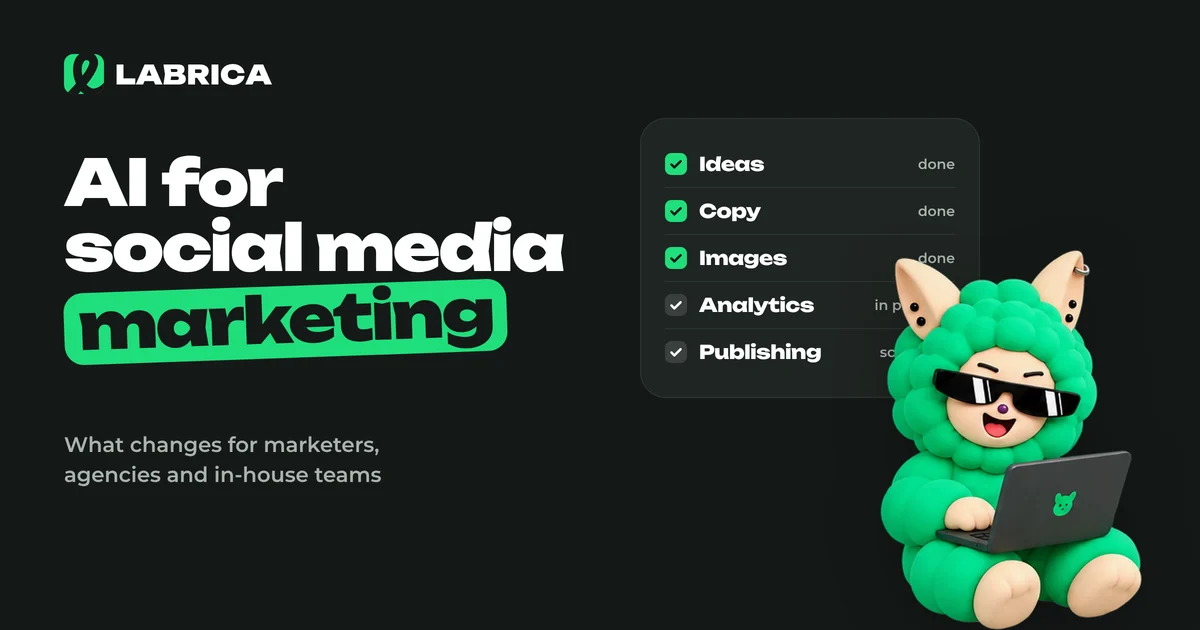
AI for Social Media Marketing: How It Changes the Work of Marketers, Teams and Agencies
AI for social media marketing helps at every stage of the work, from audience and competitor research to copy, visuals, scheduling and reports. It takes routine tasks off the social media manager's plate, which leaves more time for strategy, client communication and the real-life content that AI can't produce.
 Content creation
AI Image Generator for Social Media Posts: How to Get Images That Match Your Brand Style
An AI image generator for social media posts works well when it gets a creative brief instead of a topic: the medium, the scene, the lighting, a composition with room for a headline, your brand palette and a list of exclusions. For a consistent feed, give it references, 3 to 5 typical images from your account. Add text to the image separately, and photograph real people and real products whenever you can.
 Strategy
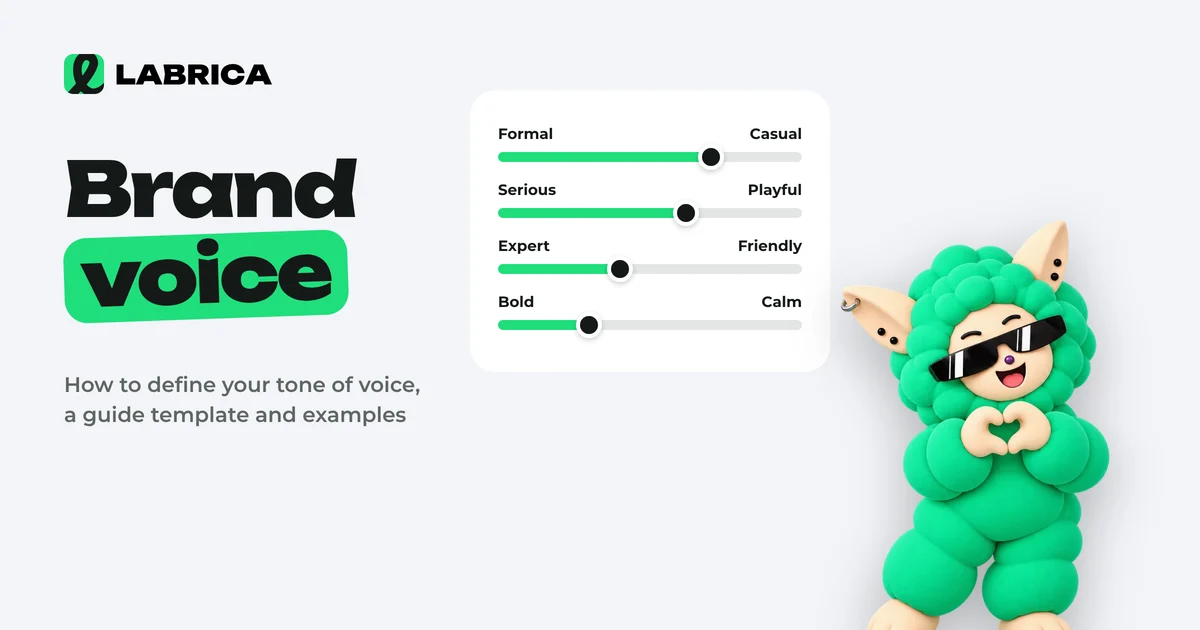
Brand Voice: How to Define Your Company's Tone of Voice, a Guide Template and Examples
Brand voice is the consistent set of rules a company follows when it talks to its audience: how formal it sounds, how serious, which words it uses and with what emotion. To define it, describe your audience and values, pick a position on four tone scales, list the words you use and avoid, and put it all into a short guide with examples.
 Content planning
How to Build an AI Content Calendar: A Step-by-Step Guide with a Monthly Template
To build a content calendar with AI, first give it context about the business: audience, products, tone, goals and the month's events. Then ask for content pillars, then post topics for the month with formats and dates, and always edit the result by hand. The quality of the calendar depends on your brief more than on the AI model.
 AI for social media
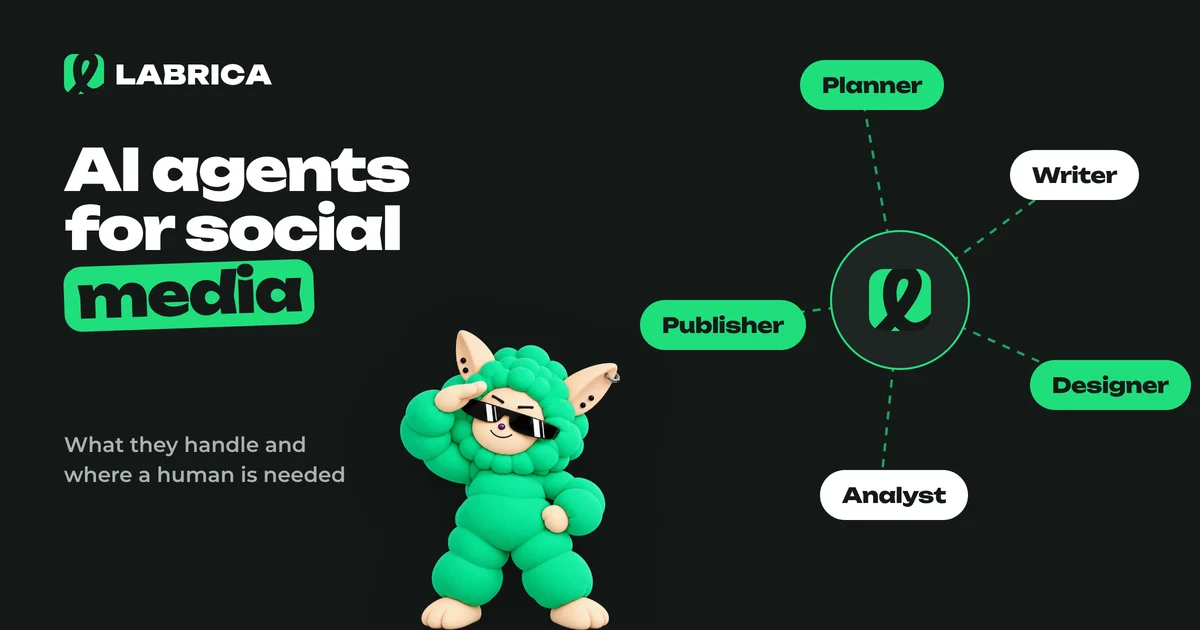
AI Agents for Social Media: What They Handle on Their Own, Where a Human Is Needed, and How to Build a Virtual Content Team
An AI agent for social media is a system that works through a chain of steps on its own, following rules you set: it analyzes your accounts, proposes a plan, writes drafts, prepares visuals, schedules posts and reports on results. It handles repetitive work well. Business facts, approvals, replies to customers and crisis situations should stay with a human.
Put it to work in LABRICA
Ideas, posts in your brand voice, images, a content calendar and auto-publishing to every network in one window. No card required to start.
- Brand scan of your site and accounts
- Posts and carousels in your brand voice
- Auto-posting to Instagram*, TikTok, X and more
- Analytics and UTM links