

How Often to Post on Social Media and When: How to Find Your Own Posting Schedule
There is no universal best time to post on social media, because it depends on your audience. A practical starting point for a business is 3 to 5 posts a week on your main platform, and the timing should come from your own analytics. For 3 to 4 weeks, publish similar posts in different time slots, compare reach and engagement in the first hours and keep the slots that win.

How often to post on social media, and at what time, is the first question everyone asks when they start running a business account. You can find dozens of "best hours to post" tables online, but they almost never say which audience, niche or measurement method they are based on. This article gives you practical benchmarks to get started and a step-by-step method to find your own best posting time from your own data.
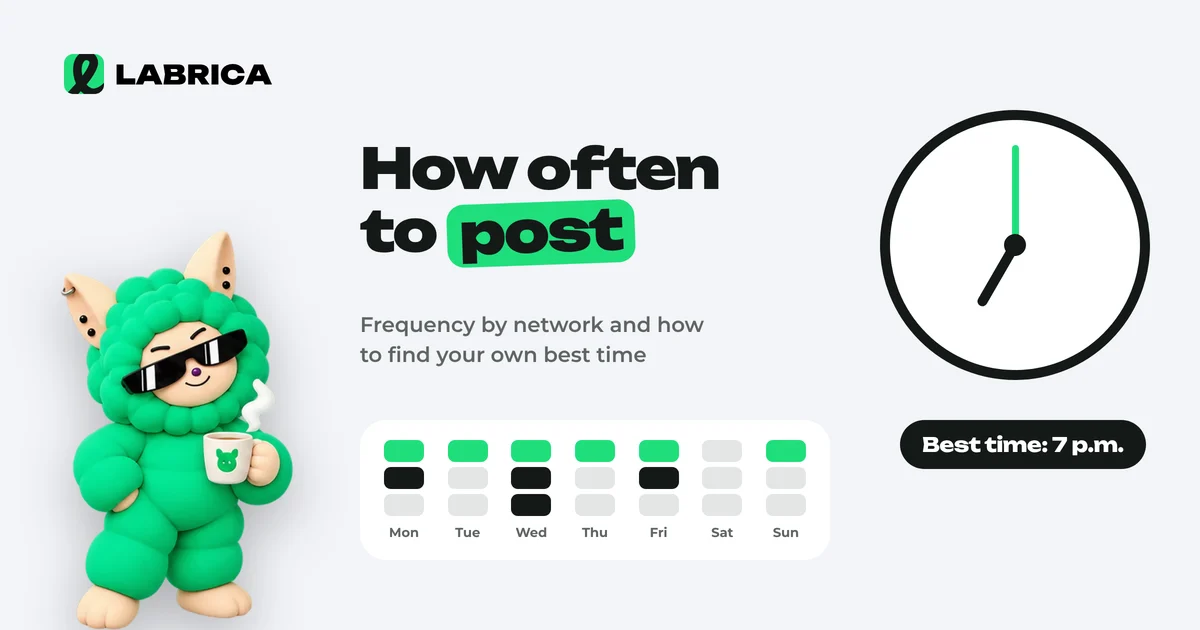
The short answer: how many posts a week
Posting frequency depends less on the platform than on how much good content you can produce consistently. Consistency beats volume: three solid posts every week work better than seven posts one week and silence the next.
The benchmarks below are recommendations from practice, not statistics. They are a starting point you should test on your own audience.
| Platform | Starting benchmark | Comment |
|---|---|---|
| Telegram | 3 to 7 posts a week | People read a channel like a news feed. Frequent weak posts lead to muted notifications and unsubscribes |
| Instagram* | 3 to 4 posts a week plus Stories | Stories keep the contact going on days without a post |
| 3 to 5 posts a week | A mix of useful posts, short videos and discussions tends to work well | |
| X and Threads | 3 to 7 posts a week | Short, frequent updates fit these feeds, but each one still needs a point |
| Short video (Reels, TikTok, YouTube Shorts) | 2 to 4 videos a week | The quality of the first seconds matters more than frequency |
If your resources are limited, start with one main platform and 3 posts a week. For a full workflow with a small team, see how to run social media with AI, step by step.
What your posting frequency depends on
Before you pick a number, answer four questions.
- How many topics do you have? If you have two content pillars and twenty posts in the plan, the content will start repeating itself. Build your pillars first with the help of the content pillars guide.
- Who makes the content and how much time do they have? Your real frequency is the one you can keep up in your busiest month, not your quietest one.
- How often do you have news? A coffee shop with a seasonal menu has more reasons to post than a translation agency.
- How does your audience react to frequency? If unsubscribes grow or reach per post drops after you post more often, you have overloaded your audience.
Tip: set a minimum frequency you never go below and a maximum you don't exceed without testing. For example, "at least 3 and no more than 5 posts a week on Telegram".
Why a universal "best time to post" doesn't work
The posts people see depend on their daily routine, and routines differ from one audience to another:
- Office workers tend to scroll in the morning on their commute, at lunch and in the evening.
- Parents on parental leave may be active during the day while the baby naps.
- Business owners often read late at night or early in the morning.
- Gym members may check social media before and after workouts.
- Customers of a neighborhood bakery decide what to get for breakfast the evening before or early in the morning.
If your audience spans several time zones, that is one more reason not to trust someone else's table. General recommendations are useful only as hypotheses. Your own analytics give the answer.
How to find the best time to post using your own analytics
The method takes about a month and needs no special tools, only some care.
Step 1. Check when your audience is online
Many platforms show follower activity by day and hour in their built-in analytics. Write down the 3 or 4 time windows with the highest activity. If that data isn't available, use hypotheses based on your audience's routine described above.
Step 2. Choose slots to test
Pick 3 or 4 slots, for example morning, lunchtime, evening and late evening. The slots must be different from each other, or there will be nothing to compare.
Step 3. Publish similar posts at different times
For 3 to 4 weeks, rotate posts through the slots. The posts must be comparable: the same content pillar or format in different slots. If the morning slot always gets giveaways and the evening slot always gets news, you will be comparing topics, not times.
Step 4. Watch the first hours
For each post, record reach and reactions at the same interval after publishing, for example after 3 and 24 hours. The first hours show how well the post matched your audience's activity.
Step 5. Put the data in a table
| Slot | Posts in the test | Average reach after 24 h | Average ER | Clicks |
|---|---|---|---|---|
| 8:00 to 9:00 | ||||
| 12:00 to 13:00 | ||||
| 18:00 to 19:00 | ||||
| 21:00 to 22:00 |
How to calculate engagement correctly for this table is explained in what engagement rate is and how to calculate it. To count clicks by slot, add UTM parameters to your links.
Step 6. Lock in the best slots and recheck
Choose the 1 or 2 best slots and make them your main ones. Repeat a short test once a quarter: your audience grows and changes, and the best time changes with it.
A hypothetical test example
To make this concrete, here is a made-up example of an auto repair shop on Facebook. The numbers are illustrative, not statistics.
The shop published car maintenance tips in four slots. After a month, it turned out that weekday evening posts got more reactions and saves, while Saturday morning posts got more clicks to online booking. The decision: put useful tips on Tuesday and Thursday evenings, and posts with a booking offer on Saturday morning, when people plan their weekend and think about their car.
Notice that the best time turned out to be different for different goals. That is normal. The best time for reach and the best time for leads don't have to match.
The day of the week matters too
Besides the hour, look at the days. Common observations from practice that are worth testing:
- The start of the week works well for plans, useful roundups and announcements.
- Midweek suits expert content and breakdowns.
- Friday and the weekend suit light, entertaining content, interactive posts and weekend offers.
For a hair salon, it makes sense to announce open booking slots on Thursday or Friday. For a bakery, Friday evening is a good time to talk about weekend pastries. For a real estate agency, weekends can be a good time for property roundups, since many people search for a home then.
How many times a day to post on Telegram?
For a business channel, one post a day or less is usually enough. Several posts a day make sense when the channel has a news format or followers expect quick updates, such as open booking slots or new stock arrivals. Signs that you are posting too much: unsubscribes and muted notifications grow, and reach per post falls. When that happens, combine small updates into a single digest.
If you do post two or three times a day, space the posts at least a few hours apart and never put two sales posts in a row. Find the timing from your own data using the method above.
How to build a posting schedule and stick to it
A posting schedule usually breaks down because there is no buffer of ready posts, more often than because of a lack of ideas. A simple system works:
- Create a weekly template. For example: Tuesday is a useful post, Thursday is a case study or review, Saturday is an interactive post.
- Batch your content. Once a week or every two weeks, write and approve everything at once instead of one post a day.
- Keep a buffer. Have 3 to 5 ready evergreen posts in case something goes wrong.
- Schedule posts in advance. That way, publishing time doesn't depend on whether someone is free at that moment.
In LABRICA, the content calendar shows a month or a week. You can drag posts between days, set the date and time, and auto-publishing sends them to your connected social accounts at the right moment. One post can be scheduled to several networks at once. To set up a calendar from scratch, see how to build a content calendar with AI or start from the free content calendar template.
Should you post at the same time on every network?
Post at different times if the data shows a difference. Your Telegram channel audience and your Instagram audience may live on different rhythms. Start with one time for all platforms, then run a separate test for each one and spread out your posts.
One more detail: if the same post goes out on every network at the same moment, followers who follow you in several places will see it several times in a row. A small time offset and a caption adapted to each platform solve the problem. The guide to content repurposing shows how to adapt one idea for different networks.
How to tell it's time to change your posting frequency
Frequency is not a number you choose once and forever. Watch for signals that your schedule needs a review.
| Signal | What it may mean | What to do |
|---|---|---|
| Reach per post drops after you increase frequency | The platform shows your posts to fewer people, and the audience can't keep up | Go back to the previous frequency and check the quality of recent posts |
| Unsubscribes or muted notifications grow on Telegram | Followers are tired of the stream | Post less and combine small updates into a digest |
| High ER and comments asking "when is the next one?" | The audience wants more content | Carefully add one post a week and compare |
| The team keeps missing deadlines | Frequency is higher than your real resources | Lower the frequency or batch your content |
| Posts start to look alike | You are running out of topics | Refresh your content pillars and look at competitors for ideas |
Change frequency one step at a time and keep the new schedule for at least 3 to 4 weeks before drawing conclusions. If you change frequency, timing and content pillars all at once, you won't be able to tell what affected the result.
For a bakery, the signal might be that morning posts about fresh pastries get reactions while midday posts go unnoticed, so the extra midday post can go without any loss. For a gym, it might be comments asking about the class schedule, which means that series should come out regularly on the same day.
Common mistakes
- Copying someone else's "best time to post" table without testing it on your own audience.
- Testing timing on different content pillars and crediting the time for the effect of the topic.
- Drawing conclusions from one post. You need a series, at least 3 to 4 posts in each slot.
- Sharply increasing frequency without watching unsubscribes.
- Publishing manually and falling behind on busy days.
*Instagram, Facebook and Threads belong to Meta Platforms Inc., which is designated an extremist organization in the Russian Federation.
Frequently asked questions
How many times a week should a business post on social media?
A practical starting point is 3 to 5 posts a week on your main social network. After that, adjust the frequency based on how your audience reacts and how much good content the team can produce consistently.
What is the best time to post on social media?
There is no universal best time. You need to find it in your own analytics: for 3 to 4 weeks, publish similar posts in different slots and compare reach and engagement in the first hours.
Is it OK to post every day?
Yes, if every post is useful and people don't unsubscribe. If reach per post drops noticeably when you post daily, go back to a lower frequency.
What matters more, frequency or quality?
Quality and consistency. Less frequent but steady, strong posts usually perform better than frequent filler posts.
How do you schedule a post for a specific time in LABRICA?
In the LABRICA content calendar, pick the publishing date and time and the connected social accounts, and auto-publishing sends the post for you. If the plan changes, you can drag posts around the calendar.
How often should you review your posting times?
Once a quarter, or after a noticeable change such as audience growth, a new format or launching a new platform.
Run your social media with LABRICA
Ideas, posts in your brand voice, images, a content calendar and auto-publishing to every network in one window. No card required to start.
- Brand scan of your site and accounts
- Posts and carousels in your brand voice
- Auto-posting to Instagram*, TikTok, X and more
- Analytics and UTM links

Keep reading
 Content planning
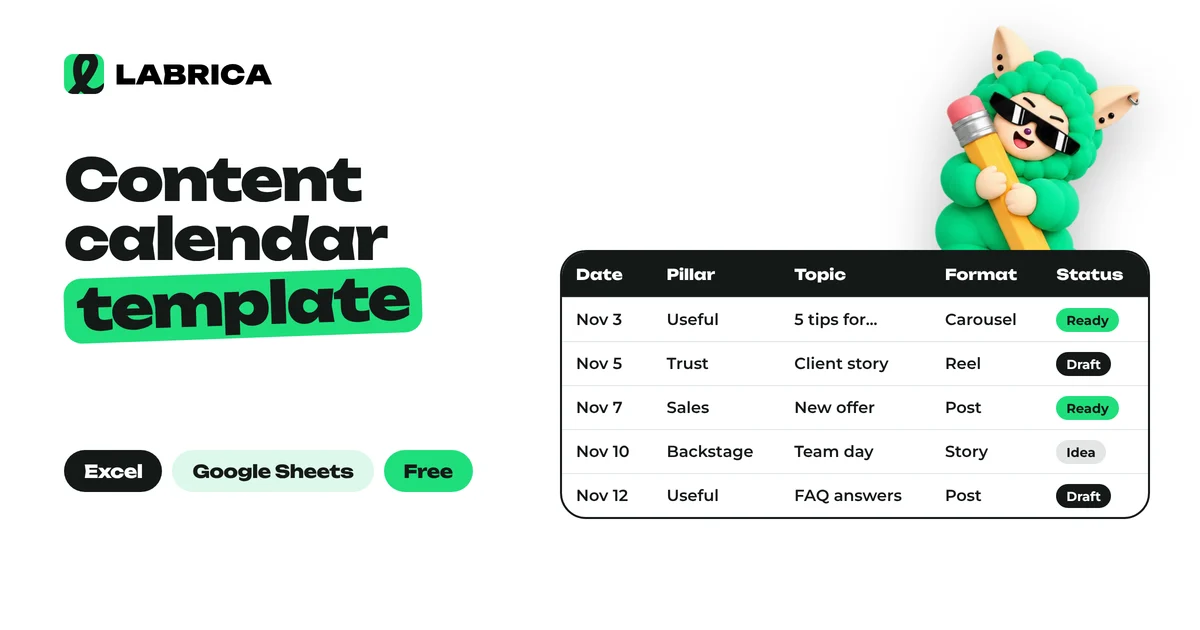
Social Media Content Calendar Template: Free Excel and Google Sheets Spreadsheet, Monthly Example and How to Fill It In
A social media content calendar template is a spreadsheet where every post has a date, content pillar, topic, format, platform, goal and status. The minimum version fits in seven columns. Teams add an owner, a UTM-tagged link and results. Below you can download a free Excel template that also opens in Google Sheets, with a sample month and dropdown lists inside.
 Content planning
Content Pillars: How to Build Them in 6 Steps, Plus 24 Content Pillar Examples by Goal
Content pillars are recurring post themes with a clear goal and format, such as "Stylist's tip every Friday". To build them, set your account goals, list your audience's questions and pain points, group them into 4 to 7 pillars, give each one a goal, format and day of the week, and review the results in your analytics once a month.
 Content planning
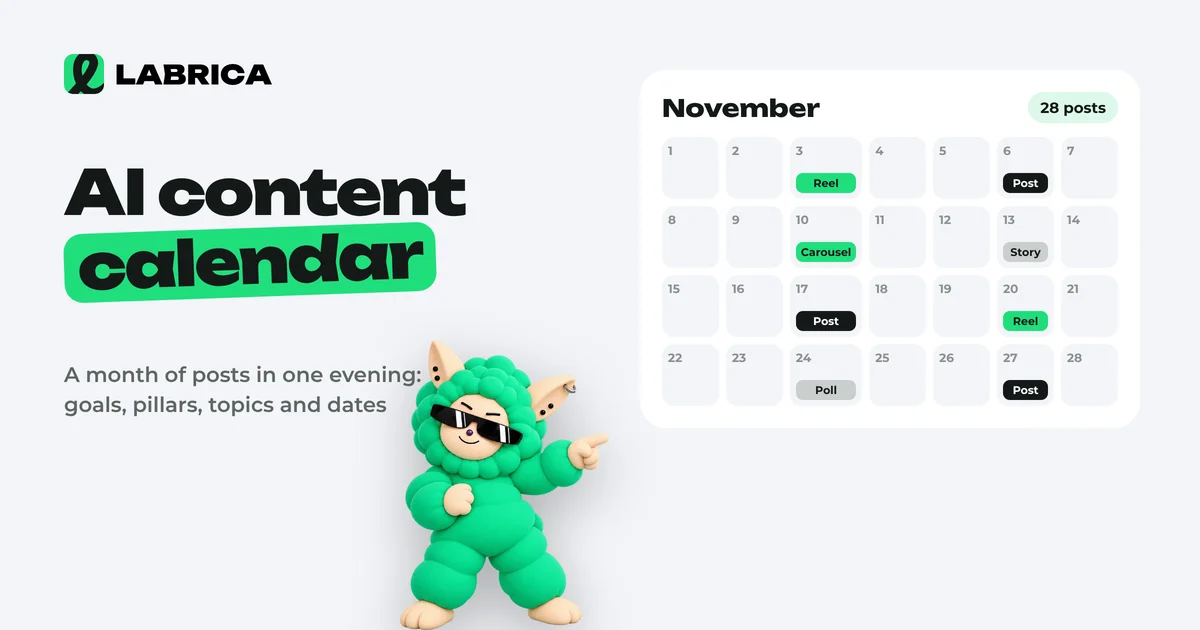
How to Build an AI Content Calendar: A Step-by-Step Guide with a Monthly Template
To build a content calendar with AI, first give it context about the business: audience, products, tone, goals and the month's events. Then ask for content pillars, then post topics for the month with formats and dates, and always edit the result by hand. The quality of the calendar depends on your brief more than on the AI model.