

UTM Parameters for Social Media: How to Build Them, Link Examples and Naming Conventions
UTM parameters are tags added to the end of a link that tell your web analytics, such as Google Analytics 4, which social network, campaign and post a visitor came from. For social media you need three required parameters, utm_source, utm_medium and utm_campaign, and utm_content helps you tell individual posts apart. Consistent naming conventions matter most, or your reports turn into chaos.

Without UTM parameters, your website analytics lumps all social media visits together, and often records them as direct traffic. You publish posts on Telegram, Instagram* and YouTube, get leads, but don't know which post brought them. UTM parameters for social media solve this: every link is labeled, and your reports show where each visitor came from. This guide covers the parameters, ready-made link examples, naming conventions and the mistakes that break your analytics.
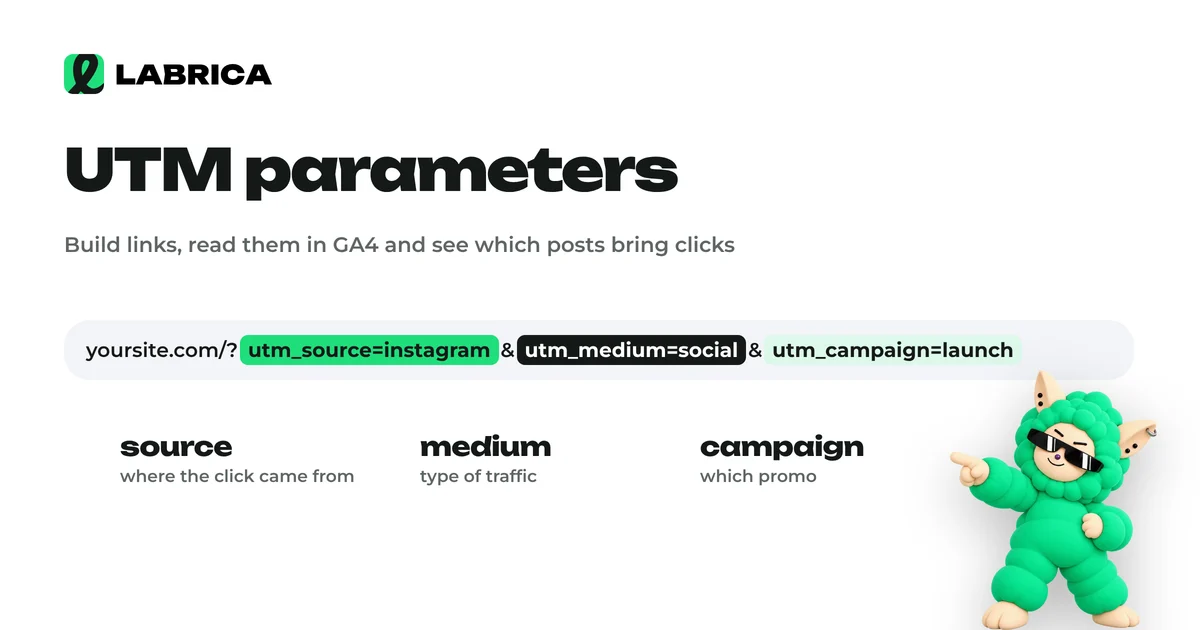
What a UTM parameter is
A UTM parameter is a set of tags added to a regular link after a question mark. The visitor sees the same page, while your analytics reads the tags and records the source of the visit.
A link without UTM parameters:
https://example.com/menu
The same link with UTM parameters:
https://example.com/menu?utm_source=telegram&utm_medium=social&utm_campaign=autumn_menu&utm_content=post_croissant
The structure is simple: the page address, then "?", then "parameter=value" pairs separated by "&".
UTM parameters: what each one means
| Parameter | Required | What it means | Social media example |
|---|---|---|---|
| utm_source | Yes | The source, meaning the specific platform | telegram, instagram, facebook, tiktok, youtube |
| utm_medium | Yes | The channel or traffic type | social (organic), paid_social (ads), stories |
| utm_campaign | Yes | The campaign, promotion or topic | autumn_menu, black_friday, open_day |
| utm_content | No | The specific post or ad variant | post_croissant, carousel_3, video_promo |
| utm_term | No | A keyword; on social media, an audience or segment | parents, students, b2b |
For organic social posts, four parameters are enough: source, medium, campaign and content. utm_term comes in handy if you run ads for several audiences and want to compare them.
A useful detail for Google Analytics 4: if you set utm_medium=social and use a known social network as the source, GA4 counts the visit in its default Organic Social channel. A medium that starts with "paid", such as paid_social, combined with a social source lands in Paid Social. Sticking to these values keeps your channel reports clean without extra setup.
UTM link examples for different networks and businesses
Ready examples you can adapt for your own website. The domain example.com is a placeholder.
Bakery, Telegram channel post about a new pastry:
https://example.com/menu?utm_source=telegram&utm_medium=social&utm_campaign=autumn_menu&utm_content=post_pumpkin_pie
Hair salon, Facebook post with a booking offer:
https://example.com/booking?utm_source=facebook&utm_medium=social&utm_campaign=manicure_promo&utm_content=post_before_after
Auto repair shop, link in a video description:
https://example.com/diagnostics?utm_source=youtube&utm_medium=social&utm_campaign=winter_check&utm_content=video_brakes
Gym, link in Stories:
https://example.com/trial?utm_source=instagram&utm_medium=stories&utm_campaign=trial_week&utm_content=stories_coach_anna
Real estate agency, paid post on Facebook for two audiences:
https://example.com/new-homes?utm_source=facebook&utm_medium=paid_social&utm_campaign=new_homes_oct&utm_content=ad_carousel&utm_term=young_families
Notice the pattern in every example: source is the platform, medium is the traffic type, campaign is the topic or promotion, and content identifies the specific post. This logic should be the same in every link your company creates.
UTM naming conventions
Analytics usually breaks because of messy tags, more often than because of missing ones. When one person writes "facebook", another "Facebook" and a third "fb", your report shows three different sources. Agree on the rules once and write them down.
- Lowercase only. GA4 and many other analytics tools are case-sensitive, so "Telegram" and "telegram" become separate rows.
- No spaces. Use an underscore or a hyphen instead of a space. Pick one and use it everywhere.
- Plain Latin letters and digits. Accented or non-Latin characters get encoded into long strings that are hard to read in reports.
- A fixed list of sources. For example: telegram, instagram, threads, facebook, x, tiktok, youtube.
- A fixed list of mediums. social for organic posts, paid_social for ads, stories for Stories, bio for the profile link.
- Clear campaign names. The name should still make sense in six months: "new_year_sale_2026" is better than "promo1".
- content describes the post. Format and topic: post_, video_, carousel_, stories_ plus a short description.
Keep this list in a shared spreadsheet with the allowed values and examples for each parameter. A new team member opens the sheet and builds a link without asking anyone.
Where to put UTM links on social media
Links on social media don't live only in the post text. To see the full picture, tag every place a person can click through to your website, and tell them apart with utm_medium or utm_content.
| Link placement | What to set in the tags | Comment |
|---|---|---|
| Post text | medium=social, content=post_topic | The main source of clicks for most businesses |
| Button under a Telegram post | medium=social, content=button_topic | Lets you compare the button with the link in the text |
| Stories | medium=stories | Clicks from Stories often behave differently from post clicks |
| Profile or bio link | medium=bio | Works all the time, so keep it separate from posts |
| Video description | medium=social, content=video_topic | For YouTube videos and short videos |
| Pinned post | content=pinned_topic | Shows whether people actually read the pinned post |
| Paid post or sponsored placement | medium=paid_social | Always keep it separate from organic traffic |
Tag links in creator collaborations and posts on other people's channels separately. Putting the creator's or channel's name in utm_content shows which placement paid off and which didn't.
Example of a UTM link log
A link log is a simple spreadsheet where you record every link you create. After a couple of months, it becomes a map of which posts and campaigns brought people to your website.
| Date | Platform | Post | Campaign | Full link | Short link | Clicks |
|---|---|---|---|---|---|---|
| telegram | Autumn pie | autumn_menu | ||||
| Manicure before and after | manicure_promo | |||||
| Coach Stories | trial_week |
Fill in the Clicks column at the end of the month from your short link counter or from your web analytics. If the log is shared, agree on who keeps it updated, or it will go stale quickly.
How to create a UTM link step by step
- Choose the landing page where the person should end up. Send them to a specific page, such as the menu, booking form or product, rather than the homepage.
- Pick the source from your list: the platform where the link will appear.
- Pick the medium: organic post, ad, Stories or profile link.
- Name the campaign according to your rules: a topic or a promotion.
- Add content to tell posts apart within the campaign.
- Build the link: the address, "?", then parameters joined with "&". Google's free Campaign URL Builder can do this for you.
- Test the link by opening it in a browser. The page should load and the tags should stay in the address bar.
- Shorten the link if it will be visible in the post text.
- Record the link in your log with the date and the post it was added to.
Short links with UTM parameters: why you need them
A long link with five parameters looks clunky in a post and puts people off. In some places, such as video captions, Stories and profile descriptions, long links are also inconvenient. The fix is a short link that redirects to the full tagged link.
Benefits of short links:
- A clean look in the post text.
- A built-in click counter, even if your website has no analytics yet.
- The option to change the destination page with some services, without editing the link in the post.
Make sure the UTM parameters survive the shortening. Check by clicking the short link and looking at the address of the page that opens.
In LABRICA this happens without manual work. Links in your posts get short links with UTM tags, and clicks from each post are counted in analytics. You don't have to maintain the naming list by hand or make sure everyone on the team writes the tags the same way. See what each plan includes on the pricing page.
Where to see UTM results in Google Analytics 4
UTM parameters work together with the analytics on your website. In Google Analytics 4, open Reports, then Acquisition, then Traffic acquisition. Switch the primary dimension to Session source / medium or Session campaign, and add Session manual ad content as a secondary dimension to see utm_content. You will see:
- how many sessions each social network brought;
- which posts drove the most clicks;
- how many people from each source submitted a form or made a purchase, if you have key events (formerly called conversions) set up.
This is where social media meets revenue. A post with high engagement but no clicks or leads is a signal to rework the call to action. To connect these numbers with your social media goals, see social media KPIs and what engagement rate is and how to calculate it.
Common UTM mistakes
| Mistake | What happens | How to fix it |
|---|---|---|
| Inconsistent case and spelling | One source splits into several rows | Lowercase letters and a fixed list of values |
| UTM tags on internal website links | The visitor's session gets overwritten and the real source is lost | Tag only external links from social media |
| Missing "?" or two "?" in the link | Tags aren't read and the page may not load | Test every link before publishing |
| One link for every post | You can't tell which post worked | Use utm_content for each post |
| Non-Latin characters and spaces | Unreadable reports and broken links | Latin letters and underscores |
| No link log | A month later nobody knows what "campaign_2" means | Keep a log of campaigns and links |
| Ads tagged as organic | Organic content looks more effective than it is | Split medium into social and paid_social |
Checklist before you publish a link
- It points to the right page, not the homepage.
- It has source, medium and campaign.
- It has content if the campaign includes several posts.
- Everything is lowercase, with no spaces.
- Values come from your company's list.
- The link opens and the tags survive the redirect.
- The link is shortened if it is visible in the text.
- The link is recorded in the log.
To find the best slots for posts that carry these links, see how often to post on social media.
*Instagram, Facebook and Threads belong to Meta Platforms Inc., which is designated an extremist organization in the Russian Federation.
Frequently asked questions
Which UTM parameters are required for social media?
Three are required: utm_source (the platform), utm_medium (the traffic type) and utm_campaign (the campaign). For organic posts, it helps to add utm_content to tell posts apart.
Do UTM parameters affect a post's reach?
The tags themselves don't affect impressions, since the platform sees a regular link. If the link looks clunky, shorten it so the post reads more cleanly.
Can you add UTM parameters to your profile link?
Yes, and you should. Use a separate medium value, such as bio, to tell profile clicks apart from post clicks.
How does LABRICA work with UTM parameters?
LABRICA creates short links with UTM tags for links in your posts and counts clicks from each post. The tags follow one set of rules, so your reports don't fall apart because of typos.
Do you need UTM parameters if the platform already shows clicks?
Yes, if you want to know what people did on your website. The platform only sees the click, while Google Analytics 4 uses the tags to show leads and purchases by source.
What is the difference between utm_campaign and utm_content?
utm_campaign groups all materials of one promotion or topic, while utm_content identifies specific posts or variants within it. For example, an "autumn_menu" campaign with three posts about different dishes.
Run your social media with LABRICA
Ideas, posts in your brand voice, images, a content calendar and auto-publishing to every network in one window. No card required to start.
- Brand scan of your site and accounts
- Posts and carousels in your brand voice
- Auto-posting to Instagram*, TikTok, X and more
- Analytics and UTM links

Keep reading
 Analytics
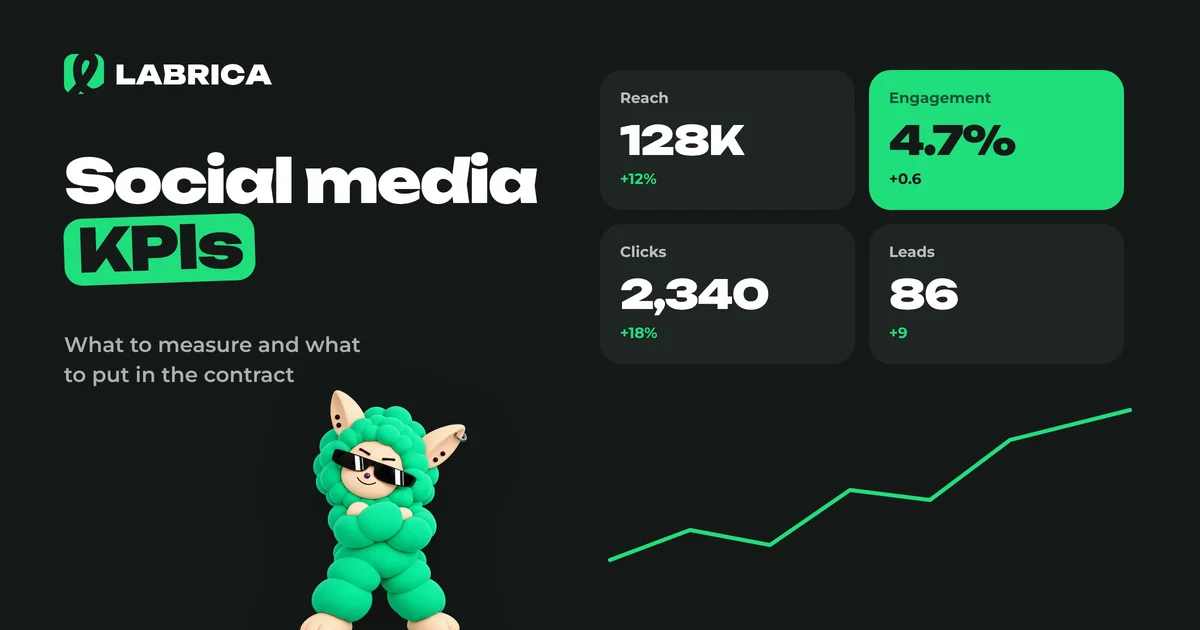
Social Media KPIs for a Social Media Manager: How to Evaluate the Work and What to Put in the Contract
Social media KPIs for a social media manager work on three levels: process (was the plan delivered on time), content (reach, engagement, saves, clicks) and business (leads and sales from social). Set targets from your own baseline over the last 2 to 3 months, not from benchmarks found online. Follower count and likes should never be the main KPI, because they are easy to inflate without any business value.
 Analytics
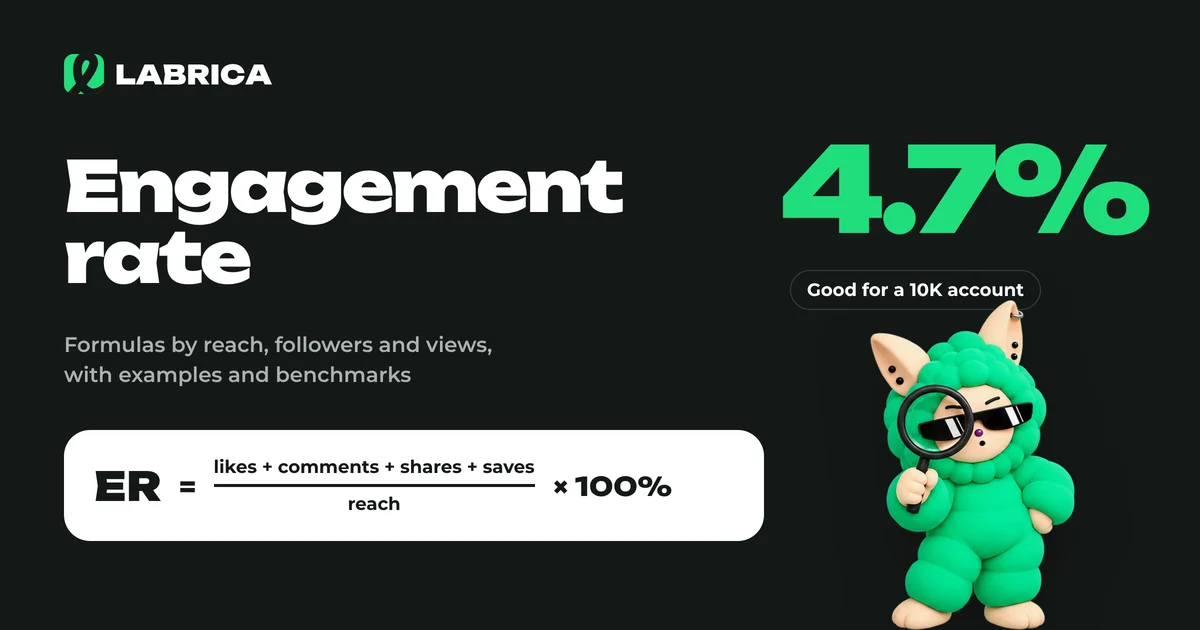
What Is Engagement Rate and How to Calculate It: Engagement Rate Formulas with Examples
Engagement rate (ER) shows what share of your audience interacted with a piece of content. It's calculated as the sum of reactions, comments, shares and saves divided by reach, followers or views, multiplied by 100%. The result depends on which base you choose, so pick one formula and stick with it.
 Content planning
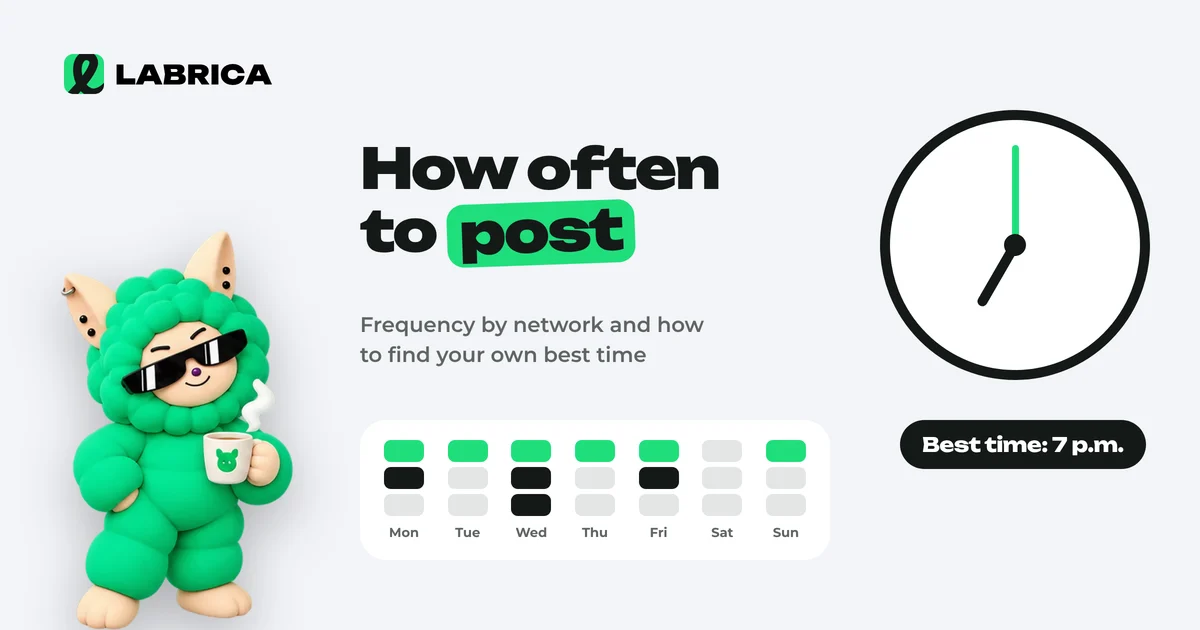
How Often to Post on Social Media and When: How to Find Your Own Posting Schedule
There is no universal best time to post on social media, because it depends on your audience. A practical starting point for a business is 3 to 5 posts a week on your main platform, and the timing should come from your own analytics. For 3 to 4 weeks, publish similar posts in different time slots, compare reach and engagement in the first hours and keep the slots that win.