

Content Repurposing: How to Turn One Article or Video into Ten Social Media Posts
Content repurposing means turning one large piece into a series of formats for different platforms. An article, webinar, podcast or long video becomes posts, carousels, short videos, quote cards and a newsletter. The method is simple. Pull 5–10 standalone ideas from the source, match each one to a format and a platform, and spread the posts across your content calendar over several weeks.

A large piece of content, like a webinar, article, interview or podcast, takes a lot of work. On social media it lives for a day: the post goes out, gets its reach and sinks down the feed. Content repurposing fixes that. From one strong source you make a series of posts in different formats and on different platforms, and each one finds its own audience.
Good repurposing goes beyond reposting the same thing. One idea from an hour-long webinar becomes its own post, a carousel explains a framework from an article, and a short video shows the best moment of an interview.
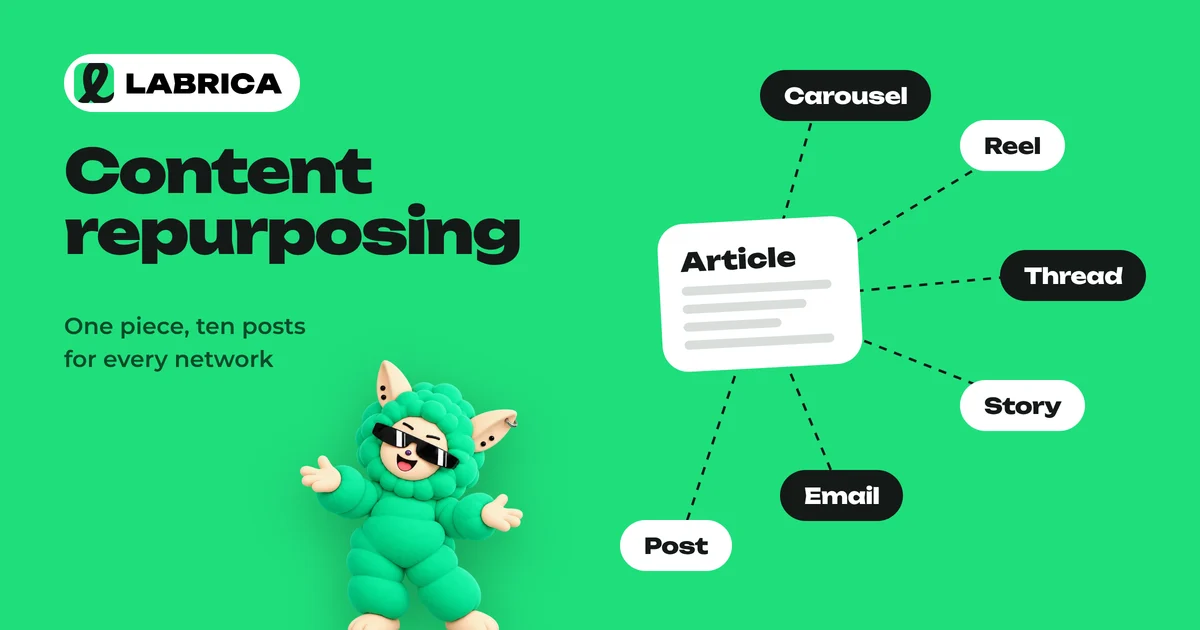
Repurposing, adapting and cross-posting compared
| Approach | What happens | Example |
|---|---|---|
| Cross-posting | The same post goes to several networks | A sale announcement on Facebook* and Telegram at once |
| Adapting | The same post, edited for each platform | Shorter for Telegram, with hashtags for Instagram* |
| Repurposing | New pieces of content are made from one source | A webinar becomes five posts, two carousels and three short videos |
| Updating | An old piece is rewritten with new data | A 2024 article refreshed with current numbers |
Repurposing takes the most work of the four, and it pays off the most: each new piece stands on its own and is useful by itself.
What content is worth repurposing
The best sources are pieces with many separate ideas:
- webinars and livestreams;
- podcasts and interviews;
- long articles and guides;
- conference talks;
- case studies and breakdowns;
- answers to common customer questions.
News posts and short announcements repurpose poorly. There's nothing to pull out of them.
How to repurpose content: a step-by-step strategy
- Pick the source. Choose a piece that has already proven itself: lots of views, saves or questions.
- List the standalone ideas. Each one should make sense without context. An hour-long webinar usually gives 7–12 of them.
- Match a format to each idea. A framework goes into a carousel, a strong moment into a short video, a quote into an image, a step-by-step guide into a post or article.
- Match a platform. Telegram favors text and expertise, Instagram and Facebook favor carousels and Reels, YouTube Shorts and TikTok favor vertical video.
- Rewrite for the format. Don't just trim the text. Write it again, because a carousel has its own rhythm and so does a short video.
- Spread it across the content calendar. Don't post everything in one day. A series over 2–4 weeks works better.
- Link the pieces. Each post can point back to the full source. Tag those links with UTM parameters to see which pieces bring traffic.
Example: what one webinar can turn into
Take a hair salon webinar, "How to care for your hair after coloring".
| Piece of content | Format | Platform |
|---|---|---|
| "Five mistakes after coloring" | 6-slide carousel | Instagram, Facebook |
| A stylist shows the right way to blow-dry | Short video | Instagram Reels, YouTube Shorts |
| "Why color fades in two weeks" | Expert post | Telegram |
| A stylist's quote about heat protection | Quote card | Instagram, Telegram |
| An answer to a question from the webinar chat | 20-second video | TikTok |
| "Home care checklist" | Carousel or save-worthy post | All platforms |
| Webinar recording announcement | Post with a link | Telegram, Facebook |
| A roundup of viewer questions | FAQ post | Telegram |
Eight posts make two or three weeks of content from one hour of live video. For more ways to fill each format, see carousel posts and social media post ideas.
How to repurpose YouTube videos for TikTok and Shorts
If you have a long YouTube video, you can turn it into short clips for Reels, Shorts and TikTok:
- Find 15–60 second segments in the long video that contain a complete idea.
- Convert them to vertical 9:16 and make sure the person stays in frame.
- Add subtitles, since short videos are often watched without sound.
- Start with the strongest moment, not the beginning of the sentence.
- Add on-screen text with a hook.
Any video editor on a phone or computer can cut the clips. How to structure the video itself is covered in Reels script ideas.
How to turn a blog post into social media posts
An article is a convenient source because its ideas are already structured.
- Each H2 becomes a post. A section of the article is rewritten as a post for Telegram or Facebook.
- Tables and lists become carousels. Comparisons and checklists look great as slides.
- The main takeaway becomes a short video. An expert explains it on camera in 30 seconds.
- Quotes become images.
- FAQs become a series of answer posts.
Content repurposing tools
You don't need one "magic" app, but a set of tools speeds up the work:
| Task | What to use |
|---|---|
| Transcribe a webinar or podcast | A speech-to-text service |
| Pull out ideas and rewrite them for each format | An AI model with a good prompt |
| Make carousels and images | A graphic editor or an image generator |
| Cut video | A video editor |
| Schedule and publish | A content calendar with auto-publishing |
LABRICA covers part of this chain in one place. You describe an idea from the source, and LABRICA writes a post in your company's voice, makes a 6- or 9-slide carousel or a short video from a script, and the content calendar publishes the series on the right days to Telegram, Instagram, Facebook, TikTok, YouTube and other connected networks. The text can be adjusted for each platform. LABRICA does not automatically cut an existing long video into clips; you'll need a video editor for that.
Repurposing mistakes
- Copying without rewriting. A chunk of webinar transcript reads badly without edits.
- Posting everything in one day. Followers see the same thing in different wrappers.
- Repurposing weak content. If the source didn't land, ten copies of it won't either.
- Losing context. An idea pulled from the middle of an argument can sound odd.
- Not linking the pieces. Each piece is a chance to bring someone to the full source.
To make repurposing a system, build it into your content pillars: for example, one large piece a month and 6–8 posts made from it. How to plan that rhythm is covered in building a content calendar with AI.
*Instagram, Facebook and Threads belong to Meta Platforms Inc., which is designated an extremist organization in the Russian Federation.
Frequently asked questions
What is content repurposing?
It's turning one large piece of content into a series of new posts in different formats: posts, carousels, short videos and quote cards. Each piece stands on its own and fits its platform.
How is repurposing different from cross-posting?
Cross-posting publishes the same post on several networks. Repurposing creates new pieces of content from the source, with a different format and angle.
How many posts can I make from one webinar?
Usually 7–12 standalone ideas, which means the same number of posts, carousels or short videos. They're easy to spread over 2–4 weeks.
How do I repurpose a YouTube video for TikTok and Reels?
Pick 15–60 second segments with a complete idea, convert them to vertical 9:16, add subtitles and put a hook in the first seconds.
Does LABRICA help with content repurposing?
Yes, with the text and visual side. LABRICA writes posts, makes carousels and short videos from your idea and publishes the series from the content calendar. Cutting an existing long video into clips is done in a video editor. You can try LABRICA free.
Run your social media with LABRICA
Ideas, posts in your brand voice, images, a content calendar and auto-publishing to every network in one window. No card required to start.
- Brand scan of your site and accounts
- Posts and carousels in your brand voice
- Auto-posting to Instagram*, TikTok, X and more
- Analytics and UTM links

Keep reading
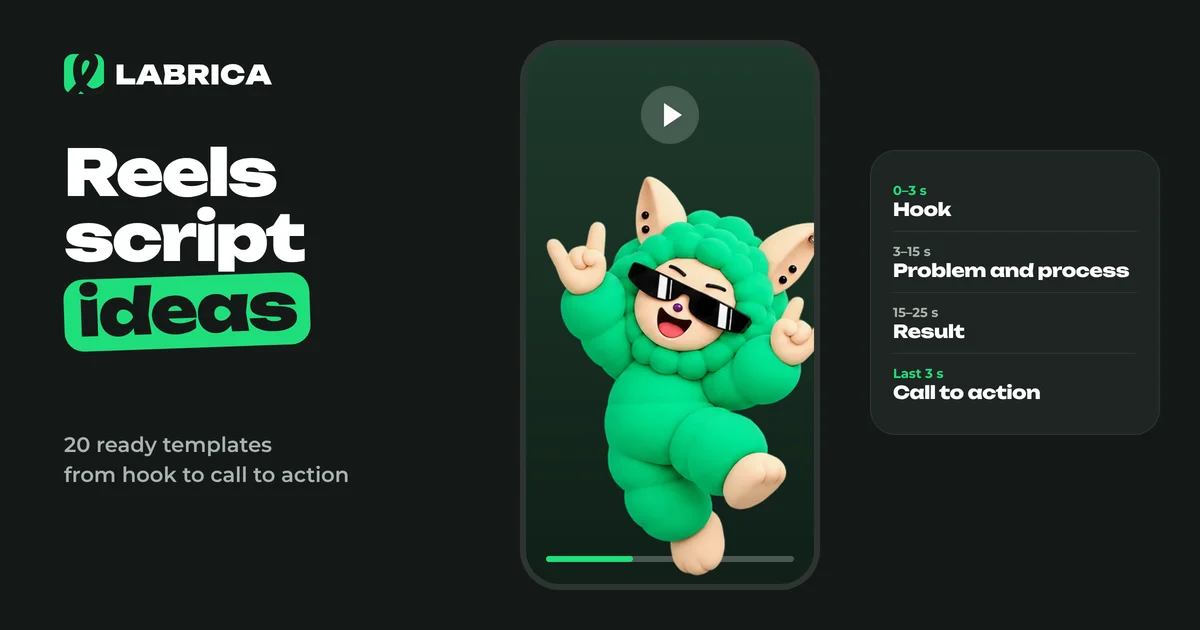 Content creation
Reels Script Ideas: How a Short Video Works and 20 Ready-Made Templates for Business
A Reels script rests on four parts. A hook in the first seconds tells people why to watch. Then comes the body with one idea or process, a turn or result, and a short call to action. For businesses, the strongest templates are "before and after", "process in a minute", "mistake and the right way", "answering a customer question" and "a day in the life". The easiest way to write a script is a table with the shot, what happens in it and the on-screen text.
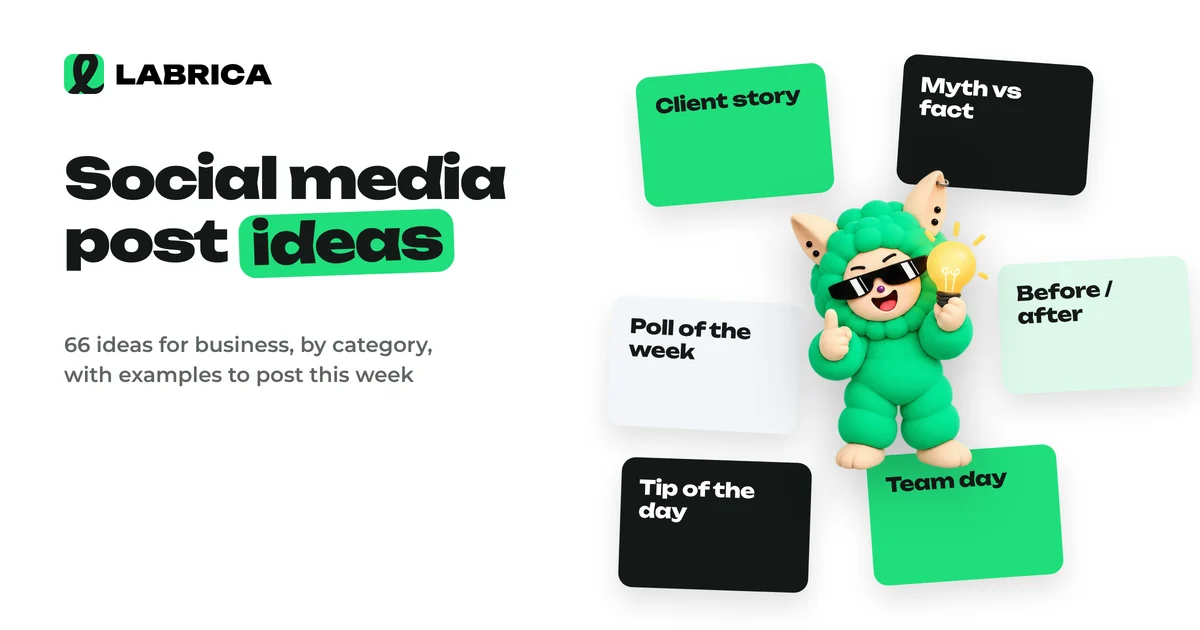 Content planning
Social Media Post Ideas for Business: 66 Ideas by Category with Examples
Social media post ideas for business are easiest to find in six categories: educational posts (tips, myths, breakdowns), promotional posts (product, reviews, objections), engagement posts (polls, questions), games and interactive posts, behind the scenes (team, processes) and UGC, content made by customers. Below are 66 specific ideas with short examples for a bakery, a salon, an auto repair shop, a gym and other businesses.
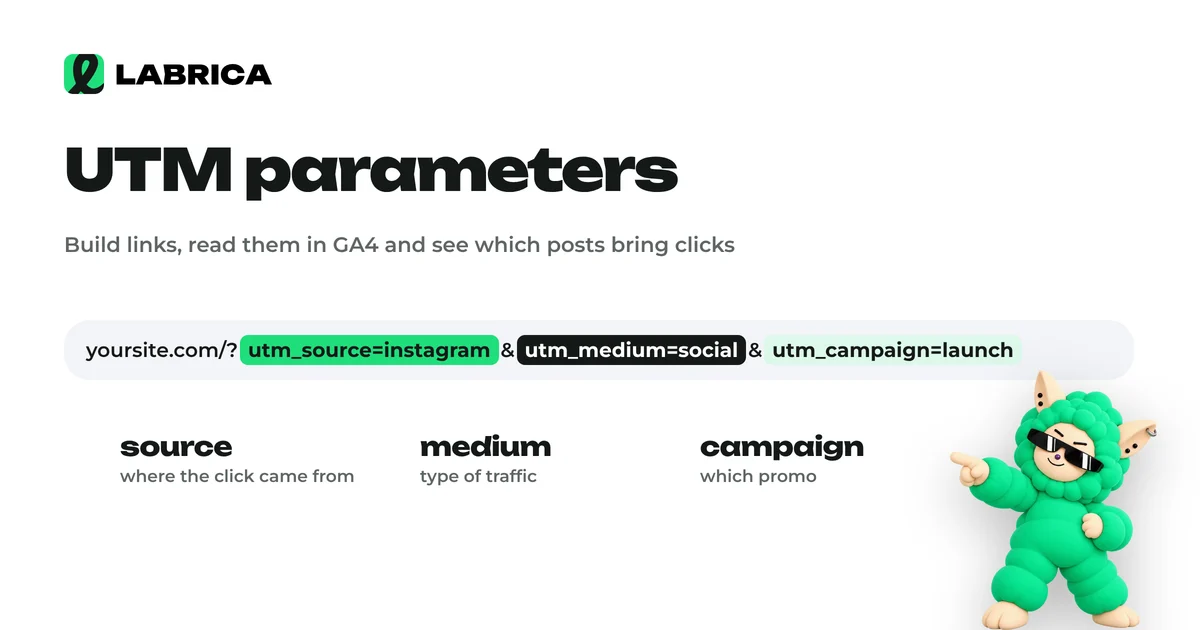 Analytics
UTM Parameters for Social Media: How to Build Them, Link Examples and Naming Conventions
UTM parameters are tags added to the end of a link that tell your web analytics, such as Google Analytics 4, which social network, campaign and post a visitor came from. For social media you need three required parameters, utm_source, utm_medium and utm_campaign, and utm_content helps you tell individual posts apart. Consistent naming conventions matter most, or your reports turn into chaos.