

Social Media Marketing Tools: What They Are and Which Ones a Business Actually Needs
Social media marketing tools are services and built-in platform features that handle specific parts of running social accounts: scheduling and publishing, creating copy and visuals, approvals, analytics, UTM links, competitor monitoring and ads. The right set depends on volume. One person can get by with 2 or 3 tools, while a team or agency needs a shared calendar, roles and unified analytics.

Ask ten social media managers which tools they use and you'll get ten different lists of twenty items each. Half of those lists are subscriptions paid out of habit: a scheduler that duplicates another scheduler, three image generators and a spreadsheet where data still gets copied in by hand.
The good news is that social media work comes down to eight tasks, and each one needs a single tool. Sometimes the platform's own built-in features are enough. Below is a map of those tasks, a closer look at social media scheduling tools and ready-made tool stacks for businesses of different sizes.
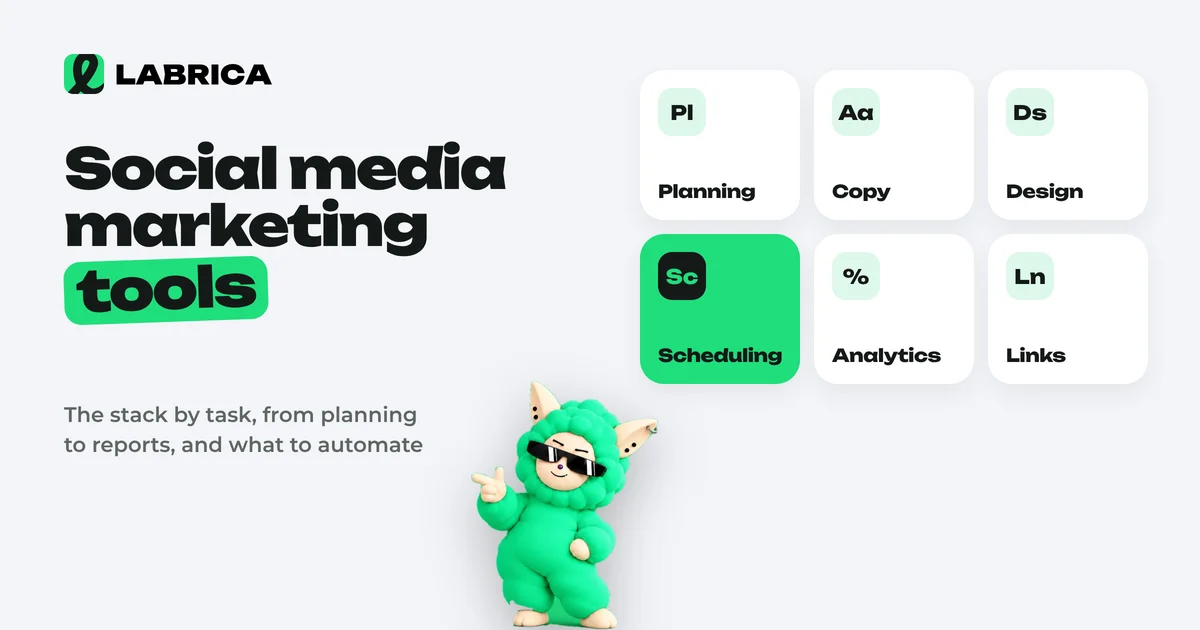
What are social media marketing tools and what are they for
Social media marketing tools are apps, services and built-in social network features that make social media work faster and more precise: preparing content, publishing it on schedule, getting team approval and measuring results. Their job is to make sure running social media doesn't depend on one person's memory and manual copy-pasting.
It helps to keep two things apart. A tool saves time on a task you already understand. It doesn't replace strategy: if you don't know who you're writing for and why, the best scheduler will just neatly publish posts nobody reads. That's why it makes sense to start with a social media strategy and pick tools to fit it.
A map of social media tools: eight tasks
| Task | What the tool does | What's free inside the networks | When you need a separate service |
|---|---|---|---|
| Scheduling and publishing | Calendar, scheduled posts, publishing to several networks | Scheduled posts in Meta Business Suite, Telegram, YouTube | More than one platform or more than one person |
| Writing copy | Ideas, drafts, editing | None | Regular posting and a consistent brand voice |
| Visuals | Images, carousels, covers, video | Simple editors inside the apps | A consistent feed style and speed |
| Approvals | Statuses, roles, comments on posts | None | Two or more people are involved |
| Analytics | Reach, engagement, growth, best posts | Each platform's built-in insights | Several platforms and a need for one report |
| Links and clicks | UTM tags, short links, click counts | None | You need to know which posts bring customers |
| Competitor monitoring | What others publish and how | Browsing manually | More than two or three competitors |
| Advertising | Targeted ads, influencer placements, boosted posts | The platforms' ad managers | Always separate: Meta Ads Manager, TikTok Ads, Google Ads |
The table shows a simple pattern. While you work alone on one network, its built-in features are often enough. Separate tools pay off as the number of platforms, people or posts grows.
Which social media scheduling tools help plan posts
For planning you need a tool that shows every post for the month ahead across all platforms and publishes them automatically at the set time. That can be the calendar in an auto-posting service or a content platform where the plan is connected to post creation. A spreadsheet only works at the start: it doesn't publish and it doesn't remind you.
What to look for when choosing:
| Criterion | Why it matters |
|---|---|
| The platforms you need | Instagram*, TikTok, YouTube, Telegram, X and the others where your audience is. Check against your own list, not a general "supports social networks" claim |
| Calendar view | Month and week views with drag and drop, so the plan can be rebuilt in minutes |
| One post to several networks | With the option to adjust the copy for each platform |
| Statuses | Draft, in review, approved, scheduled, so you can see what's ready to go |
| Media | Carousels, video, albums. Not every platform or service supports everything |
| Posting time | Whether you can set a separate time for each platform |
| Access | How many people can work in it and with what permissions |
How to set up publishing on a schedule is covered in the guide to social media auto-posting. If you need a starting structure for the plan itself, take the free social media content calendar template.
Content creation tools
There are three classes here: general-purpose AI assistants for copy, image and video generators, and platforms where all of this is tied to a brand profile and a plan.
A general assistant is good for one-off tasks but needs you to explain who you are every time. Image generators give you visuals, but keeping a consistent feed style is still on you. A platform solves both problems at the cost of setting up the brand profile once. How to choose an AI for copy is covered in best AI writing tools, and for images in AI image generator for social media. For video, see AI video generator for social media.
Analytics, links and monitoring
The platforms' built-in insights show a lot, but separately for each network and in different terms. A separate tool makes sense when you want to see all platforms on one screen and compare them. Which metrics to watch and how to read them is covered in social media analytics.
For clicks from posts to your website you need UTM parameters. Without them, traffic from different social networks merges into a single line in web analytics, and you can't tell which post brought in a lead.
Competitor monitoring can be done by hand once a month using the template from social media competitor analysis. A tool becomes worth it when there are many competitors and you want to see their posts regularly rather than once a quarter.
Ready-made tool stacks by business size
| Who you are | Minimum set | What to add as you grow |
|---|---|---|
| Solo: an expert or freelancer, one or two networks | Built-in scheduling, an AI assistant for drafts, built-in insights | A service that publishes to several networks at once |
| Small business, 2 to 3 platforms, owner plus an assistant | One calendar with auto-posting, copy and image generation in the brand style, combined analytics, UTM links | Approval by status, competitor monitoring |
| Marketing team, 3 to 10 people | A platform with roles and statuses, a brand profile shared by all writers, analytics by platform, UTM | Rule-based automation of routine tasks |
| Social media agency, many clients | Separate workspaces per client, a role for the client who approves, reports | Process and brief templates |
The main trap for a small business is assembling a stack from five different services. Each one is cheap on its own, but together they mean five passwords, five subscriptions and manual data transfer between them.
LABRICA brings most of the stack into one place: a brand scan and company profile, generation of copy, images, carousels and short videos, a content calendar with auto-publishing to Telegram, Instagram, TikTok, YouTube, X and other networks, roles and approvals, analytics by platform, short links with UTM tags and competitor analysis. Ad managers stay separate. Plans are listed on the pricing page.
SMM panels are not social media tools
Searches for social media tools often turn up "SMM panels." These are services that sell fake followers, likes and views. They have nothing to do with running social media, and they do direct damage: fake followers don't read or buy, the share of real audience drops, and reach drops with it. If you want growth, put the effort into content and a social media strategy instead.
How not to overpay for social media marketing tools
- List your tasks using the table above and mark which ones are already covered for free.
- Count platforms and people. That decides whether you need a shared calendar and roles.
- Look for overlaps. If a scheduler and a content platform both publish posts, one subscription is redundant.
- Test on a real week of work, not on a demo: move your plan into the tool, publish a few posts, pull a report.
- Review the stack every six months. Tools update quickly, and the feature you kept a separate service for may have appeared in your main one.
*Instagram, Facebook and Threads belong to Meta Platforms Inc., which is designated an extremist organization in the Russian Federation.
Frequently asked questions
What are social media marketing tools in simple terms?
They're services and social network features that help run social media: planning and publishing posts, creating copy and images, getting team approval, counting reach and clicks, watching competitors and running ads.
Which tools does a social media manager need first?
A calendar with scheduled publishing, a tool for copy and visuals, analytics by platform and UTM parameters for links. Approvals and competitor monitoring come in as the team and the number of platforms grow.
Which tools help schedule social media posts?
Auto-posting services and content platforms with a month and week calendar, publishing to several networks and post statuses. For one platform and one person, the built-in scheduling feature is enough.
Can you run social media with free tools only?
Yes, if you have one or two platforms and work alone: scheduled posts and insights are built into the networks themselves. As platforms and people are added, manual copying and scattered reports start costing more than a subscription.
Which social media tools does LABRICA include?
LABRICA includes a brand scan, a company profile, generation of copy, images, carousels and short videos, a content calendar with auto-publishing, roles and approvals, analytics, UTM links and competitor analysis. Ads are run in the platforms' own ad managers.
Run your social media with LABRICA
Ideas, posts in your brand voice, images, a content calendar and auto-publishing to every network in one window. No card required to start.
- Brand scan of your site and accounts
- Posts and carousels in your brand voice
- Auto-posting to Instagram*, TikTok, X and more
- Analytics and UTM links

Keep reading
 Strategy
How to Create a Social Media Strategy for Your Business: 9 Steps and a Template
A social media strategy for a business is a 1 to 3 page document that answers five questions: why the company is on social media, who it's talking to, on which platforms, about what and how often, and which metrics will show it's working. You can put one together in 9 steps and review it once a quarter.
 Strategy
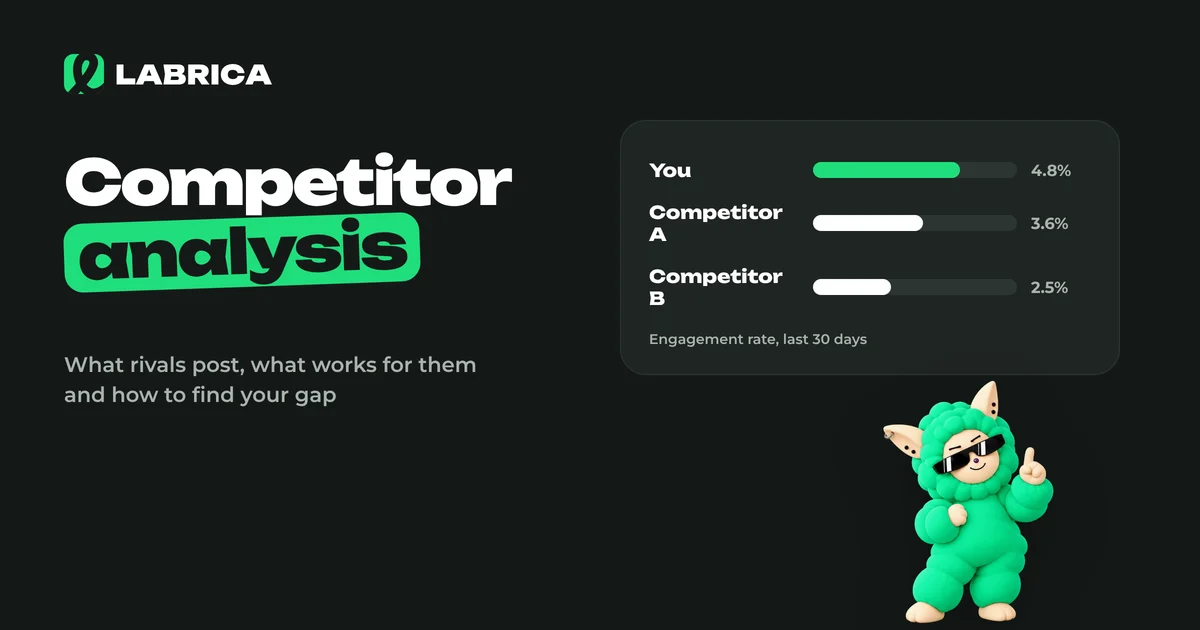
Social Media Competitor Analysis: A Step-by-Step Guide With a Template
A social media competitor analysis reviews 3 to 10 accounts in your niche using one framework: platforms, posting frequency, content pillars, formats, tone, engagement and offers. The goal is to find what already works with your audience and the gaps nobody is filling, and copying is not the point. The result is a list of ideas and hypotheses for your content calendar.
 Analytics
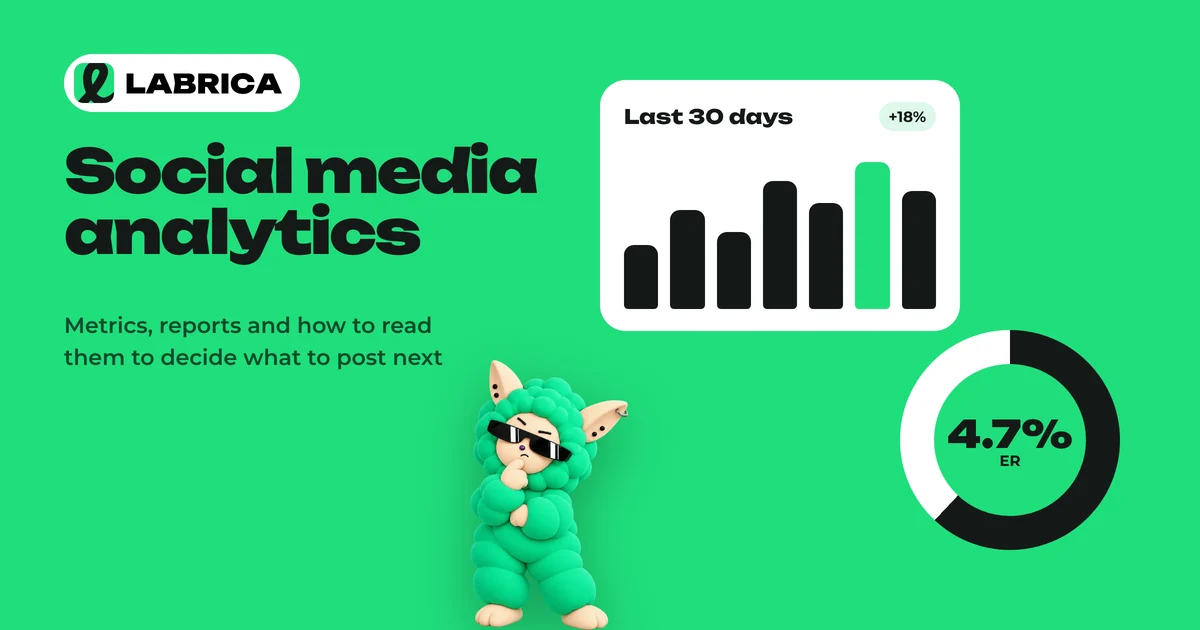
Social Media Analytics: Which Metrics to Track and What to Do With the Results
Social media analytics for a business comes down to five groups of metrics: reach, views, engagement rate (ER), clicks and follows. Each one answers its own question, from "does anyone see us" to "does social media bring in customers." Track them over time and by content pillar, and turn every conclusion into a specific change in the content calendar.