

AI Image Generator for Social Media Posts: How to Get Images That Match Your Brand Style
An AI image generator for social media posts works well when it gets a creative brief instead of a topic: the medium, the scene, the lighting, a composition with room for a headline, your brand palette and a list of exclusions. For a consistent feed, give it references, 3 to 5 typical images from your account. Add text to the image separately, and photograph real people and real products whenever you can.

Anyone can now generate an image for a post in a minute. That is why feeds have filled up with the same pictures: glossy people with perfect skin, purple and blue lighting, futuristic offices, coffee nobody drinks. Followers have learned to scroll past these images as fast as they scrolled past stock photos ten years ago.
The weak point is the brief. A prompt like "image for a coffee shop post" gives you an average coffee shop. This guide covers what an AI image generator for social media does well, how to write a prompt so the result looks like your feed, and how to keep one style across a series.
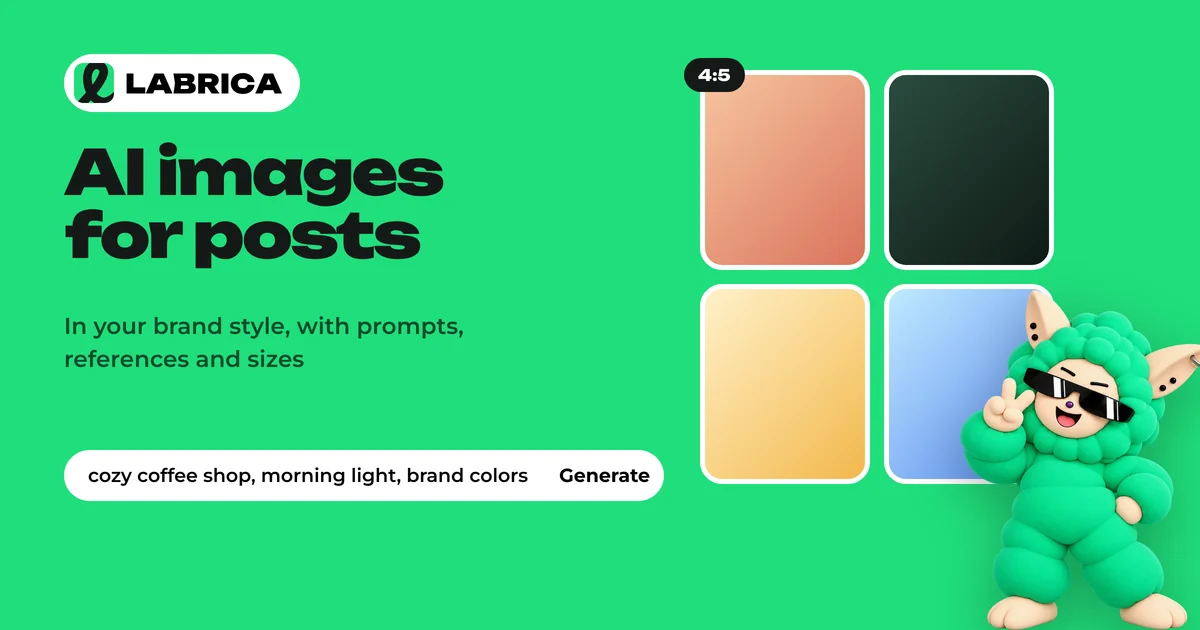
What to generate and what to shoot
| Task | AI generator | Your own photo |
|---|---|---|
| Illustration for an educational post, a visual metaphor | Good | Slow and expensive |
| Background, texture, abstract shapes behind text | Good | Not needed |
| Carousel cover, infographic | Good, add text separately | Not needed |
| Seasonal or holiday visual | Good | Possible |
| Visualizing something that doesn't exist yet: an interior, a concept | Good, with a label | Impossible |
| Close-up of your real product | Risky: details get distorted | Better |
| Your staff, your space, your process | Poor: it won't be yours | Better |
| Before and after, client results | Not acceptable: it's misleading | Real photos only |
The rule is simple. Anything a follower reads as evidence ("this is our cake," "this is our stylist," "this is the result") must be real. AI handles illustrations, mood and graphics.
How to choose an AI image generator
The specific tool matters more than it seems, because each one has its own terms, availability and strengths. Criteria for a business:
- Reference images. Can you upload your own pictures as a style sample? Without this, a consistent feed is hard to build.
- Text rendering. Some models still misspell words or invent letters, especially in longer phrases and in languages other than English.
- Terms of use. Is commercial use allowed on your plan, and who owns the rights to the output? Read the tool's terms before you use images in ads.
- Formats. Can the generator output the aspect ratios you need right away: 4:5, 1:1, 9:16, 16:9?
- Cost per series. For a 9-slide carousel you will generate 20 to 30 variations. Budget for the series, not a single image.
There is also a separate class of tools where image generation is built into the post workflow: the AI sees the post text and your feed style, so you don't have to describe what your brand looks like every time.
Image prompt formula for a social media post
A good prompt reads like a brief for a photographer or illustrator. It has seven parts:
- Medium. Photo, flat illustration, 3D, collage, infographic.
- Scene. A specific object or action from the post. Instead of "coziness," write "a cappuccino cup on a wooden windowsill, rain outside."
- Lighting. Soft daylight from a window, warm evening light, diffused studio light.
- Camera and framing. Top-down close-up, eye-level medium shot, wide angle.
- Composition. Where the main object sits and where the empty space for a headline goes: "object in the lower third, top half of the frame is a plain background."
- Palette. Brand colors in words or HEX codes: "warm beige and brown, terracotta accent."
- Exclusions. No text or letters, no logos, no people in the frame, no oversaturated colors.
Weak vs. strong prompt
| Weak | Strong |
|---|---|
| Image for a post about a coffee shop's fall menu | Photo, top-down close-up: a pumpkin latte in a ceramic cup on a light wooden table, cinnamon sticks and a couple of dry leaves beside it. Soft daylight from a window on the left. Object in the lower third of the frame, upper part is a light background for a headline. Warm palette: beige, cream, terracotta. No text, no logos, no people. 4:5 aspect ratio |
| Image about legal services | Flat illustration in a calm palette (navy, light gray, mustard accent): a folder of documents and house keys on a desk, top-down view, simple shapes without fine detail. Empty space on the left for a headline. No text or letters. 1:1 aspect ratio |
Three more examples for different businesses
Hair salon, post about winter hair care:
Photo, medium shot: a woman's hand holding a strand of hair against a knitted scarf, cool winter light from a window, soft blurred background. Palette: powder pink, light gray, white. Empty space on the right for text. No face in the frame, no text, no logos. 4:5 aspect ratio.
Auto repair shop, post about getting a car ready for winter:
Photo, wide shot: a clean, bright service bay, an unbranded sedan on a lift, a rack of winter tires next to it. Even, cool light. Top third of the frame is a light wall for a headline. No people, no logos, no license plates. 16:9 aspect ratio.
Real estate agency, post about choosing which floor to live on:
Isometric 3D illustration in soft pastel colors: a cross-section of an apartment building with simple apartments and windows on each floor, trees outside the ground-floor windows, open sky outside the top floor. Clean light background, room for a headline at the top. No text or letters. 4:5 aspect ratio.
How to keep a consistent style across a series
One good image is luck. A feed in one style is a system.
Describe your brand's visual DNA once. Medium, lighting, palette, texture, composition, exclusions. Paste this description into every prompt as a fixed block and change only the scene.
Use references. Pick 3 to 5 typical images from your feed that you and your followers like. Generators that accept sample images hold a style noticeably better than ones working from a description alone.
In a carousel, make the first slide the template for the rest. Generate the cover, choose the best version and pass it as a reference for slides 2 to 9. This keeps the lighting, color and grid. The guide to carousel posts covers the slide structure.
Reject strictly. Extra fingers, plastic-looking skin, fake letters in the background, oversaturated color. Readers notice all of this, even if they can't say what bothers them.
In LABRICA this system runs on its own. When you connect your social accounts, the brand scan studies the images in your feed (the type of images, palette, lighting, composition) and generates new images for posts in the same style, including carousels of 6 or 9 slides. See the LABRICA home page for how this fits into the overall workflow.
Brand style in posts: what to define in advance
A feed's style rests on repeated decisions. Write them down once:
| What to define | Example for a fictional bakery |
|---|---|
| Palette | Warm beige and brown, one accent color: green |
| Lighting | Soft daylight, no harsh shadows |
| Medium | Product close-ups, no people in the frame |
| Composition | Product in the center, empty space at the top for a headline |
| Exclusions | No stock smiles, no neon, no plastic-looking food |
| Headline font | One brand font, large, six words max |
Add these rules to every prompt or keep them in a tool that applies them for you. For ads, the same style matters twice as much: someone who clicked your ad should recognize you when they land in your feed.
In LABRICA, image generation draws on the brand's feed and website, takes your product photos and logo into account, and for carousels repeats the system of the first slide on all the others.
Text on images: why it's better to add it separately
Image models handle lettering better every year, but they still make mistakes, and you can't fix a single letter in a generated image. You have to regenerate the whole thing. A reliable workflow looks like this:
- In the prompt, forbid any text and leave an empty area for the headline.
- Add the headline in an editor or in a tool that sets it in a real font instead of generating it.
- Keep one font and one headline position across the whole series.
Image sizes and aspect ratios for social media
| Format | Where it's used |
|---|---|
| 4:5 (portrait) | Instagram* and Facebook* feeds, Telegram, carousels. It takes up more of the screen |
| 1:1 (square) | A universal option for any feed |
| 9:16 (full vertical) | Stories, Reels, TikTok, vertical video covers |
| 16:9 (landscape) | YouTube thumbnails, link previews, posts with wide scenes |
If your feed already has an established format, stick with it. Mixed aspect ratios look like a random collection.
Rights and AI labels
Check two things before you publish. First, make sure the image has no other companies' logos, recognizable characters or people who look like real individuals. These are the main legal risks. Second, consider labeling a photorealistic image as AI-generated if it could be mistaken for a real photo. Some platforms have their own rules for labeling AI content, so check the current policy of each network you post to.
If you need video as well as images, see the guide to Reels scripts and templates.
*Instagram, Facebook and Threads belong to Meta Platforms Inc., which is designated an extremist organization in the Russian Federation.
Frequently asked questions
Which AI image generator is best for social media posts?
Pick one that accepts reference images of your style, supports the aspect ratios you need and allows commercial use. For a consistent feed, tools that see both the post text and your account's style are more convenient.
How do I make AI images look consistent?
Describe your brand's visual DNA (medium, lighting, palette, composition, exclusions) and paste it into every prompt, and pass 3 to 5 typical images from your feed as references. In a carousel, use the first slide as the template for the rest.
Why does AI get the text in images wrong?
Image models draw letters as shapes and can't edit individual characters. It is more reliable to generate the image without text and add the headline in a real font afterward.
Can I use AI-generated images in ads?
Yes, if the tool's terms allow commercial use and the image contains no third-party logos, characters or recognizable people. An ad image also shouldn't mislead people about the product.
How does LABRICA generate images for posts?
LABRICA studies the images in your feed and generates new ones in the same style, for single posts and for carousels of 6 or 9 slides. Like all AI content in LABRICA, each image can be reviewed and edited before publishing.
Run your social media with LABRICA
Ideas, posts in your brand voice, images, a content calendar and auto-publishing to every network in one window. No card required to start.
- Brand scan of your site and accounts
- Posts and carousels in your brand voice
- Auto-posting to Instagram*, TikTok, X and more
- Analytics and UTM links

Keep reading
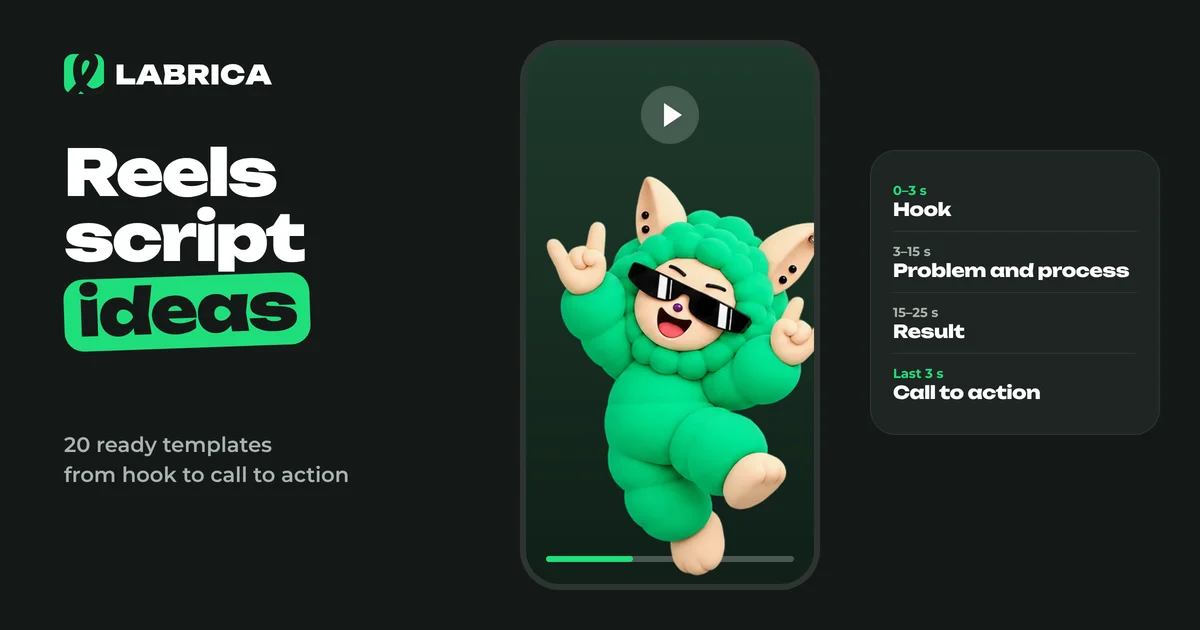 Content creation
Reels Script Ideas: How a Short Video Works and 20 Ready-Made Templates for Business
A Reels script rests on four parts. A hook in the first seconds tells people why to watch. Then comes the body with one idea or process, a turn or result, and a short call to action. For businesses, the strongest templates are "before and after", "process in a minute", "mistake and the right way", "answering a customer question" and "a day in the life". The easiest way to write a script is a table with the shot, what happens in it and the on-screen text.
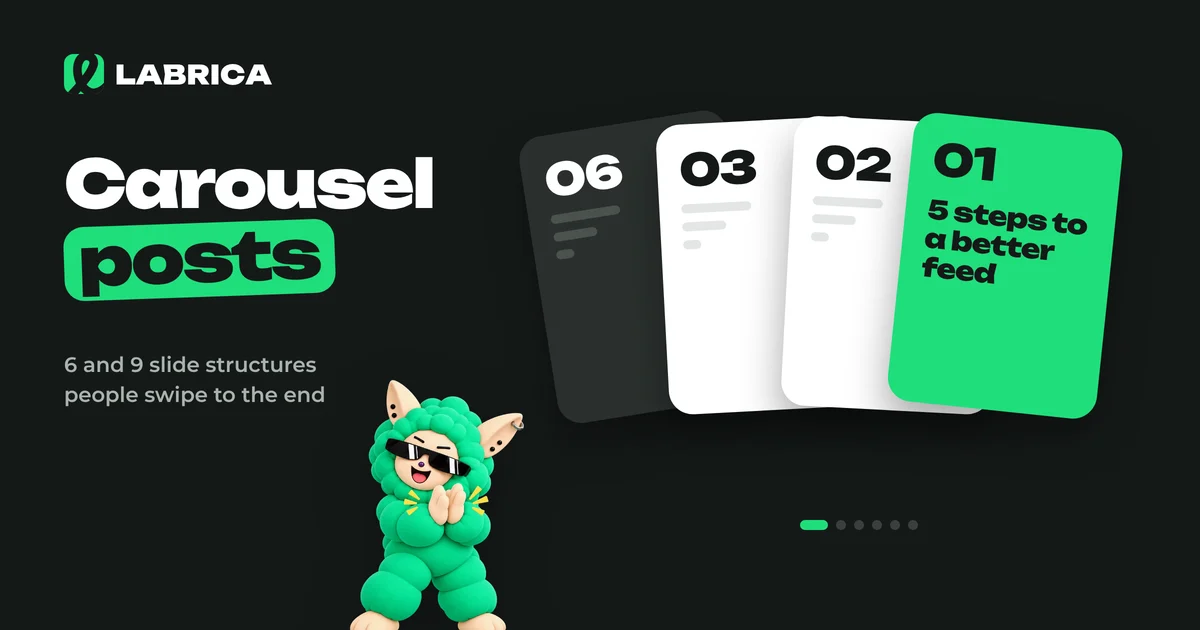 Content creation
How to Make Carousel Posts for Social Media: 6 and 9 Slide Structures, Examples and Design
To make a carousel post, pick one idea, split it into 6 or 9 slides following "cover, problem, steps, summary, call to action", write short text for each slide and design everything in one template. The first slide sells the swipe, the last slide sells the action, and the middle delivers what the cover promised.
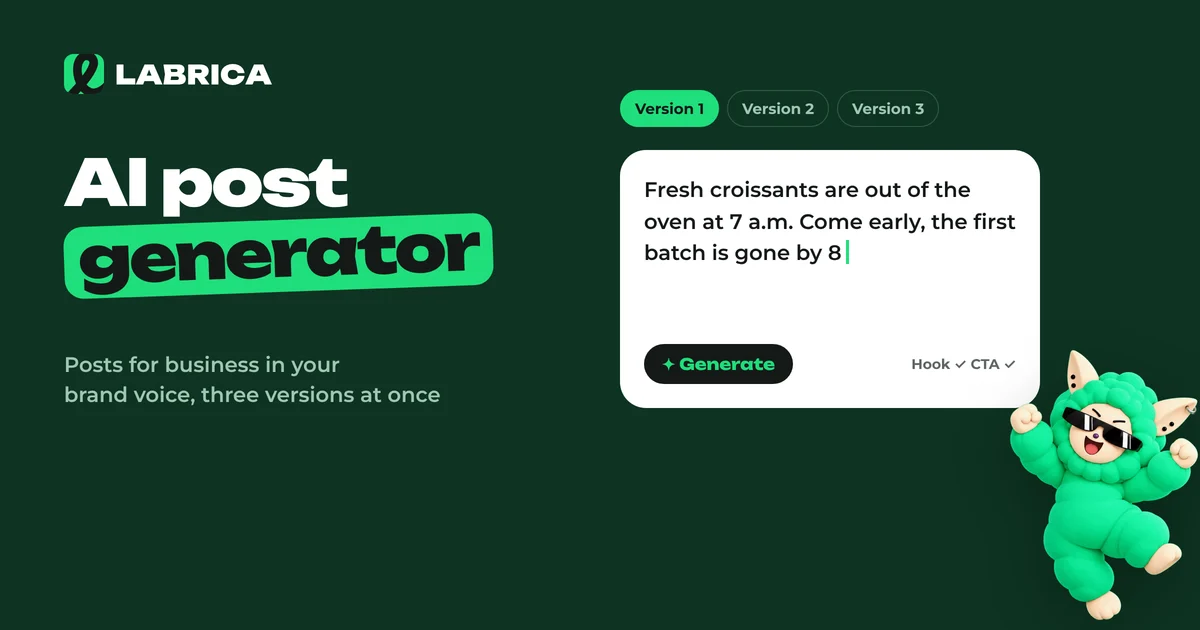 Content creation
AI Post Generator for Business: How to Get Social Media Posts That Don't Sound Like AI
An AI post generator produces natural-sounding posts for a business when the model gets three things: knowledge about the brand, specific facts for the post and an explicit list of clichés to avoid. Without them, AI writes average, easy-to-spot text. Give the model real details from the business, set the voice and structure, then edit the first line and the call to action by hand.