

Social Media Auto-Posting: What It Is, How to Set It Up and Which Mistakes to Avoid
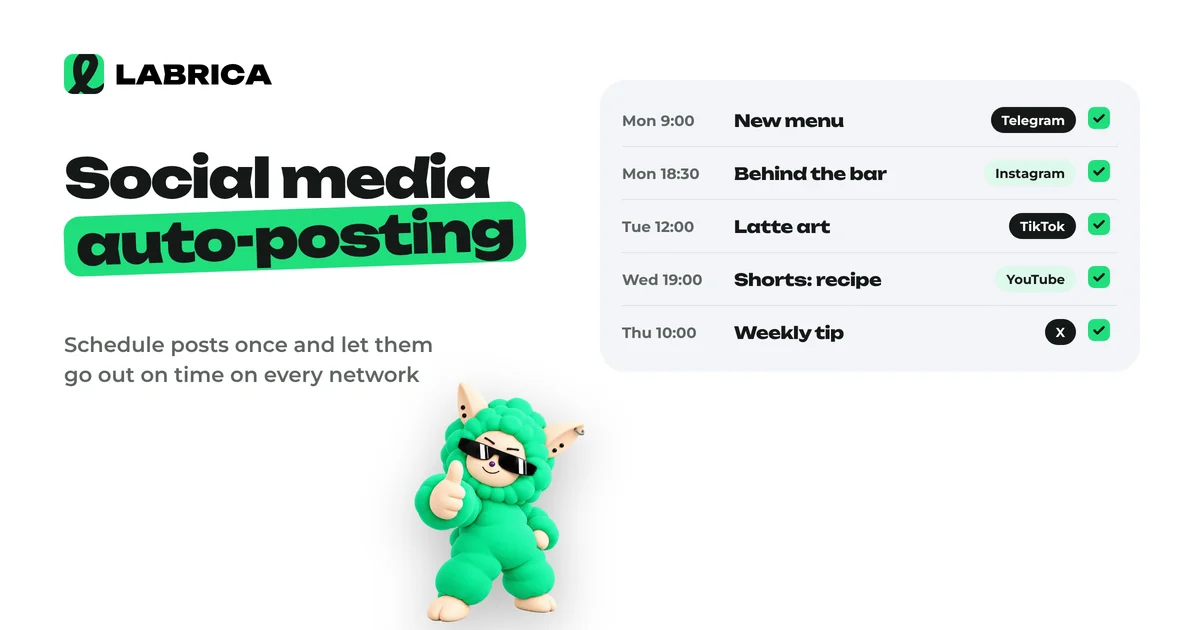
Social media auto-posting means publishing prepared posts on a schedule without posting to each network by hand. You connect your accounts to a tool, write the post, choose the networks, date and time, and it goes out on its own. The key is to adapt the text and format for each network instead of copying one post everywhere unchanged.

Social media auto-posting saves you less time on pressing "Publish" than it saves attention. When posts go out on their own, you stop living in "wait, we haven't posted anything today" mode and can finally think about what you say instead of a 7 p.m. deadline.
Auto-posting has a downside, though. Set up carelessly, it turns your feed into a stream of identical texts that look awkward on every other network. This guide covers how auto-posting works, how to set it up, what to keep in mind for different networks and where people most often go wrong.
What auto-posting is and how it differs from cross-posting
Three terms get mixed up, even though they mean different things.
- Scheduled posting. You prepare a post now and it's published on the date and time you pick.
- Cross-posting. One post is published to several social networks at once.
- Auto-posting. The umbrella term for publishing without anyone being involved at the moment the post goes live. It usually covers both scheduled posting and cross-posting.
In practice you almost always need both: plan a week of content ahead and send each post to two to four networks at the same time.
Who needs auto-posting
- Small businesses where the owner or an office manager runs social media between other tasks. A bakery, a hair salon, a car repair shop: anyone without a dedicated social media manager.
- Social media managers and agencies that run several accounts and can't sit with a phone in hand at the moment of every post.
- Teams where one person writes a post, another approves it and a third publishes it. Auto-posting removes that last link in the chain.
- Experts and personal brands who want to publish regularly but prefer to write in batches once a week.
If you post once a month to one network, auto-posting won't change much. If you post at least three times a week to two networks, you'll feel the difference in the first week. Comparing scheduling tools is a separate topic, so this guide focuses on the setup itself.
How to set up social media auto-posting step by step
- Choose your networks. Not all of them at once, only the ones where your audience actually is. For a local business, two or three are often enough.
- Connect your accounts to the tool. This is usually done by signing in through the network itself and granting publishing permissions. For a Telegram channel, you typically add the tool's bot as an admin.
- Check permissions. The account you connect with needs publishing rights in the page, group or channel, not just follower status.
- Build a content calendar. Auto-posting without a plan is just a mechanism with nothing to publish. Here's how to put one together quickly: building a content calendar with AI.
- Prepare posts adapted to each network. More on this below.
- Set the date and time. Go by your own audience's activity, not by generic "best time to post" lists. See how often to post on social media for how to find yours.
- Run a test post. Before you queue up a month, publish one post to every network and see how it looks in each: line breaks, images, links, previews.
- Turn on error notifications. If a post fails, for example because a login expired, you need to know right away and not after a week of silence.
- Check your feeds every few days. Auto-posting doesn't mean "set and forget." Comments, questions and messages still need a human reply.
In LABRICA, you connect your social accounts once, and then in the content calendar you choose the networks, date and time for each post. Supported networks are Telegram, Instagram*, Facebook*, Threads*, X, TikTok, YouTube, VK, OK and MAX, and one post can be sent to several of them at once.
Cross-posting: how to post to multiple networks without looking like a bot
The main risk of cross-posting is the same text everywhere. Followers who see you on two networks get a copy. Platform algorithms aren't always kind to content that was obviously made for somewhere else.
The working rule is one idea, different packaging. The core message, offer and visual idea stay the same, while length, first line, hashtags, call to action and format change.
How to adapt a post for each network
| Network | What usually works | What to adapt |
|---|---|---|
| Telegram | Text as the main format, a personal voice, formatting | A headline-style first line, short paragraphs, no walls of hashtags |
| Instagram* | Visuals first, carousels, vertical video | A short first line in the caption, the visual matters more than the text |
| Facebook* | Posts with an image or carousel, discussions | A prompt to comment, a link to your site or shop |
| Threads* | Short remarks, conversational tone | Cut down to one thought, a question at the end |
| YouTube, TikTok | Vertical video, a strong hook in the first seconds | Title, description, cover |
| X | Short thoughts, threads | Compress to one idea |
The table is a guide from practice, not a law. Your audience may behave differently, so compare results by network after a month and adjust.
Example: one post, three versions
The business is a real estate agency, and the topic is "What to check before buying a resale home."
Telegram:
Five documents we ask the seller for before any deposit.
A recent title report, not one from three months ago. Proof of ownership. The seller's disclosure statement. The last few utility bills, so there are no surprise debts after closing. HOA documents if the building has an association.
If the seller is slow with any of these, that's no reason to walk away, but it is a reason to ask questions. Save this, it will come in handy.
Instagram* (with a carousel):
Buying a resale home? Swipe through: five documents we don't recommend putting down a deposit without. Tell us in the comments which one you'd have forgotten to check.
Threads*:
The most common mistake when buying a resale home is putting down a deposit before you've seen the seller's disclosures. Anyone been there?
One piece of expertise, three packages. Each looks native to its network.
Platform limits to keep in mind
Technical rules on social networks change, so instead of exact numbers, here are stable principles that hold up over the years.
- Video formats. For short videos, the standard almost everywhere is vertical 9:16. Horizontal video in a short-video feed looks out of place.
- Text length. Each network has its own caption or post length limit, and they differ. A long Telegram post may not fit into a caption elsewhere. Scheduling tools usually warn you when you go over, but it's better to keep a short version ready.
- Number of images. Carousels support a different number of slides on different networks. If you make one carousel for all of them, go by the strictest limit among the networks you use.
- Links. On some networks, links in captions aren't clickable and people go through your profile instead. Factor that into your call to action.
- Posting frequency. Platforms don't like accounts that publish dozens of near-identical posts in a row. Auto-posting is about consistency, not volume at any cost.
- Authorization. Connected accounts need to be re-authorized from time to time. If a password changes or permissions are revoked, posts stop going out.
Before you start, check the current requirements in each network's help center. It's faster than figuring out later why a post didn't publish.
Common auto-posting mistakes
1. One text for every network. The most common mistake. The fix is the adaptation described above.
2. "Set it and forget it." Posts go out while customer questions sit unanswered underneath. Automate publishing, not conversation.
3. Outdated posts in the queue. You scheduled a promotion for Friday, but it ended on Wednesday. Or something serious happens in the news, and a jokey post looks tone-deaf next to it. Review the queue at least once a week.
4. Links without tracking. Without UTM tags, you won't know which posts and networks bring people to your site. See UTM parameters for social media for details.
5. No approval step. In a team, a post goes live before the manager has even seen it. You need an "approved" status that a post must have before it enters the queue. More on this in the guide to content approval workflows.
6. Every post at the same time. If everything goes out at exactly 12:00 every day, it looks mechanical. Vary the time a little.
7. Unchecked link previews. A link to your site without a proper preview image looks like spam. Check how your pages appear when pasted into social networks.
Checklist before you launch auto-posting
- Accounts are connected, publishing permissions are in place, and a test post went out to every network.
- The content calendar covers at least two weeks ahead.
- Every post has a version for each network it's going to.
- Videos for short-video feeds are vertical 9:16.
- Links have UTM tags.
- Dates of promotions and events in posts have been checked against reality.
- Someone is assigned to reply to comments and messages.
- Publishing error notifications are on.
- There's a weekly slot in the calendar to review the queue.
What else you can automate around publishing
Auto-posting on its own covers only the last step, when the post goes out. Before it come ideas, writing, visuals and approval, and after it come the stats.
In LABRICA these steps live in one place. The studio writes posts in your brand voice and creates images, carousels and short videos, the content calendar publishes on schedule, the team approves posts through statuses, and analytics pulls in views, reactions and engagement for each post. Short links with UTM tags let you see how many clicks each post brought. There's also Autopilot (beta), which publishes content by rules you set. Compare plans on the pricing page.
To connect all these stages into one process, see the guide to content marketing automation. And if you want to get more out of one big piece of content, read about content repurposing.
*Instagram, Facebook and Threads belong to Meta Platforms Inc., which is designated an extremist organization in the Russian Federation.
Frequently asked questions
Does auto-posting hurt reach?
The publishing method itself usually doesn't affect reach. What matters much more is the content and how well it fits the network. Reach drops when the same unadapted post is copied to every network.
How many networks should you connect to auto-posting?
As many as you can run well. For a small business, two or three networks where your customers actually are is often enough.
Can you auto-post to a Telegram channel?
Yes, most scheduling tools support Telegram. Usually you add the tool's bot as a channel admin with permission to post.
What's the difference between cross-posting and auto-posting?
Cross-posting means publishing one post to several networks. Auto-posting means publishing on a schedule without manual involvement. Most tools do both at the same time.
Which networks does LABRICA post to automatically?
LABRICA publishes to Telegram, Instagram*, Facebook*, Threads*, X, TikTok, YouTube, VK, OK and MAX. Publishing is unlimited on every plan, and one post can be scheduled to several networks at once. You can try it free.
Run your social media with LABRICA
Ideas, posts in your brand voice, images, a content calendar and auto-publishing to every network in one window. No card required to start.
- Brand scan of your site and accounts
- Posts and carousels in your brand voice
- Auto-posting to Instagram*, TikTok, X and more
- Analytics and UTM links

Keep reading
 Content planning
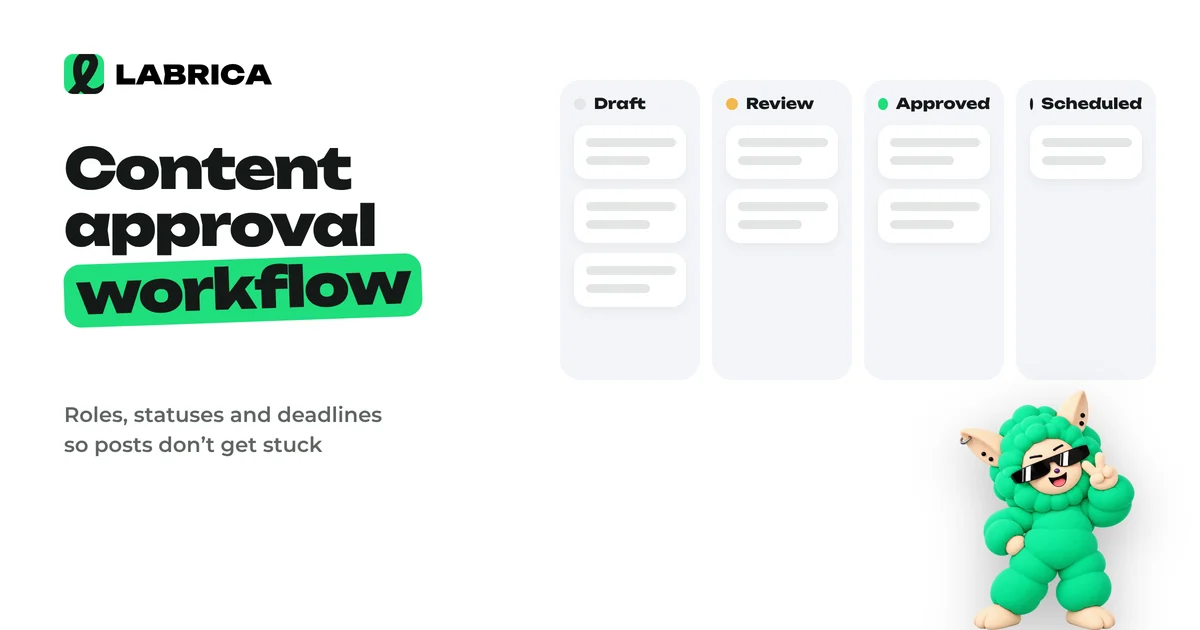
Content Approval Workflow for Social Media Teams: Process, Roles, Statuses and an Editor's Checklist
A content approval workflow works when every post has one author and one approver, clear statuses (draft, in review, approved, scheduled), a review deadline and rules for feedback. Then posts don't get stuck in message threads, and the manager reviews only what actually needs their decision.
 Content planning
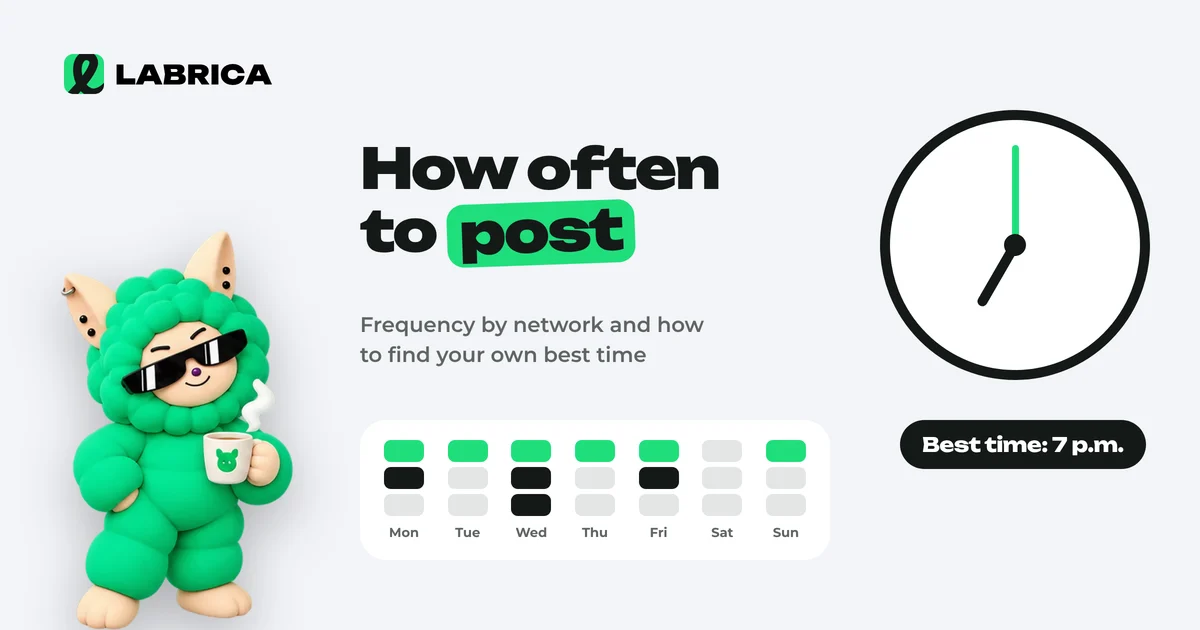
How Often to Post on Social Media and When: How to Find Your Own Posting Schedule
There is no universal best time to post on social media, because it depends on your audience. A practical starting point for a business is 3 to 5 posts a week on your main platform, and the timing should come from your own analytics. For 3 to 4 weeks, publish similar posts in different time slots, compare reach and engagement in the first hours and keep the slots that win.
 Content planning
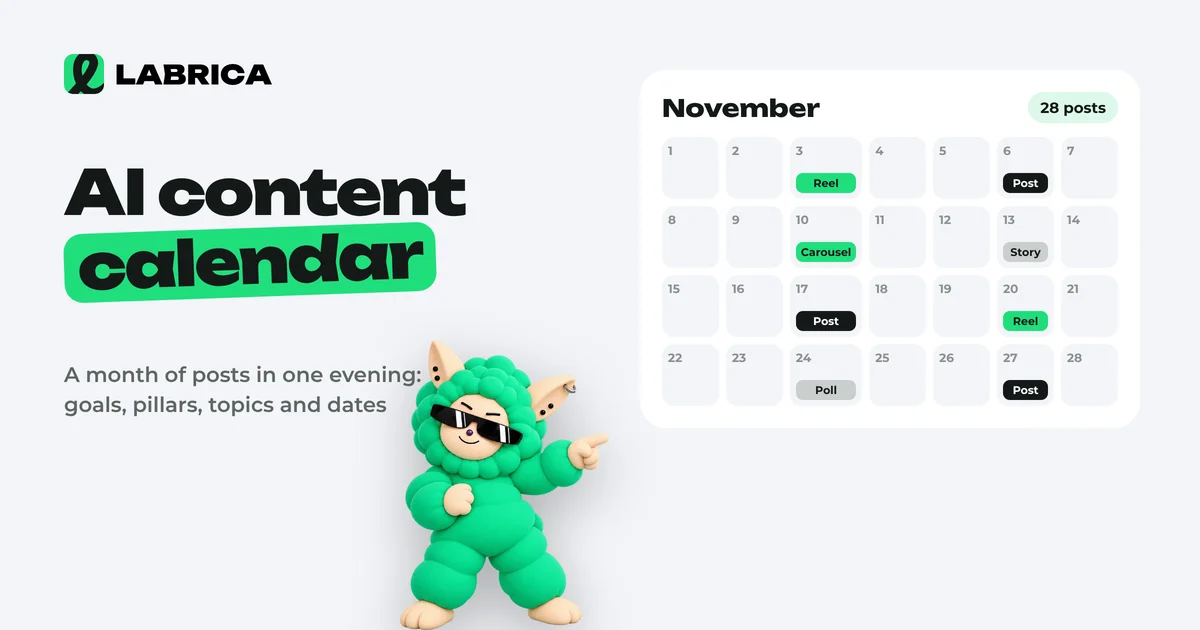
How to Build an AI Content Calendar: A Step-by-Step Guide with a Monthly Template
To build a content calendar with AI, first give it context about the business: audience, products, tone, goals and the month's events. Then ask for content pillars, then post topics for the month with formats and dates, and always edit the result by hand. The quality of the calendar depends on your brief more than on the AI model.