

Content Marketing Automation: What to Hand to Software and What to Keep for People
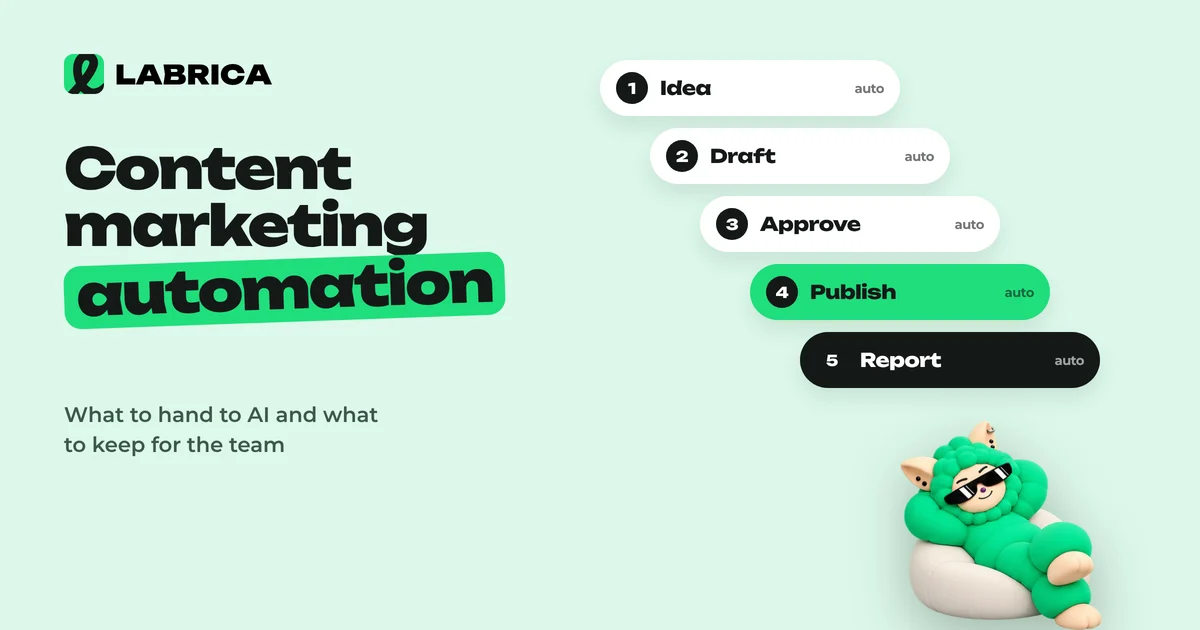
Content marketing automation works best in stages, starting with the most mechanical work. First scheduled publishing and link tagging, then analytics collection, then ideas and drafts based on a brand profile. Leave strategy, fact-checking and final approval to people, and turn on autopilot only with clear rules.

How do you automate content marketing without turning a company's social accounts into a stream of faceless posts? The answer is to automate layer by layer, from mechanics to creative work, rather than all at once. This guide covers a process map, the levels of content marketing automation, a step-by-step rollout plan, rules for autopilot and ways to keep quality up as software takes on more of the work.
What content marketing automation is
Content marketing automation means handing repetitive operations to tools: publishing, tagging links, collecting stats, preparing drafts, adapting copy for different platforms. The point is to have people spend their time on decisions instead of copying text between browser tabs. Removing people from the process is not the goal.
A good test: if a task can be described as a rule, "when X happens, do Y," it can be automated. If it needs judgment about the business, taste or risk, it stays with a person.
Process map: what can be automated
Break content marketing into operations and rate each one. Here's a typical map for a company that runs social media and a website.
| Operation | How mechanical | What to automate | Role of the person |
|---|---|---|---|
| Publishing on schedule | Fully | Auto-publishing at the right time | Check the calendar |
| Publishing one post to several networks | Fully | Cross-posting | Decide where adaptation is needed |
| Tagging links | Fully | Automatic UTM tags | Set naming rules |
| Collecting stats | Fully | Auto-updated metrics | Draw conclusions |
| Finding best posts | Almost fully | Ranking by engagement | Understand why they worked |
| Generating ideas | Partly | Ideas for the business and its pillars | Selection |
| Draft copy | Partly | Generation in the brand voice | Editing, facts |
| Images, carousels | Partly | Generation in the feed's style | Final choice |
| Approvals | A process, not a decision | Statuses, notifications | The yes or no decision |
| Strategy, positioning | No | None | Entirely human |
The top of the table is what you can automate today with no risk. The bottom is where automation helps but doesn't replace people.
Five levels of automation
It helps to think of automation as a ladder. Each step saves more time but needs a more mature process.
Level 0. Everything by hand
The post is written in a notes app, the image in an editor, publishing is done manually in each network, and stats come from screenshots. Many small companies work this way, and it's the main source of burnout.
Level 1. Mechanics
Scheduled publishing, cross-posting to several networks, automatic UTM tags and auto-updated analytics. There's no risk to quality here, and the time savings show up right away. Everyone should start at this level.
Level 2. Drafts
AI suggests ideas, writes draft copy, adapts it for each platform and generates images. A person chooses, edits and approves. For drafts to be useful, you need a brand profile: audience, products, tone, things that are off-limits.
Level 3. Pipeline
The post's whole journey happens in one tool: idea, generation, quality check, approval with statuses, calendar, publishing, analytics. People step in only at decision points.
Level 4. Rule-based autopilot
The system prepares and publishes part of the content by itself, following rules set in advance: topics, pillars, frequency, restrictions. A person sets the rules, reviews results from time to time and adjusts.
Tip: don't skip levels. Autopilot without a set-up brand profile and without experience working with drafts almost always gives weak results.
How to automate content marketing: a step-by-step plan
- Describe the current process. Write down one post's path from idea to publication and time each step. That shows you where hours get lost.
- Build a brand profile. Audience, products, tone, how formal to be, banned and required phrases, key dates. Without this, AI writes copy that could be "about any company." See the brand voice guide.
- Connect every platform to one tool. Instagram*, TikTok, YouTube, Telegram, X and the rest of the networks where you're present.
- Move publishing onto a schedule. Work a week ahead: this week's posts are already in the calendar. More in social media auto-posting.
- Turn on automatic link tagging. That way every post with a link starts producing click data. See UTM parameters for social media.
- Start generating ideas and drafts. Begin with one pillar, for example "tips," and compare prep time with the manual approach.
- Set up approvals. Roles, statuses, response deadlines. Automation without control quickly leads to publishing mistakes. See content approval workflow.
- Review results after a month. How many hours were saved, whether posts go out more consistently, which formats work better.
- Only then move to autopilot for individual pillars with clear rules.
Content automation examples for different businesses
Fitness club: reminders and schedules
A weekly post with the group class schedule and a useful tip every Wednesday can be prepared a month ahead. Generation produces the drafts, the front desk checks class times and trainer names, and everything goes into the calendar.
Prompt for a draft:
Write a Telegram post with this week's group class schedule. Tone: upbeat and casual, no exclamation marks. Start with one line about which class this week is the newest, then the schedule as a list, and end with how to sign up. Schedule: …
Real estate agency: a listings series
New listings come out several times a week. The post template is always the same: the property's main advantage, three facts, who it suits, a link to details. A draft from the template takes a minute to generate, the agent checks the property's figures, the link gets tagged automatically, and you can see which listings get more clicks.
Bakery: seasonal content
Seasonal occasions are known in advance: back to school, holidays, berry season. Ideas for the whole season can be generated in one go and then released on schedule. How to build such a plan is covered in AI content calendar.
Autopilot rules: how not to lose control
Autopilot is the most powerful and the riskiest level. Turn it on only for content that doesn't need fresh facts and can't hurt your reputation.
Good for autopilot:
- Useful tips on your topic.
- Engagement questions and polls.
- Recurring pillars with a clear template.
Not suitable for autopilot:
- Prices, promotions, deadlines and terms.
- Reactions to news and events.
- Replies to complaints and controversial topics.
- Anything involving law, health or customers' finances.
A sample set of rules:
Pillar: "Tip of the week." Frequency: one post on Wednesday at 12:00. Platforms: Telegram and Facebook. Topics: car care for the current season. Not allowed: mentioning prices, discounts or specific parts brands. Length: up to 800 characters. Tone: polite and formal. Required: an invitation to a free diagnostic at the end.
In LABRICA this mode is called Autopilot, and it's currently in beta: the platform publishes content according to your rules, while the brand profile sets the voice and the restrictions. For more on how far AI can go on its own, see AI agents for social media.
How to keep quality up with automation
Automation speeds everything up, including mistakes. A few safeguards worth building in from the start:
- The brand profile as a single source of truth. Tone, restrictions and product facts live in one place, not in writers' heads.
- A quality check before publishing. First line, structure, call to action, clichés. Built-in suggestions help catch weak spots before the post goes out.
- A person checks the facts. Any AI can get a price, a date or a service name wrong.
- Approval statuses. A post doesn't go into the calendar until it's marked "approved."
- Regular audits. Once a week, scroll through everything that went out, and once a month look at the numbers.
How to measure the effect of automation
You don't need complex models. Compare "before" and "after" on four measures:
| Measure | How to count it | What you want to see |
|---|---|---|
| Time for a week of content | Track the team's hours | Fewer hours for the same volume |
| Consistency | How many planned posts actually went out | No gaps or missed posts |
| Engagement | ER by platform | No lower than with manual work |
| Clicks | Clicks on tagged links | Growth or stability |
If time went down but engagement dropped, you automated too deeply or the brand profile is poorly filled in. Step back a level and refine. More on metrics in social media analytics.
Common content marketing automation mistakes
Automating chaos. If nobody currently knows who approves posts or where ideas are kept, a tool will only speed up the mess. Describe the process first, then move it into a tool.
Starting with generation instead of publishing. Many teams connect an AI first while still posting by hand to each network. Mechanics give fast, risk-free savings, while generation takes setup and habit.
One unadapted post sent everywhere. Cross-posting saves time, but a long post written for Facebook can look out of place on Threads, and plain text with no cover image loses in a visual feed. Decide in advance which pillars can be published identically and which need a quick adaptation.
No owner. An automated process still needs a responsible person. They make sure the calendar doesn't run empty, the autopilot rules stay current and mistakes get fixed the same day.
Forgetting to reply to people. You can automate publishing, but not live conversation. Comments, price questions and complaints need a human reply, and the faster it comes, the better for sales. See how to handle negative comments.
Content marketing automation checklist
- One post's process is described and timed.
- The brand profile is filled in: audience, products, tone, restrictions, required phrases.
- All platforms are connected to one tool.
- Posts are published on schedule, and the team works a week ahead.
- One post goes out to several networks at once.
- Links are tagged with UTM parameters automatically.
- Analytics updates on its own.
- Ideas and drafts are generated based on the brand profile.
- Roles and approval statuses are set up.
- Only safe pillars with written rules are chosen for autopilot.
- Results are reviewed once a month.
LABRICA covers this whole list in one place: a brand scan and company profile, generation of ideas, copy and visuals, a content calendar with auto-publishing to Telegram, Instagram, Facebook, Threads, X, TikTok, YouTube and other networks, approvals, analytics with UTM links, and Autopilot (beta). Plans are on the pricing page.
*Instagram, Facebook and Threads belong to Meta Platforms Inc., which is designated an extremist organization in the Russian Federation.
Frequently asked questions
Where should you start with content marketing automation?
With mechanics: scheduled publishing, cross-posting to several networks, automatic UTM tags and analytics. It's safe and saves time right away.
Can you fully automate social media management?
Technically you can automate most operations, but strategy, fact-checking and reacting to events are best left to people. Full autopilot with no oversight usually lowers quality.
Will posts all sound the same after automation?
They will if the AI knows nothing about the brand. With a filled-in profile, restrictions and required phrases, the copy sounds like your company, and editing adds the human details.
How does Autopilot work in LABRICA?
Autopilot publishes content according to rules you set, based on the brand profile. It's currently in beta.
How much time does automation save?
It depends on your starting process. Usually the most time is freed up on publishing to several networks and on preparing drafts, so time your week before and after.
Run your social media with LABRICA
Ideas, posts in your brand voice, images, a content calendar and auto-publishing to every network in one window. No card required to start.
- Brand scan of your site and accounts
- Posts and carousels in your brand voice
- Auto-posting to Instagram*, TikTok, X and more
- Analytics and UTM links

Keep reading
 AI for social media
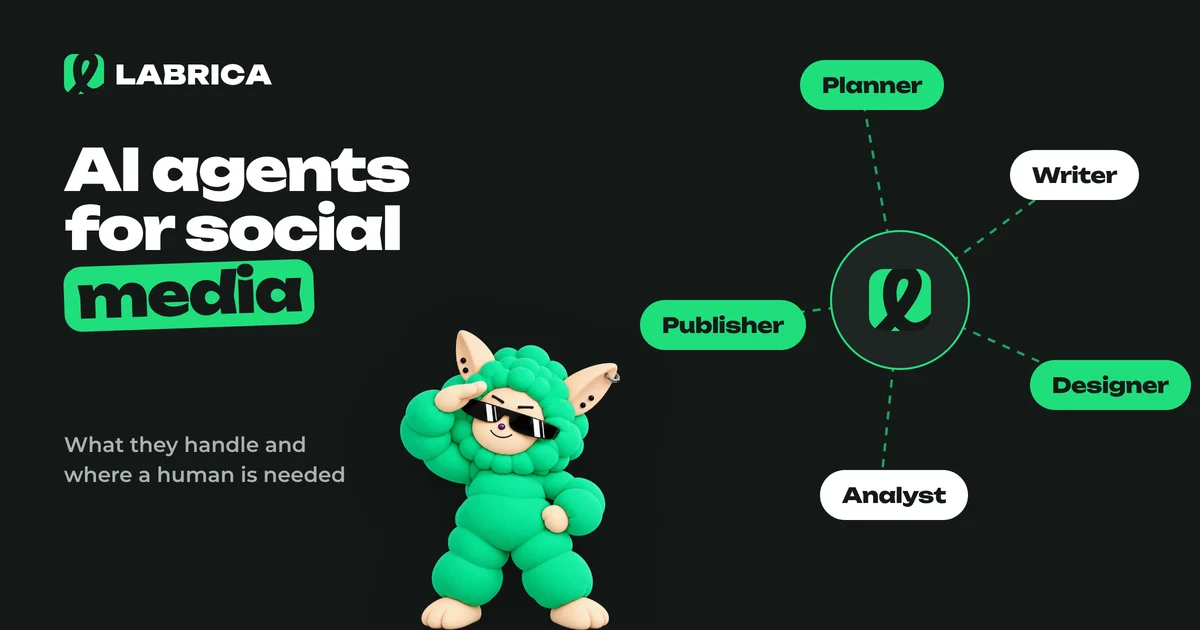
AI Agents for Social Media: What They Handle on Their Own, Where a Human Is Needed, and How to Build a Virtual Content Team
An AI agent for social media is a system that works through a chain of steps on its own, following rules you set: it analyzes your accounts, proposes a plan, writes drafts, prepares visuals, schedules posts and reports on results. It handles repetitive work well. Business facts, approvals, replies to customers and crisis situations should stay with a human.
 Analytics
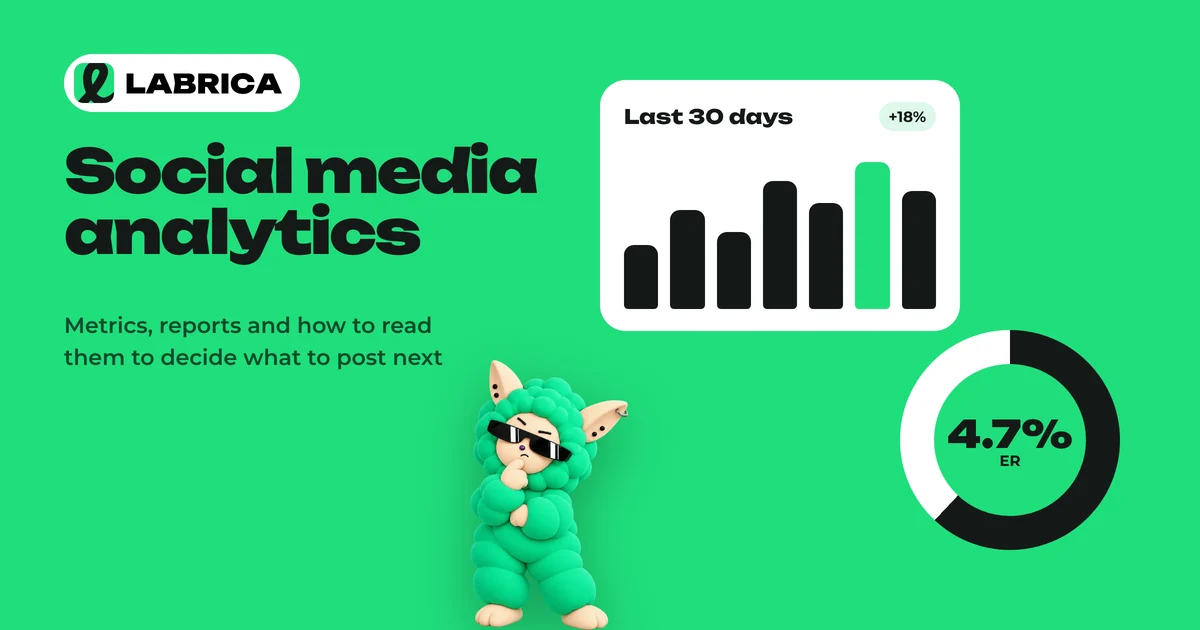
Social Media Analytics: Which Metrics to Track and What to Do With the Results
Social media analytics for a business comes down to five groups of metrics: reach, views, engagement rate (ER), clicks and follows. Each one answers its own question, from "does anyone see us" to "does social media bring in customers." Track them over time and by content pillar, and turn every conclusion into a specific change in the content calendar.
 Content planning
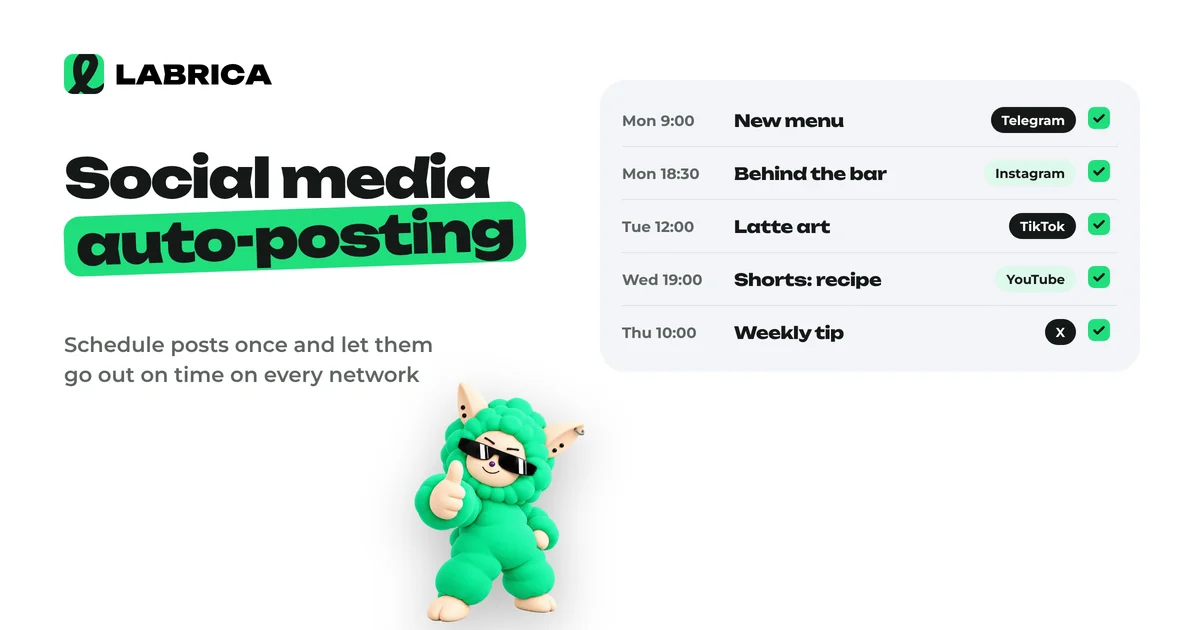
Social Media Auto-Posting: What It Is, How to Set It Up and Which Mistakes to Avoid
Social media auto-posting means publishing prepared posts on a schedule without posting to each network by hand. You connect your accounts to a tool, write the post, choose the networks, date and time, and it goes out on its own. The key is to adapt the text and format for each network instead of copying one post everywhere unchanged.