

How to Handle Negative Comments and Reviews on Social Media: Response Examples and Templates
Respond to negative comments on social media publicly, quickly and to the point: acknowledge the problem if there is one, say what you'll do, and move the details to private messages. First identify the type of negativity (a fair complaint, emotion, a customer's misunderstanding, trolling or a fake), because the right reply depends on it. Delete only insults, spam and violations of rules you've published.

A negative comment under a post isn't read only by the person who wrote it. Everyone who opens the post later sees it, and they look less at the complaint than at how you answered. A calm reply with a concrete fix often does more for your reputation than a dozen glowing reviews. A defensive or robotic one does the opposite.
This guide covers how to handle negative comments step by step: how to tell the types of negativity apart, a response process, and side-by-side bad and good replies to the same reviews.
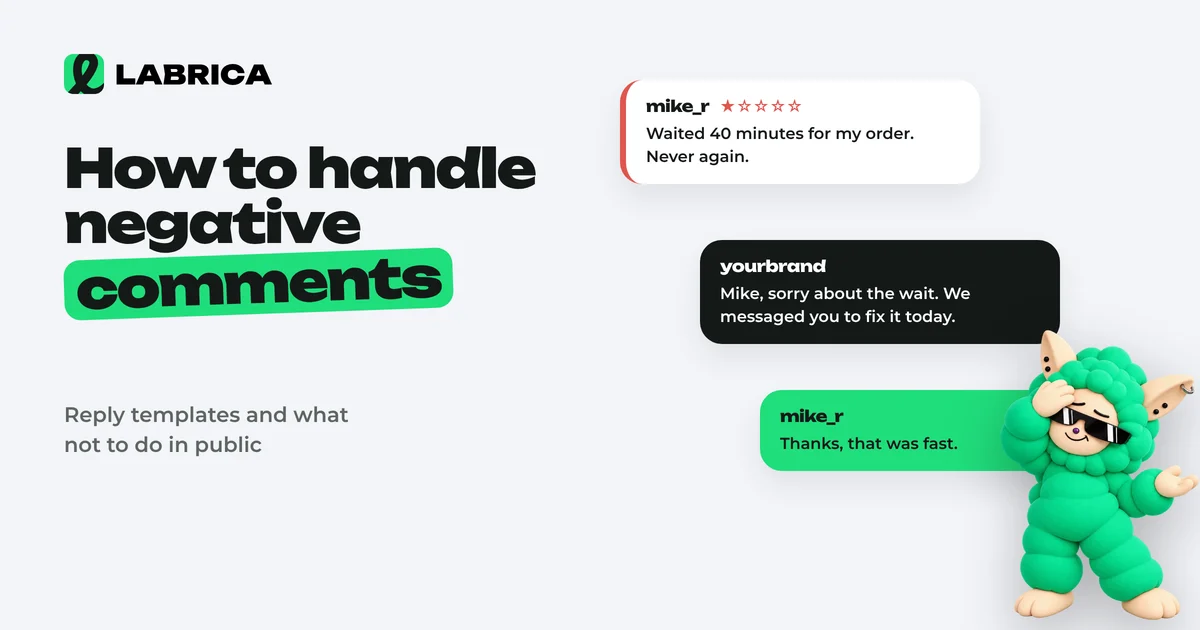
Five types of negativity and what to do with each
| Type | How to recognize it | What to do |
|---|---|---|
| Fair complaint | There are facts: a date, an order, what went wrong | Acknowledge, apologize, fix it, say how you fixed it |
| Emotion without facts | "Terrible service," "never again" | Ask what happened, offer to sort it out in DMs |
| Customer's mistake or misunderstanding | The person didn't know the terms, mixed something up, didn't read to the end | Explain calmly, without "it's your own fault" |
| Trolling | Provocation, sarcasm, off topic, repeated | One neutral reply or ignore; delete if it breaks the rules |
| Fake or a competitor attack | No trace of the customer in your records, template text, new accounts | Politely ask for order details, keep a record, report to the platform if needed |
Misread the type and you answer the wrong person. A troll who gets a long reply with apologies got exactly what they wanted. A customer with a fair complaint who gets a template "we're sorry" got far too little.
How to respond to a complaint: the process
- Don't reply in the heat of the moment. Read it and check the facts against the order or booking. But don't drag it out: long silence under a complaint looks like you're ignoring it.
- Address the person and acknowledge their situation. Skip "we apologize for any inconvenience" and describe what happened in your own words.
- If you're at fault, say so directly. No "unfortunately, things turned out this way."
- Say what you'll do. A specific action and a deadline.
- Move the details to DMs, but not the whole conversation. The public reply should keep the essentials so others can see the problem is being handled.
- Come back and close the story publicly if the person doesn't mind: "We replaced it. Thanks for letting us know."
Bad reply vs good reply: examples
The delivery was two hours late
Review: We ordered a birthday cake for 3 p.m. and it arrived at 5:10. The guests had already left. Thanks for ruining the party.
Bad: Hello! We apologize for any inconvenience caused. Your feedback is very important to us. We will be sure to take your review into account.
Empty words and not one action. The reader can tell a template handled the complaint.
Good: Ellen, this is our mistake. The courier took three orders at once and put yours last, even though the time was specified. Arriving two hours late to a party is not what you ordered. We'll refund the full delivery fee and half the price of the cake. Please send your order number to our messages. Starting this week, couriers take only one timed order per trip.
The customer didn't know the terms
Review: I canceled my appointment 3 hours ahead and they kept my deposit. What a scam!
Bad: When booking, you agreed to the terms. It's all written there.
Technically correct, but it sounds like "your own fault," and it loses more than this one customer.
Good: Andrew, I understand that's frustrating. We keep the deposit when an appointment is canceled less than 12 hours ahead, because at that point the stylist can't fill the slot. The rule is shown when you book, but it's clearly easy to miss, so we'll add it to the reminder we send a day before. If it works for you, we can move your deposit to a new appointment within a month. Just message us.
Emotion without facts
Comment: Worst service I've ever seen.
Bad: Strange, everyone else is happy with us. Check our reviews.
Good: We're sorry to read this. Could you tell us what happened: when you visited and what went wrong? You can message us, and we'll look into it.
Trolling
Comment: Your discounts again, who even believes this 🤡
Bad: A five-paragraph debate about pricing policy.
Good: The discount runs until Sunday, and the terms are in the post. If you have questions about a specific product, we're happy to answer.
Or no reply at all. If comments like this keep coming and your community rules prohibit provocation, delete them.
Looks like a fake
Review: Got food poisoning at your café, don't recommend it to anyone!!!
Good: This is serious, and we want to get to the bottom of it. Please message us the date and time of your visit and what you ordered. We'll check it against our sales records and talk to the kitchen.
If the person doesn't reply and isn't in your records, this exchange stays under the review, and readers will draw their own conclusions.
Should you delete negative comments?
Never delete fair criticism. People almost always notice, and screenshots spread further than the original comment. Delete insults, spam, personal data, ads and anything that breaks rules you published in advance.
Short community rules are worth pinning or adding to your profile description:
Insults, ads, spam and posting other people's personal data are not allowed in the comments. Such comments are removed. Criticism and questions are not: we answer those.
Then every deletion can be explained by pointing to the rules instead of looking like censorship.
How fast to respond
There's no strict standard, but the guideline is simple: a reply to a complaint should appear the same business day, ideally within a few hours. If the fix needs checking, post a short reply right away ("We see this and we're looking into it, we'll get back to you today by 6 p.m.") and keep that promise.
So nothing gets lost, split the responsibilities: who watches the comments, who handles refunds, who steps in if a situation gets out of hand. In a small team that's two or three people and one shared rule: "every complaint goes straight to the team chat." For businesses where replies need sign-off (healthcare, finance, real estate developers), the process from the guide to a content approval workflow is useful.
Responding to reviews with AI
AI saves time on wording but doesn't replace checking the facts. This combination works well: you provide the facts, AI writes the text, you proofread.
You're the customer service manager at [type of business]. Write a reply to a customer's public review. Review: "[text]". Facts: [what actually happened, what we're willing to do, by when]. Tone: calm, human, from the company in first person plural ("we"). Admit the mistake if there is one. Don't use the phrases "we apologize for any inconvenience," "your feedback is very important to us" or "we value every customer." Offer to continue in private messages. No more than 70 words.
What to check before posting:
- the reply doesn't contain promises you aren't ready to keep;
- AI didn't invent details such as times, names or reasons;
- the name you use matches how the person signed;
- the tone matches how your brand talks in other posts. If your brand voice isn't written down yet, see the guide to brand voice.
In LABRICA, LABI AI knows your brand from its brand profile: the tone, how you address customers, the phrases you never use. So you can ask it for a draft reply instead of explaining every time how you talk to customers. More ready-made requests for social media work are in the collection of ChatGPT prompts for social media.
How to turn negativity into content
A recurring complaint is a ready topic for a post. If three people in a month missed the deposit rule, write a post called "Why we take a deposit and how not to lose it." If people complain about slow delivery on Friday evenings, explain what happens on Fridays and how to order so it arrives on time.
A post like this does two things: it answers the question for people who haven't complained yet, and it shows you listen to customers. Just leave out names and any recognizable details about the people who complained.
What not to do when responding to negative comments
- Argue in public and try to prove the customer wrong.
- Reply with a template that's obviously pasted under every review.
- Delete criticism. People will see it anyway.
- Promise and not deliver. That's worse than not replying.
- Move everything to DMs without leaving a public reply.
- Reply at night while upset. It's better to wait until morning and answer calmly.
To spot negativity before it grows and find patterns in it, use the approach from the guide to social listening.
Frequently asked questions
How do you respond to negative customer reviews?
Address the person, acknowledge the situation, say what you'll do and by when, and offer to continue in private messages. If you're at fault, say so directly, without template apologies.
Should you delete negative comments?
Not criticism. Deletion is usually noticed and does more harm than the comment itself. Delete insults, spam and violations of community rules you published in advance.
How should you respond to trolls in the comments?
With one short, neutral reply on the facts, or no reply at all. Don't get into an argument, and delete comments that break the community rules.
Can you respond to reviews with AI?
Yes, if you give it the facts, the tone and a list of banned template phrases, and before posting you check that it didn't invent anything or promise too much.
How fast should you respond to a complaint on social media?
Aim for the same business day. If you need time to check, reply right away that you're looking into it and when you'll come back with an answer.
Run your social media with LABRICA
Ideas, posts in your brand voice, images, a content calendar and auto-publishing to every network in one window. No card required to start.
- Brand scan of your site and accounts
- Posts and carousels in your brand voice
- Auto-posting to Instagram*, TikTok, X and more
- Analytics and UTM links

Keep reading
 Strategy
Brand Voice: How to Define Your Company's Tone of Voice, a Guide Template and Examples
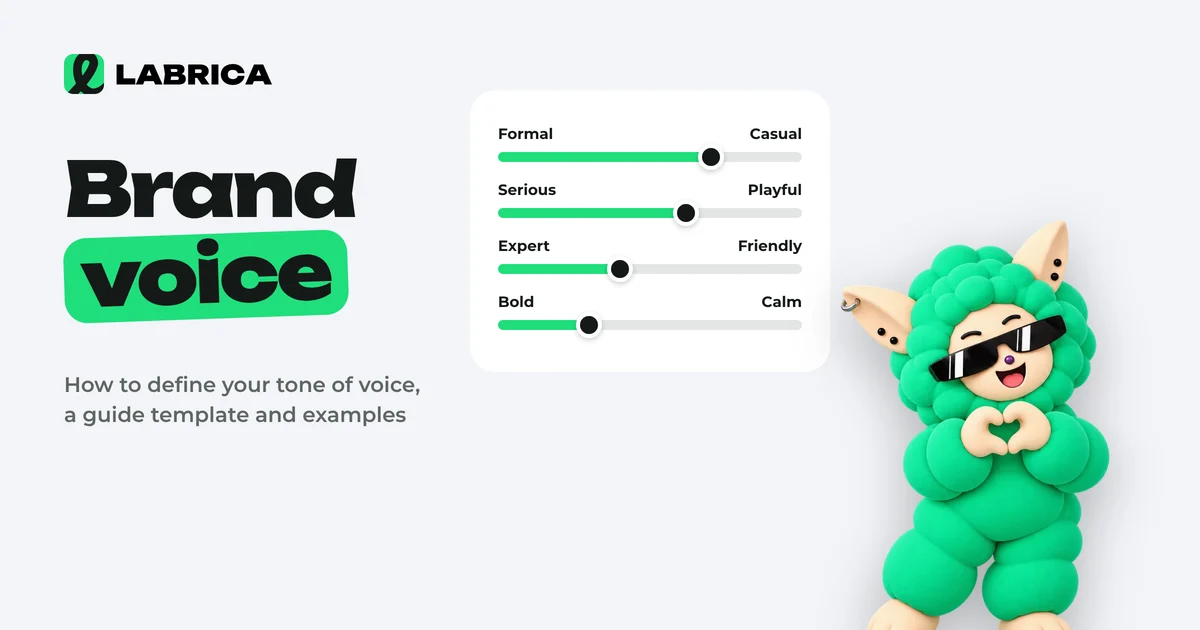
Brand voice is the consistent set of rules a company follows when it talks to its audience: how formal it sounds, how serious, which words it uses and with what emotion. To define it, describe your audience and values, pick a position on four tone scales, list the words you use and avoid, and put it all into a short guide with examples.
 Content planning
Content Approval Workflow for Social Media Teams: Process, Roles, Statuses and an Editor's Checklist
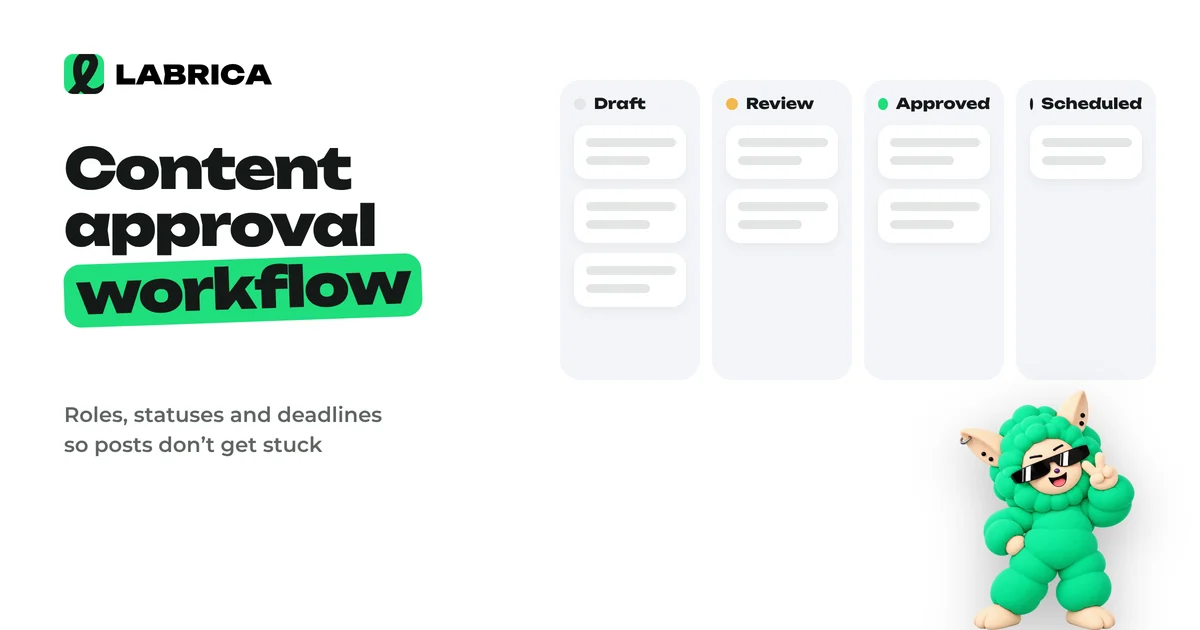
A content approval workflow works when every post has one author and one approver, clear statuses (draft, in review, approved, scheduled), a review deadline and rules for feedback. Then posts don't get stuck in message threads, and the manager reviews only what actually needs their decision.
 Analytics
Social Listening: What It Is, How It Differs from Social Media Monitoring and How to Use It in Marketing
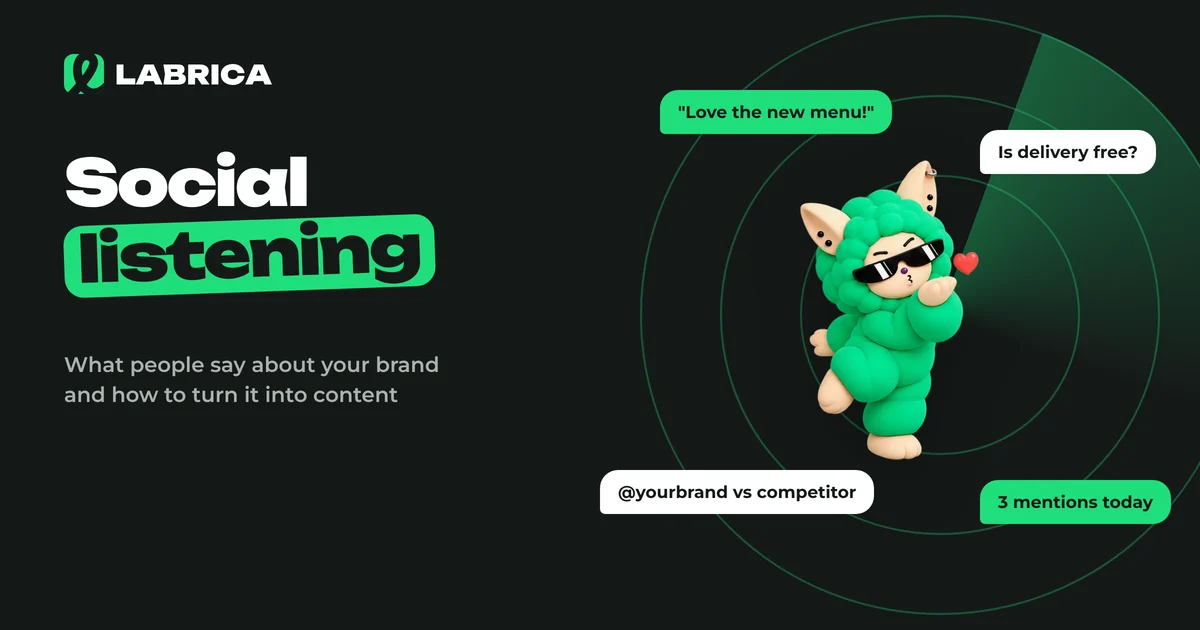
Social listening is the analysis of what people say about your brand, your competitors and your category on social media, forums and review sites. Social media monitoring answers where and how often you were mentioned. Social listening goes further and answers what follows from it. Its insights turn into content ideas, product fixes and answers to common objections.