

Social Media for Small Business: A 2 to 4 Hours a Week Plan with Post Examples
A small business can run social media in 2 to 4 hours a week if it works by a system. Choose one or two platforms, set up three content pillars, write a week of posts in one sitting and schedule them for auto-publishing. Once a month, check which posts brought customers and repeat what works.

How do you run social media for small business when there's no dedicated person and no spare time? The short answer: not a little every day, but once a week, following a ready-made routine. Below is a system that fits into 2 to 4 hours a week: which platforms to choose, which content pillars to set up, how to split your time, plus ready-to-use posts for a coffee shop, a beauty salon and a car repair shop.
Why social media "doesn't work" for many small businesses
It's rarely about talent or budget. Social media stalls for three reasons:
- Posting by mood. When there's time, a post goes up. When there isn't, the account goes quiet for three weeks. Followers forget about you and algorithms stop showing your posts.
- Every post starts from scratch. Staring at a blank page takes more time than the writing itself.
- No link to sales. Nice photos go up, but nobody says how to book, order or visit.
The system below fixes all three: consistency through batch work, ready content pillars instead of a blank page, and a call to action in every sales post.
Step 1. Choose one or two platforms
A small business doesn't need to be everywhere. One active account beats five abandoned ones.
| Platform | Who it suits | What to post |
|---|---|---|
| Instagram* | Cafés, salons, shops, anything visual | Photos, Reels, Stories, reviews, behind the scenes |
| Facebook* | Local businesses with an older or community-minded audience | News, events, offers, reviews |
| TikTok | Businesses that can show a process or a personality on video | Short videos, how-tos, behind the scenes |
| Telegram | Coffee shops, salons and services with regular customers | News, offers, tips, behind the scenes |
| YouTube | Services where people search for how-tos | Longer explainers and Shorts |
Start with the platform where your customers already are. Ask five regular customers where they follow businesses they like. That's more honest than any theory. If you want to cover two platforms, publish the same post to both with small adjustments.
Step 2. Set up three content pillars
Content pillars remove the "what do I post about" question. A small business needs three:
- Helpful. Tips, answers to common customer questions, small hacks in your field.
- Behind the scenes. People, process, new arrivals, how you work. This is what sets you apart from a chain competitor.
- Sales. Offers, new services, open slots, an invitation to come in.
A starting point for 3 posts a week: one post per pillar. For 4 or 5 posts, add a second helpful post and an engagement post: a poll, a question, a game. The guide to content pillars goes deeper.
Step 3. Split 2 to 4 hours a week
The main technique is batch work. You don't think about social media every day. You sit down once and prepare the whole week.
| Task | When | Time |
|---|---|---|
| Take photos and short videos | Throughout the week, in passing | 15 to 20 minutes total |
| Pick the week's topics by pillar | Monday | 15 minutes |
| Write 3 to 5 posts | Monday or Tuesday | 60 to 90 minutes |
| Pick or generate images | Right after the copy | 20 to 30 minutes |
| Schedule the posts | Right after that | 10 to 15 minutes |
| Reply to comments and messages | 2 to 3 times a week | 30 to 45 minutes total |
| Look at the numbers | Once a month | 30 minutes |
That adds up to about 2.5 to 3.5 hours a week. If you write with an AI that knows your business, the writing block shrinks a lot and everything fits into about 2 hours.
Tip. Capture content in passing. A new batch of coffee beans, a stylist at work, a car on the lift: 10 seconds per photo, and you have a month's worth of visuals.
Step 4. Build a monthly plan
Take your three pillars and a four-week calendar. Plan at least the topics in advance; the copy can be written week by week.
Example plan for a business posting three times a week:
| Week | Tuesday: helpful | Thursday: behind the scenes | Saturday: sales |
|---|---|---|---|
| 1 | A common customer question | Meet the team | Offer of the week |
| 2 | A mistake customers make | How the process works | New product or service |
| 3 | A seasonal tip | A customer review with a story | Open slots or booking |
| 4 | A poll or mini game | Getting ready for the season | Loyalty program reminder |
You can build this plan by hand in a spreadsheet, use the free social media content calendar template, or generate it in LABRICA: it suggests ideas for your business and places them in the calendar right away. The guide to building an AI content calendar shows how. For more topics by category, see social media post ideas.
Small business post examples: coffee shop, beauty salon, car repair shop
Below are ready posts for three types of business, one per pillar. Swap in your details and publish.
Neighborhood coffee shop
Helpful:
Why does your home pour-over taste bitter when ours doesn't?
Most of the time it's the grind and the water temperature. For pour-over, the grind should look like coarse sand, and the water should be just off the boil, not at a rolling boil.
Want us to grind beans for your setup for free? Bring a bag or pick one up here.
Behind the scenes:
This is Anna. She opens the shop every morning at 7:30. The first cappuccino of the day is for herself, to check how the beans are behaving. If she doesn't like it, she adjusts the grind, and only then unlocks the door.
Sales:
Pumpkin spice latte is back on the menu Monday. For the first three days, come in with a friend and the second drink is half off.
Beauty salon
Helpful:
Three mistakes that make hair color fade in two weeks.
1. Washing with hot water. 2. Using a clarifying shampoo "just in case." 3. Using a flat iron without heat protectant.
If you'd like, your stylist can pick a care routine for your color at your next visit.
Behind the scenes:
How we prepare for every client: the day before your visit, your stylist reviews your color history and prepares test strands. So in the chair you don't wait, you go straight to discussing the result.
Sales:
This week we have open color appointments on Wednesday and Thursday after 5 p.m. Book at the link below.
Car repair shop
Helpful:
How to tell it's time to replace your brake pads before you even get to the shop.
Squealing when you brake, vibration in the pedal, the car pulling to one side. If you notice even one of these, don't put it off. Come in for a free brake check.
Behind the scenes:
After every repair, our service advisor takes the car on a short test drive. Only then do we call you to say it's ready.
Sales:
Getting cars ready for winter: tire changes, battery and fluid checks. Book early, the line gets longer in November.
A prompt to generate posts like these faster
If you use an AI tool, give it context about the business, or you'll get generic text:
You write posts for a car repair shop in a residential neighborhood. The audience is owners of cars 5 to 15 years old who value honesty and deadlines. Polite, calm, confident tone, no jargon and no exclamation marks. Write a post for the "helpful" pillar on "what to check in your car before a long road trip." Under 800 characters, and end with an invitation to a free pre-trip check.
To avoid writing this context every time, keep it in a brand profile. LABRICA builds such a profile automatically from the company's website and social accounts, then writes every post based on it. More prompts are in the collection of ChatGPT prompts for social media.
Step 5. Schedule posts instead of posting by hand
Put finished posts into scheduled publishing right after writing them. That way your social media keeps running even when the week gets crazy.
If you have two or more platforms, use auto-posting: one post goes out to several networks at once. It saves time and prevents the "posted it on Instagram, forgot Facebook" situation. See the guide to social media auto-posting.
Step 6. Check the numbers once a month
You don't need complex analytics. Answer four questions:
- Which three posts this month got the most reactions and comments?
- Which posts drove clicks to the booking or order link?
- Did your follower count grow, and after which posts?
- Which pillar performs worst, and what will you change in it?
To see clicks, add UTM tags to your links. A good social media tool does this for you: it tags links automatically and shows clicks for each post. The guide to UTM parameters for social media explains how the tags work.
Common small business social media mistakes
Talking only about yourself. "We're open," "we have something new," "we're the best": posts like these interest the owner, not the customer. Check every post with one question: what does the reader get from this?
Hiding the essentials. Address, hours, phone and how to book belong in your social media bio and in every sales post. Someone ready to visit won't scroll the feed to find them.
Deleting negative reviews. A calm reply to criticism with an offer to fix the problem builds more trust than a perfect feed with no complaints. See how to handle negative comments.
Chasing reach instead of customers. A viral meme can collect lots of views and bring in zero visitors. For a local business, being remembered by people in the neighborhood matters more than being seen by the whole country.
Quitting after a month. Results from social media build up over time: people watch first, then save, then come in. A quiet first month isn't a reason to give up. It's a reason to look at which posts did get a response and make more of them.
Checklist: social media for small business in 2 to 4 hours a week
- One main platform chosen, two at most.
- Profile bio filled in: what you do, address, hours, how to book.
- Three content pillars: helpful, behind the scenes, sales.
- Topics planned a month ahead.
- Posts written in one batch once a week.
- Photos and videos captured in passing during the week.
- All posts scheduled in advance.
- Sales posts have a clear call to action and a link.
- Comments and messages checked 2 to 3 times a week.
- A monthly review: best posts, clicks, what to change.
If terms like reach, targeting and engagement rate still get mixed up, start with what social media marketing is.
*Instagram, Facebook and Threads belong to Meta Platforms Inc., which is designated an extremist organization in the Russian Federation.
Frequently asked questions
How many posts a week does a small business need?
A good starting point is 3 to 5 posts a week on your main platform. Three posts every week, consistently, beats seven one week and zero the next.
Can a small business run social media without a social media manager?
Yes, if it works by a system: content pillars, batch preparation once a week and scheduled publishing. An owner or an administrator can manage it in 2 to 4 hours a week.
What if I run out of post ideas?
Write down customer questions: every question is a ready helpful post. Seasonal occasions, new products and stories about the team help too.
How does LABRICA help small businesses with social media?
LABRICA suggests post ideas for your business, writes copy in your brand voice, creates images, places posts in the calendar and publishes them automatically. Plans are listed on the pricing page, and you can try it free.
Should I reply to every comment?
Ideally yes, especially questions about price, booking and timing. Those are sales that came to you on their own.
Run your social media with LABRICA
Ideas, posts in your brand voice, images, a content calendar and auto-publishing to every network in one window. No card required to start.
- Brand scan of your site and accounts
- Posts and carousels in your brand voice
- Auto-posting to Instagram*, TikTok, X and more
- Analytics and UTM links

Keep reading
 Strategy
What Is Social Media Marketing (SMM)? What a Social Media Manager Does and How to Get Started
Social media marketing (SMM) is promoting a business through social networks and messaging apps. A social media manager owns the whole cycle, from strategy and the content calendar to posts, community replies, ads and reporting. The main goal of SMM is leads, sales and brand awareness, and follower count matters far less.
 Strategy
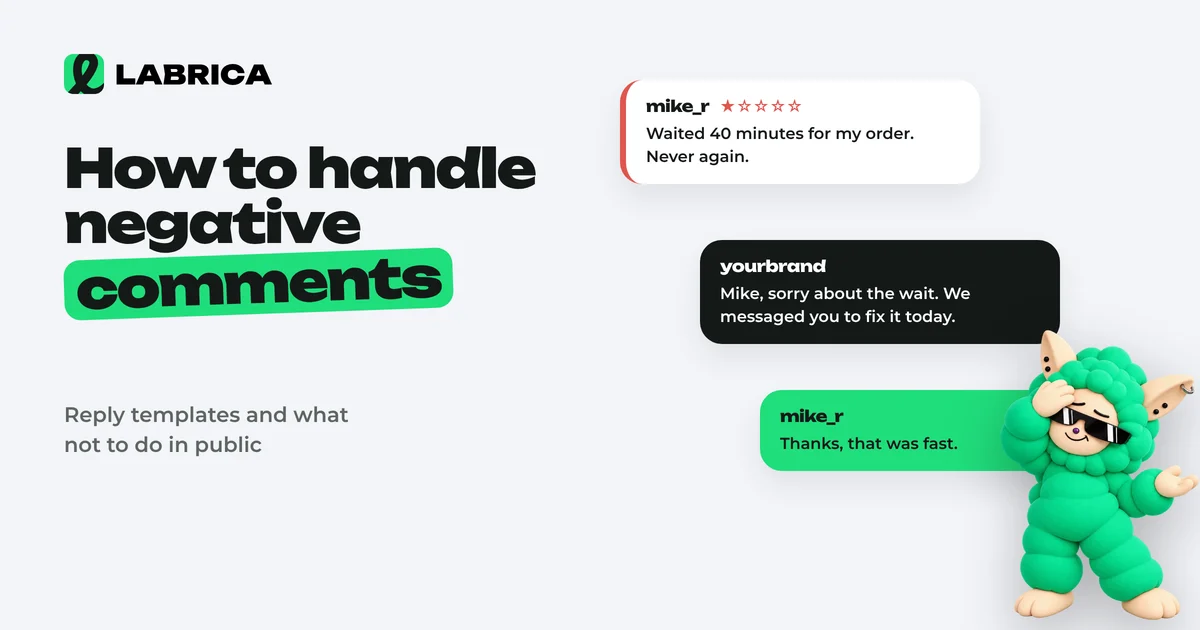
How to Handle Negative Comments and Reviews on Social Media: Response Examples and Templates
Respond to negative comments on social media publicly, quickly and to the point: acknowledge the problem if there is one, say what you'll do, and move the details to private messages. First identify the type of negativity (a fair complaint, emotion, a customer's misunderstanding, trolling or a fake), because the right reply depends on it. Delete only insults, spam and violations of rules you've published.
 Content creation
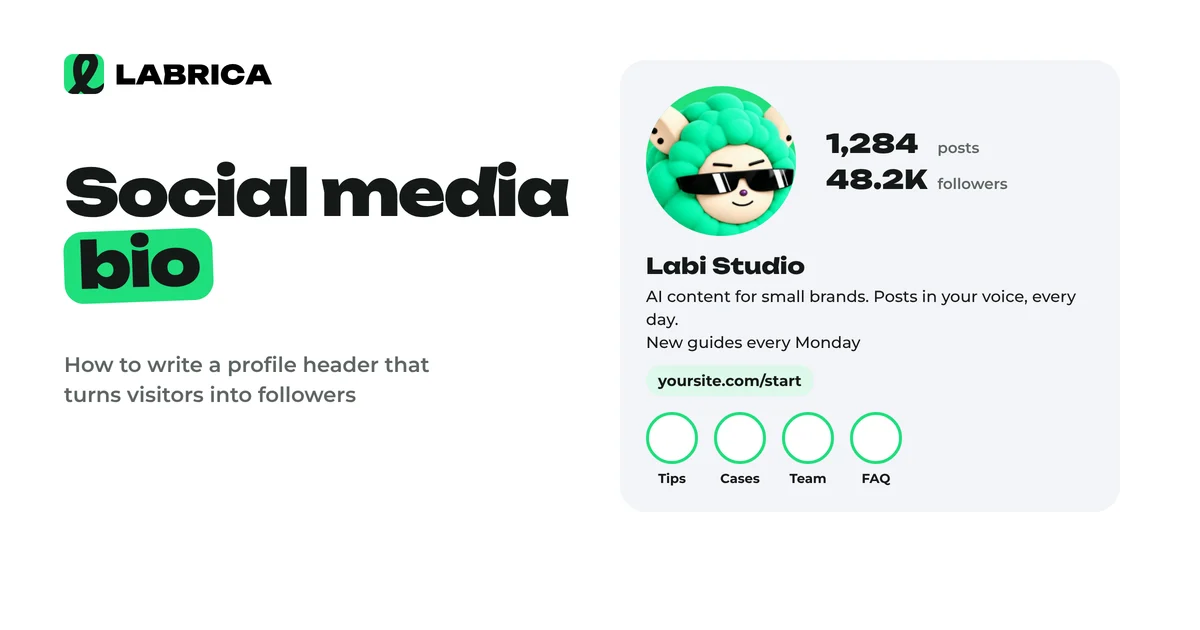
How to Write a Social Media Bio: Formula, Profile Setup Tips and 30 Bio Examples for Business
A social media bio has a few seconds to answer three questions for a new visitor. Who you are, how you help them specifically and what to do next. A reliable bio formula is what you do and for whom, then a differentiator or proof, then a call to action with a link or contact. Add a keyword people search for to your profile name.